
Painted Photos
Hello all my artsy friends! I’m dropping in with a quick tip on making artsy pages with what appear to be more traditional digital scrapbooking templates. I don’t know about you, but I love it when I find ways to extend my digi-stash and use one template to create a number of different designs.
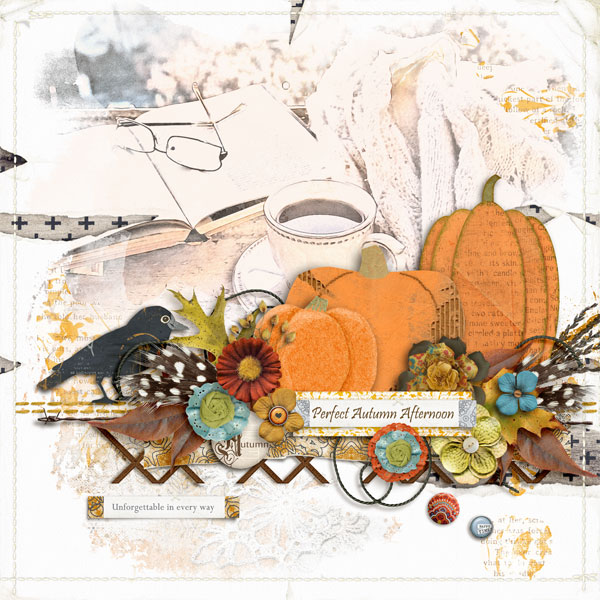
For example, take a look at this page that I created (mainly with kits and templates available in today’s SOSN sale):
Do you recognize is as coming from this fabulous template by Fiddle-Dee-Dee Designs (from Pumpkin Party {Dressed Up})?
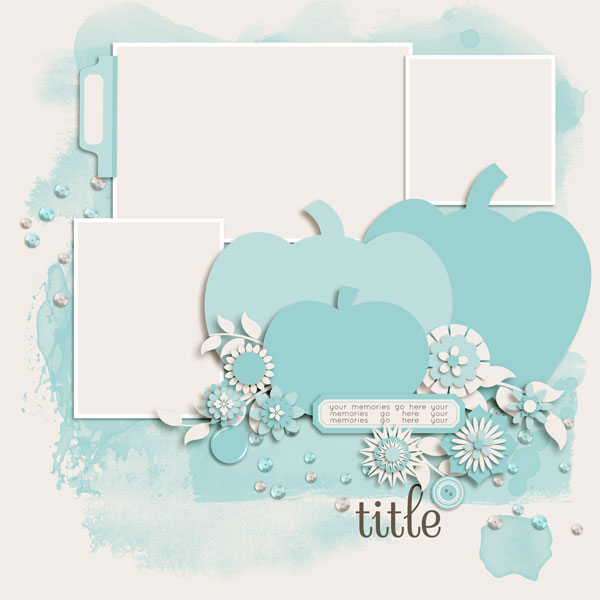
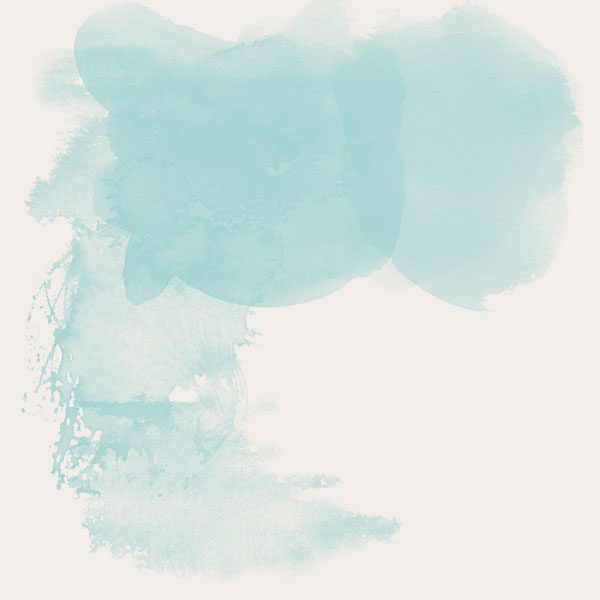
The only parts that I removed from the template are the photo spots and the scatters. What you cannot see from the photo above is the gorgeous paint element beneath all of the elements. Paint elements in templates are fabulous because they can used as a placeholder for paints from a digital kit, re-colored to match the color scheme for the page, or filled with digital papers. One of my favorite ways to use these types of elements is as clipping masks for photos. Here is a look at the paint element with everything else removed from the page:
I clipped my photo and some other elements to this mask and then added dimension to the page with the pumpkins and other elements. This is what the paint element looks like with my photo and some brush elements clipped to it (I also clipped some patterned paper to the second paint element on top of the photo):
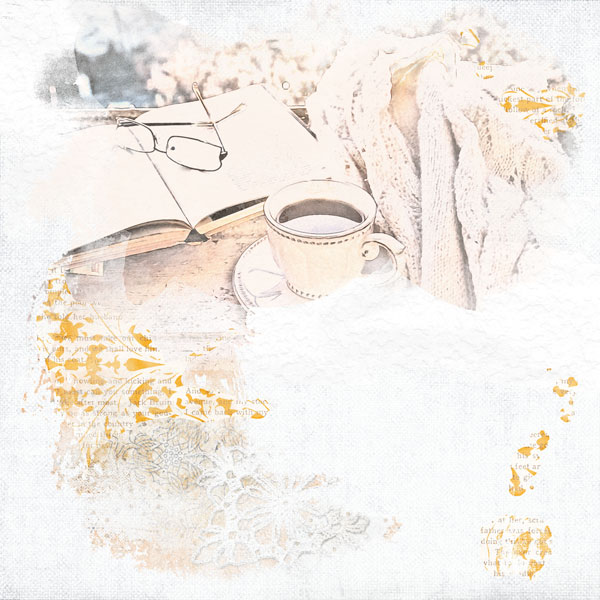
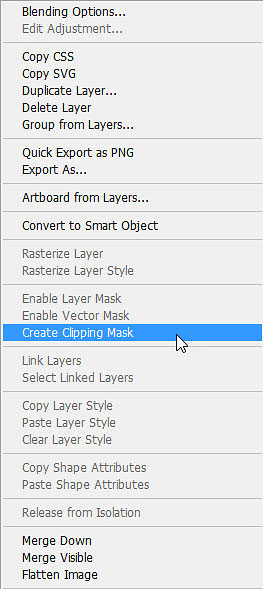
Clipping photos (or anything) to a paint element is super easy too! All you need to do is bring the photo onto the page on the layer directly above the paint element in the layers palette. Then either right click on the photo layer and choose Create Clipping Mask from the pop-up menu (or use the shortcut Ctrl>Alt>G). Now the photo layer (or element, or paper) will clip itself to the paint layer and assume the properties of that layer.
And that is all there is to it! Remember – you can also use any of the paint elements you find in templates on any page you create (just make sure that you include the template designer and the template it came from in your credits).
I hope you have fun with this technique and that it helps you find ways to invigorate templates you might have already used and/or build your own reusable stash of artsy clipping masks. As always, please be sure to share your creations with us in the Lilypad Gallery!
Until next time ~
Judie (HeyJude)






