
Free Yourself from the IG Square!
You’ve just snapped this incredible photo on your phone and now of course you want to share it with everyone on Instagram. 
You open it in IG and awww nuts, this happens….
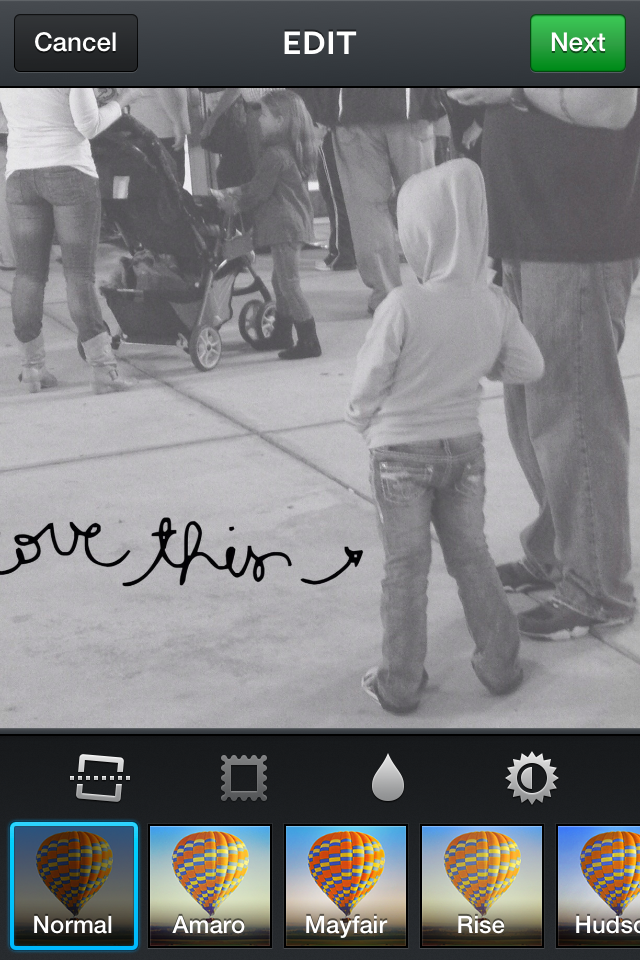
That silly square has cut off bits of your photo 🙁 No worries…there are easy (& even free) apps out there to help you show off your entire photo.
For iPhone users, the simplest and most user friendly app available has to be Whitagram. It’s free in the iTunes store and with just a few taps you can now view your photo the way it was meant to be. 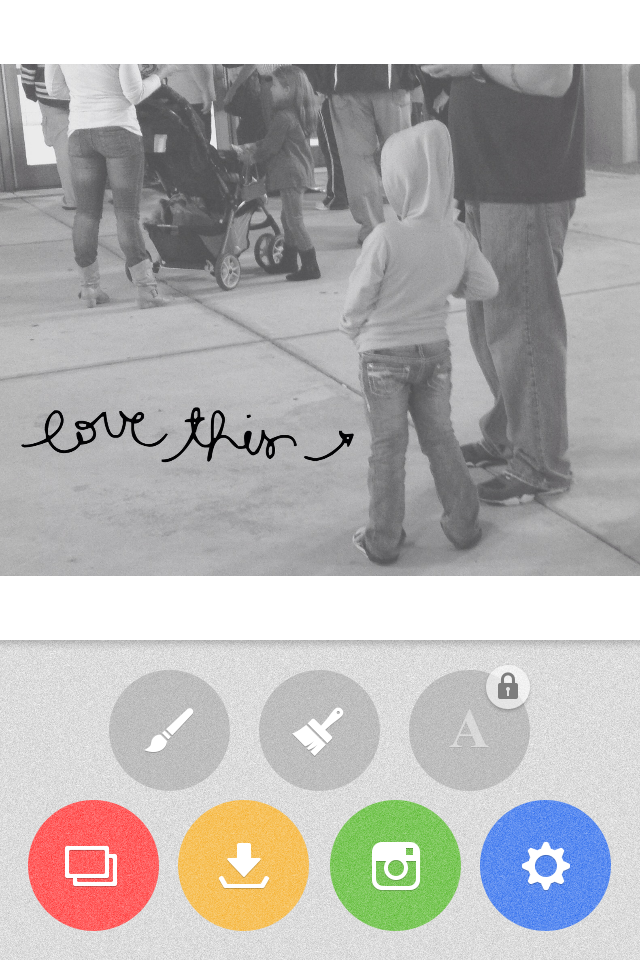
My personal go to app for both cropping and editing my photos is called PicTapGo!. From the makers of Rad Lab, it’s priced at $1.99 in the iTunes store. PicTapGo! Give you a couple different options when you are ready to open your image in Instagram: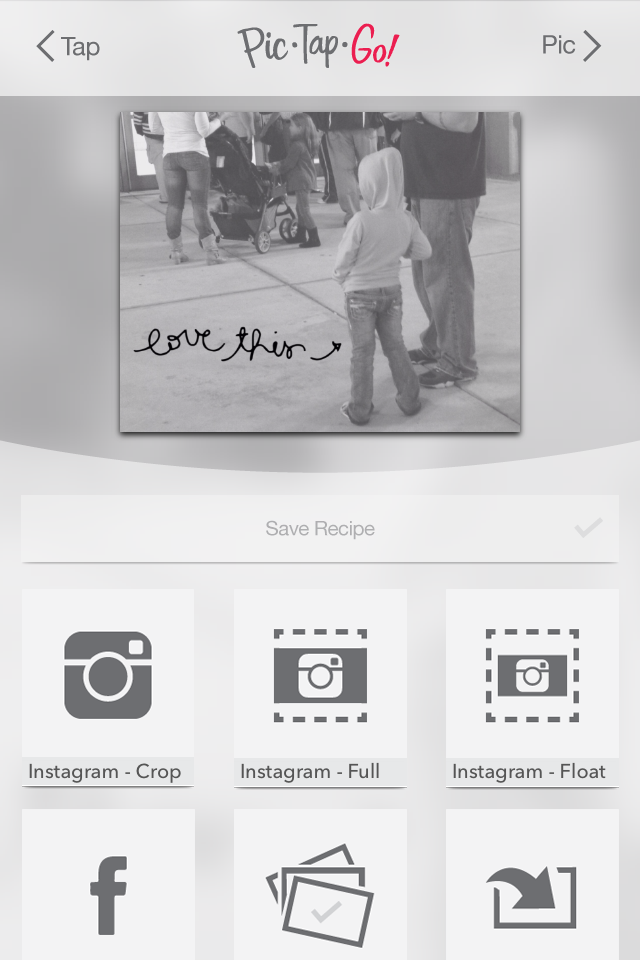
Instagram – Crop will give you the standard full square IG size: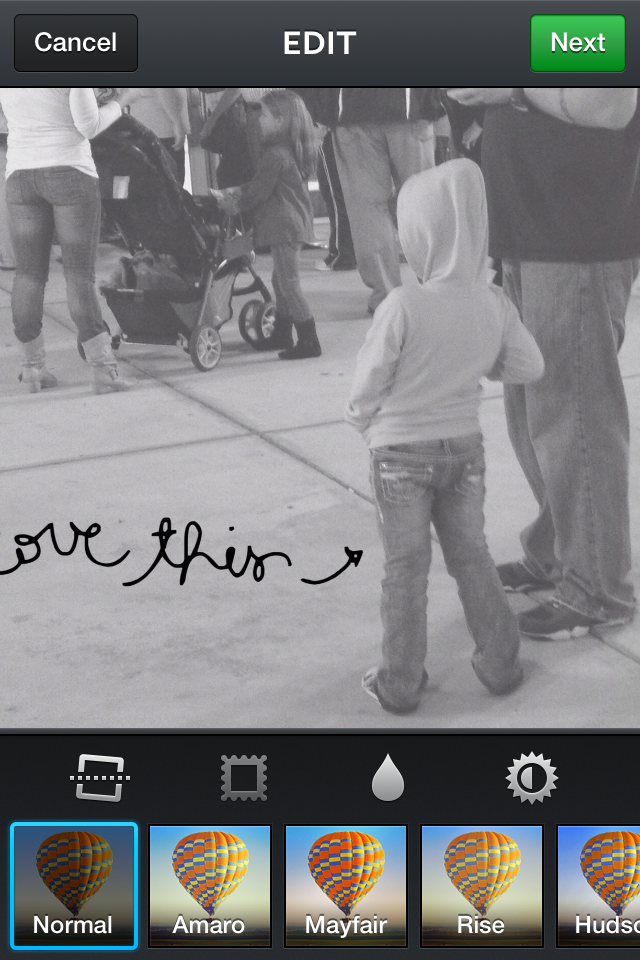
Like Whitagram, Instagram – Full will give you just a white border at the top and bottom (for a horizontal photo) or sides (for a vertical photo):
The newest option from PicTapGo! is Instagram – Float. This will surround your entire photo in a white border: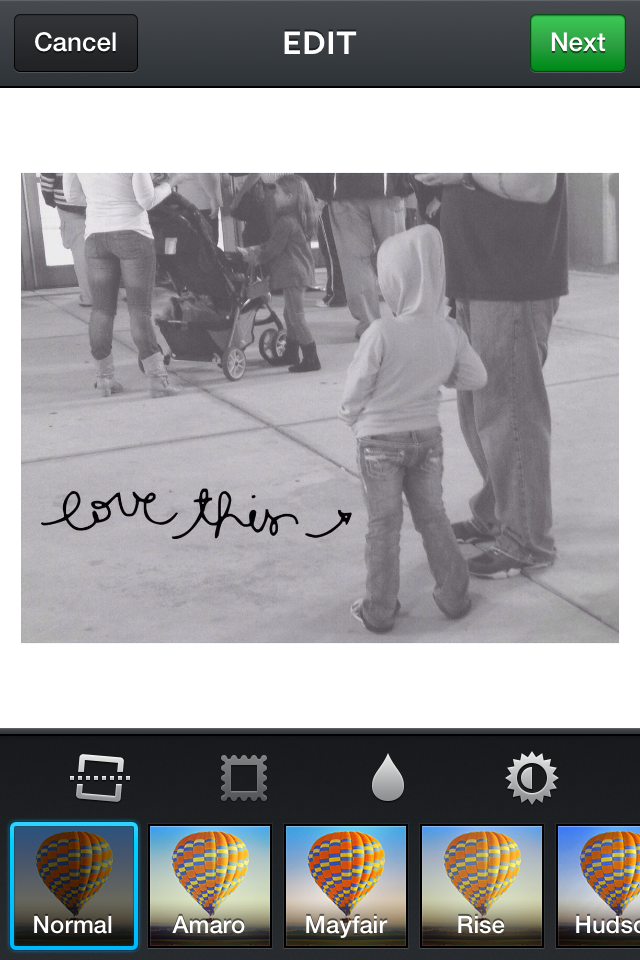
And that’s it…easy huh?!?! Give it a try and break out of the IG square!
Happy Snapping and Scrapping,
Brynn Marie





