
cinna
The Force is ALWAYS with me ...
- Joined
- Jun 18, 2011
- Messages
- 1,456
Such a FUN challenge!
Follow along with the video below to see how to install our site as a web app on your home screen.
Note: This feature may not be available in some browsers.


can someone ecplain how you get the initial shape i am using ps cc . i cant figurr it out. a circle or something like a different shape... how did someone make the shape of africa? i need help. thanks ladies. love the challenge cause it is a challenge for me.
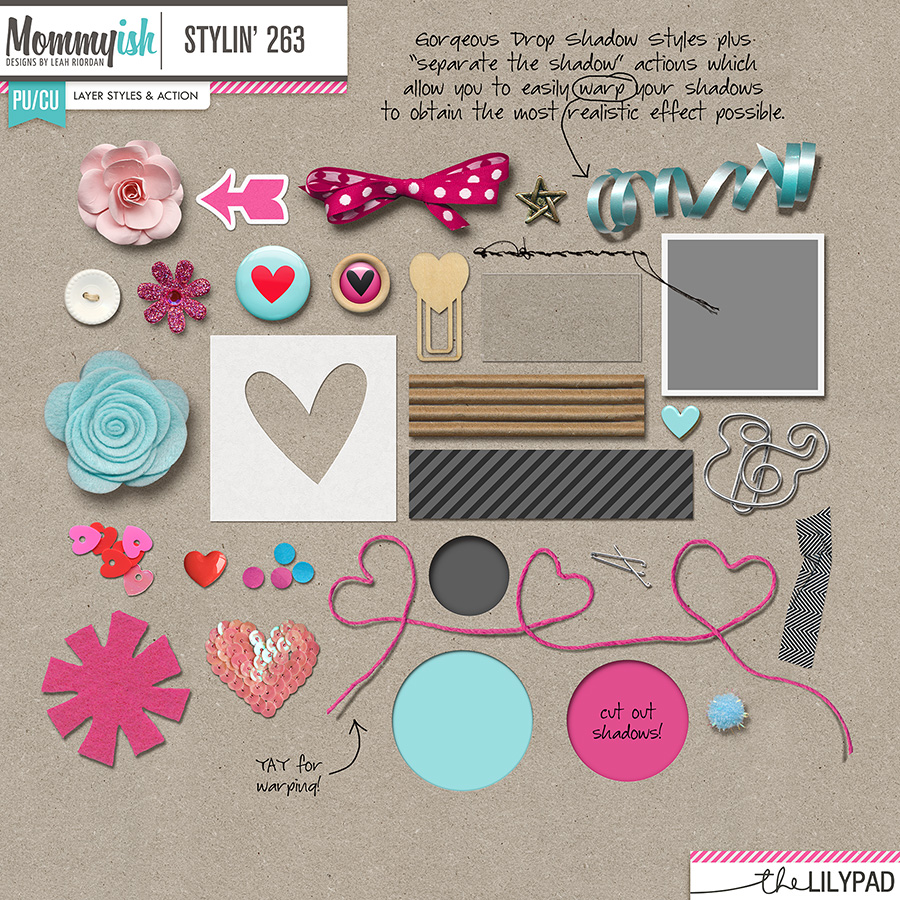
any tips on how to get shadows to look real. mine are all on one side and i think they should be more even like the light is from above


Mine says the smart layer is not directly editable when I follow these instructions!

For PSE, instead of adding a shadow, duplicate your layer.
fill that layer with the desired color of your shadow. black, dark grays or browns.
(This is going to be a fake shadow layer)
Go to FILTER pull down
BLUR>Gaussian play with the levers and be amazed.
I am almost sure it is there, I am remembering by the seat of my pants.
Blur the layer. Then manipulate it behind your paper. You can erase parts that pop out if need be!
I still do this to get a shadow to work the way my brain sees it.

Same. Totally lost! I’ve tried lots of things but failed so far!can someone ecplain how you get the initial shape i am using ps cc . i cant figurr it out. a circle or something like a different shape... how did someone make the shape of africa? i need help. thanks ladies. love the challenge cause it is a challenge for me.


The initial shape can be made with the shape tool or a few challenges back when we had to create a title out of a shape, you could use one of those as your starter.Same. Totally lost! I’ve tried lots of things but failed so far!

