
Extra Special Edges
Hey scrappers,
It’s Kayla, aka keepscrappin, here for Template Tuesday with a tip on how to easily get some extra special edges for your layouts.
Liz has two edge template sets that give a fun way to add dimension and energy to your pages. Use these to add dimensional detail on the edges and corners of your pages or layer them with photos to make easy clusters. Each edge template has a mix of doodles/stamps, paper pieces, stitches, date tabs, scatters, and geometric shapes.
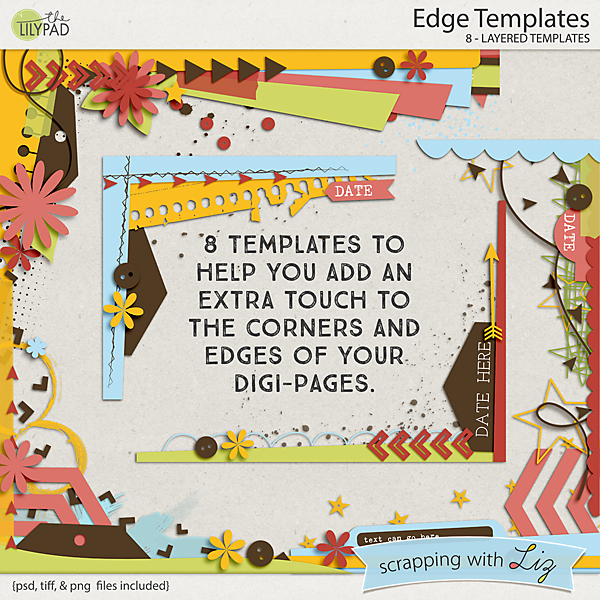
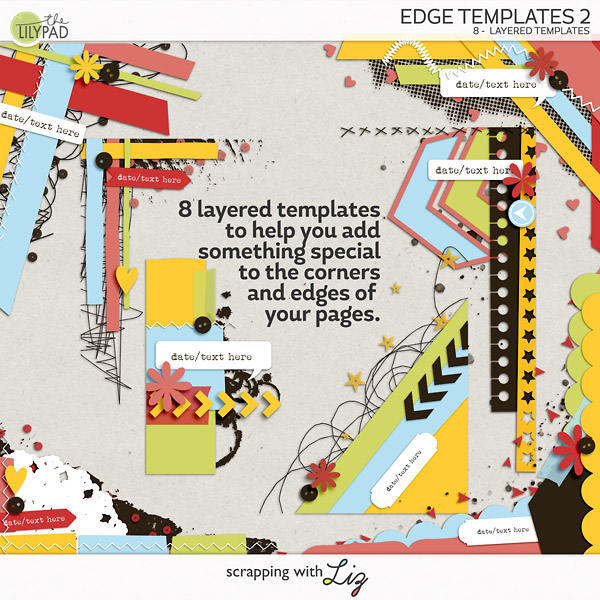
I combined 2 templates from Scrapping with Liz’s Edge Templates pack to give my layout that extra special touch.
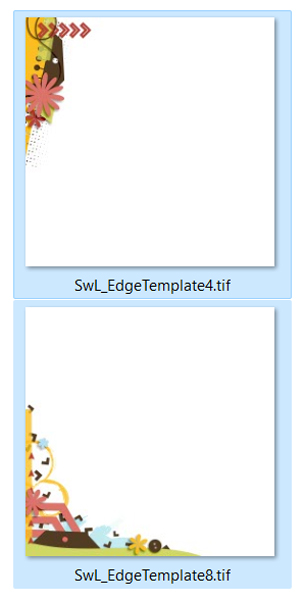
I opened templates 8 and 4 and duplicated them and closed the originals so I wouldn’t overwrite them. Then I flipped template 4 horizontally (image > rotate > flip horizontal).
Next, I selected all the layers of template 4 and held down the shift key and dragged it onto template 8 to create a combined template for my layout.
Then, I added a couple of stacked photos and embellished the layout as desired. It was pretty quick and oh so easy to add that extra special touch to my layout.
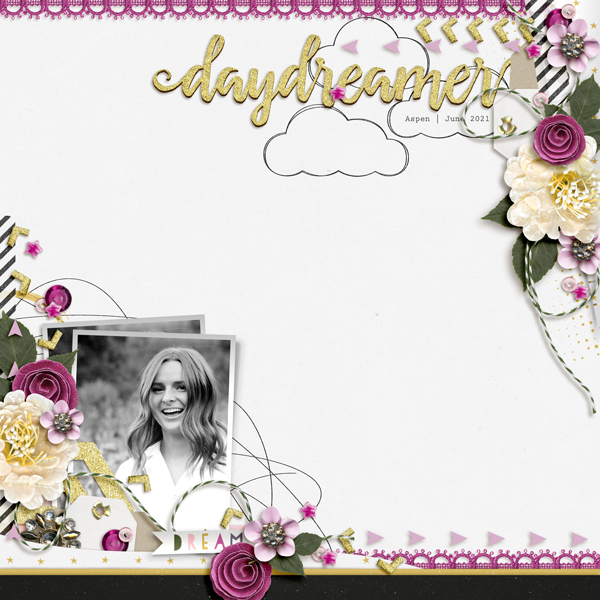
These edge templates work great for full photo background layouts too! The possibilities are endless. I can’t wait to see your extra special edge layouts.
Until next time, take care and keep scrappin.






