
Don’t Fear Your Filters! This Week: Cutout!
What is Cutout, and what does it do?
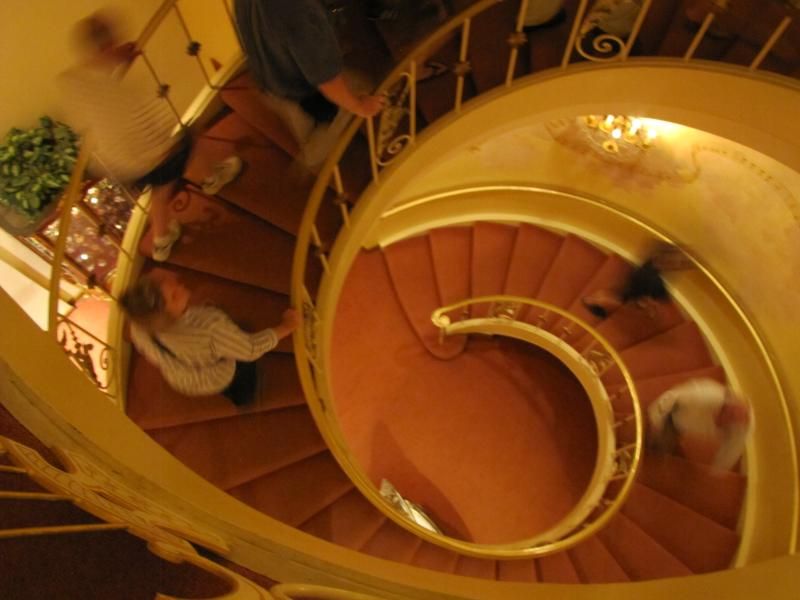
I took this photograph, taken a few weeks ago at the Nethercutt Museum in Sylmar, CA, and sicced Cutout on it.
Here’s the original. Cool staircase, right? It floats, which means it’s a Spiral Staircase with no support, just its own structure. (note: I did have to balance the color out and tweak it a bit, but this is the photo before I did anything to it)
Here’s what my screen looks like when I have the Cutout Filter selected, and the photo up on that workspace.
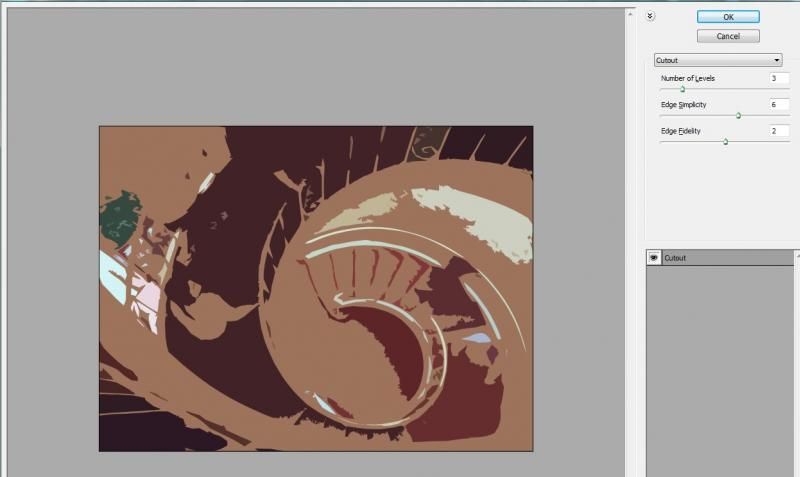
In the upper right hand corner, you can see the three controls: number of levels, edge simplicity and edge fidelity. To simplify things, I left the edge fidelity control alone. Below, here are three different combinations of the controls. Just like last week, I copied the original tweaked photo layer so that were two layers. I used the filter on the top layer only.
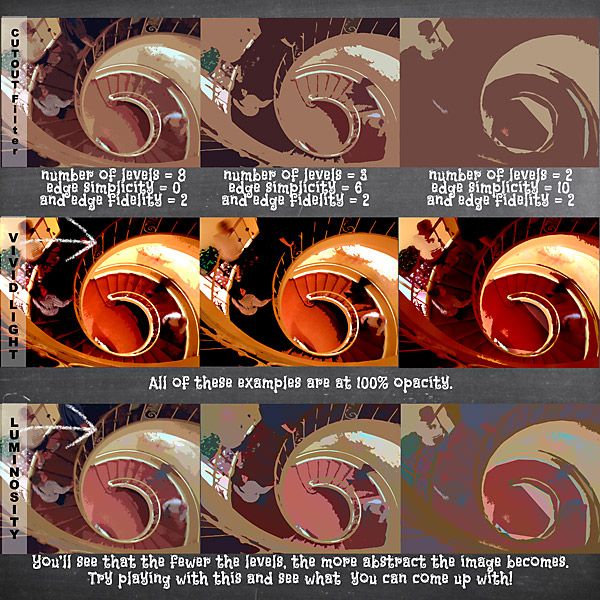
On my image, the effect is flat. Depending on the number of levels you use you can get as abstract as you like, or use it to get rid of distracting details while emphasizing the shapes within your image. Neat, huh?
Try lots of different types of images to see what you get, and then share your results in the gallery!
Your Filtering Polly,
Julie





