
Digital Paper Blending
Hello everyone and happy SOSN Wednesday! I’m just dropping in with a quick tip for blending digital papers. Have you ever been in the situation where you absolutely love two different digital background papers and just cannot decide which one to use? It happens to me a lot. One of my favorite ways of resolving the issue is to take the papers and blend them together into one amazing background.
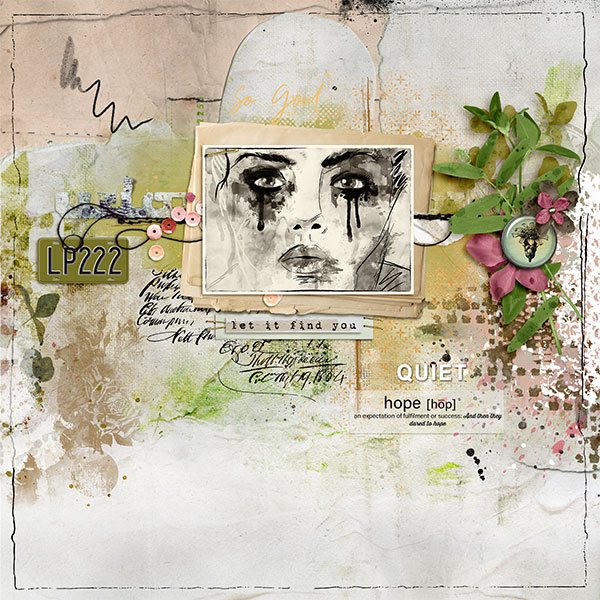
Here is an example with some goodies that are available in today’s SOSN sale (Layout linked to gallery for credits):
I was really stuck between these two gorgeous digital papers for the background:
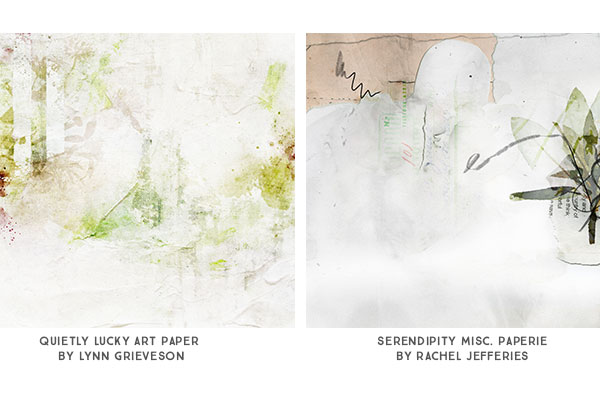
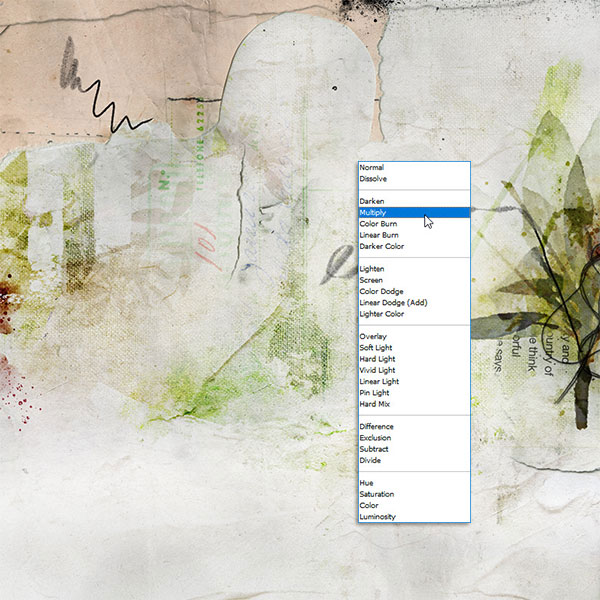
Instead of just settling for one of them, I decided to take the parts I loved about each of them and make a new digital paper. I accomplished this by using a blend mode called “Multiply.” First, I pulled in the multimedia paper by Rachel Jefferies and then added Lynn Grieveson’s in the layer above. Second, I set the blending mode for Lynn’s paper to “Multiply” and adjusted the opacity just a bit (95%). And just that quickly, I ended up with this new digital paper:
I hope this trick helps you the next time you are struggling to choose between two background papers!
Until next time ~
Judie (HeyJude)






