
Tutorial | Print & Cut Digi Elements with the Silhouette
Remember my blog post last month about my Elf Party and how I printed and cut out some elves from Kate Hadfield’s “Santa’s Little Helpers” digital doodles, using my Silhouette digital cutting machine? Today I’ve recorded a video tutorial on exactly how to use the print & cut function with any of your digital elements!
I’ve had my Silhouette SD machine since October 2009, and I love using it to cut out my digital elements for hybrid projects! Who needs scissors when the machine will cut it out for you? 😀
This tutorial will work with any of the Silhouette machines (the original, the SD, and now the new Cameo). You just need to use the free Silhouette Studio software that comes with the machine.
Are you ready for some cutting magic?
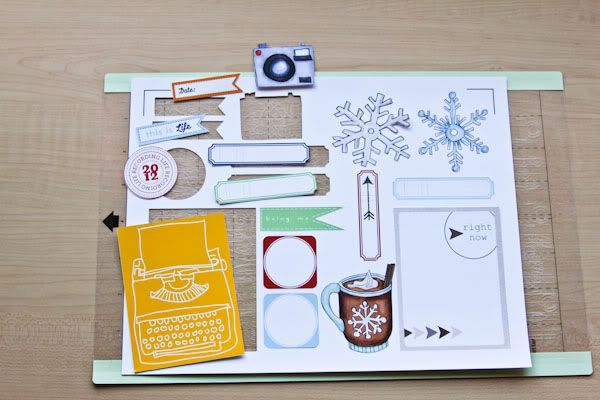
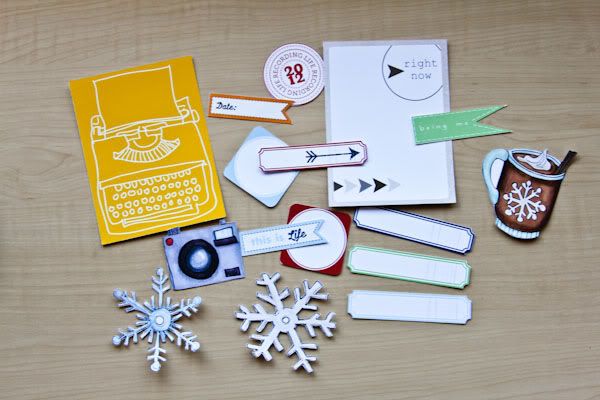
After the Silhouette has done its cutting magic, I just carefully remove the cut-out pieces from the cutting mat.
Designs by Lili | Customizable Journaling Cards No.2
Valorie Wibbens | Today Journal Cards
Amy Wolff | Mega Label Pack
Sara Gleason | Violet Seeds
Kate Hadfield | Going Places
Kate Hadfield | COLLAB: Bundle Up (with SMJ)
Christine (listgirl)





