Stop the Instagram Spam!
Social Media can be a tricky thing. Sometimes you want a public profile, because meeting new people and being social is what it’s all about right?!?!? But then you are getting followers like this: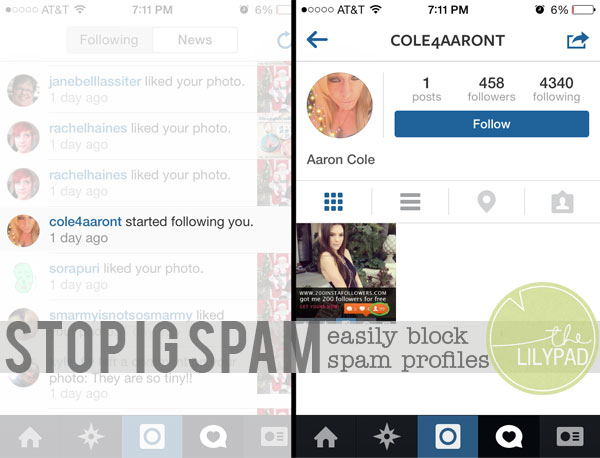
So how can you keep your profile public, but still monitor who follows you? Here’s how!
First tap the user name of the person that you would like to unfollow you or block. In the upper right hand corner, there is a little rectangle with an arrow coming out of it…tap that and then you should see this: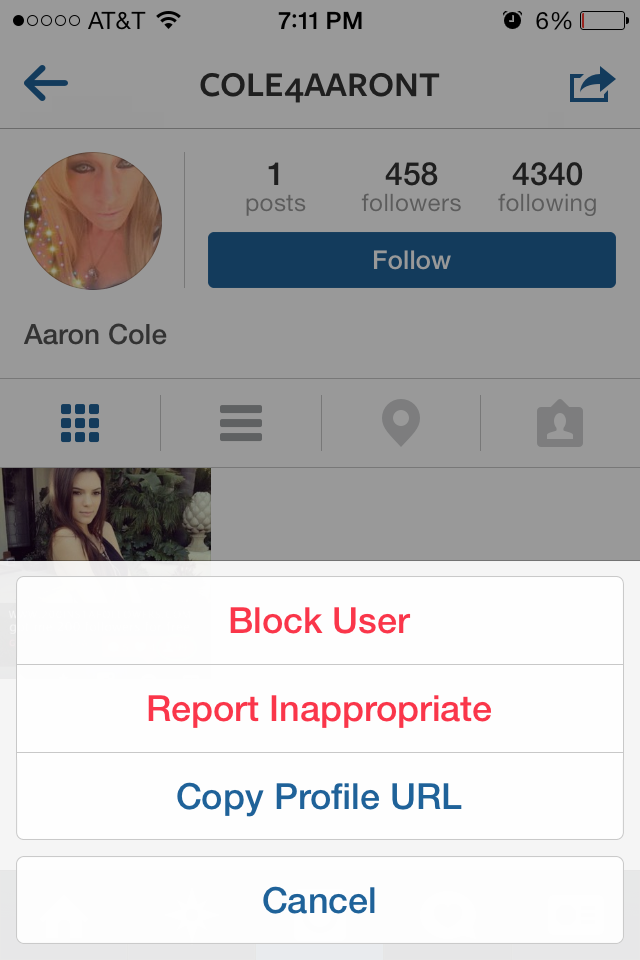
Tap “Block User”. It will then ask you “Are You Sure?” , tap yes: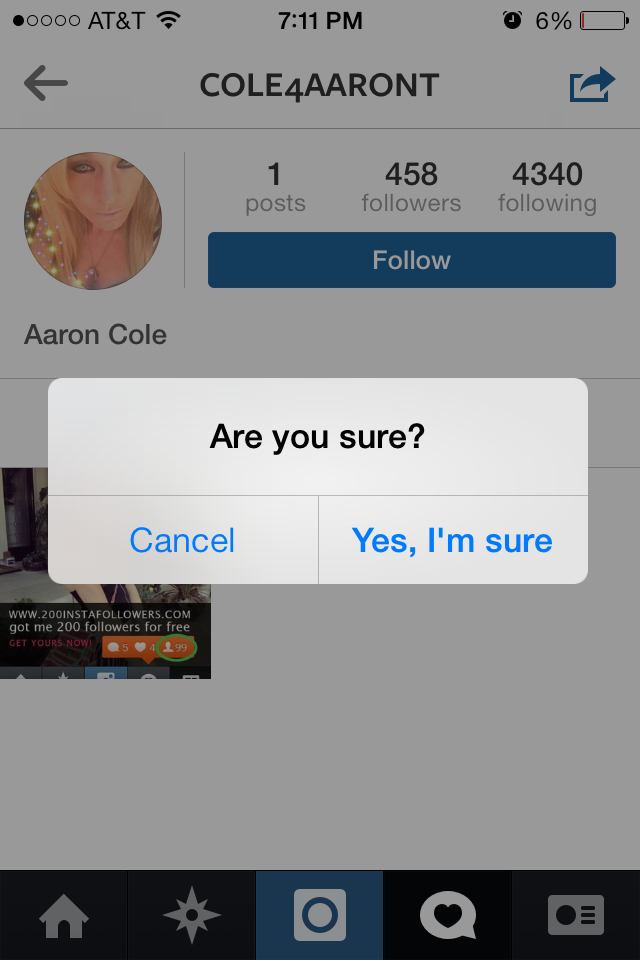
That’s it user blocked!
When you go back to your notification page, you will see that the user is no longer following you: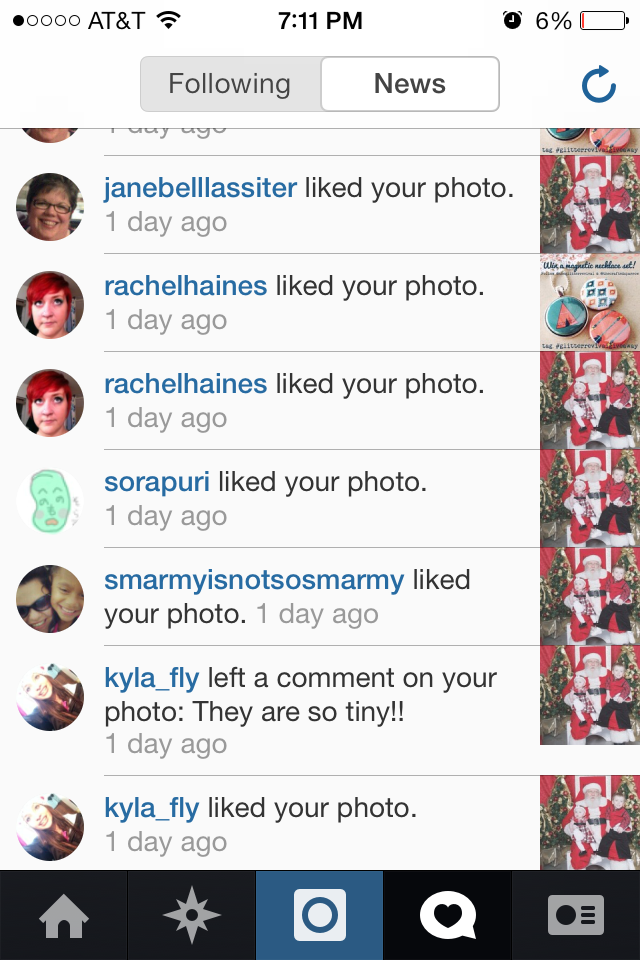
The steps for reporting a spam account are basically the same. At the point where you tap “Block User” just tap “Report Inappropriate”
Happy Scrappin & Snappin <3