In Artisan 5 - I think 4 also has these options, if I remember correctly.
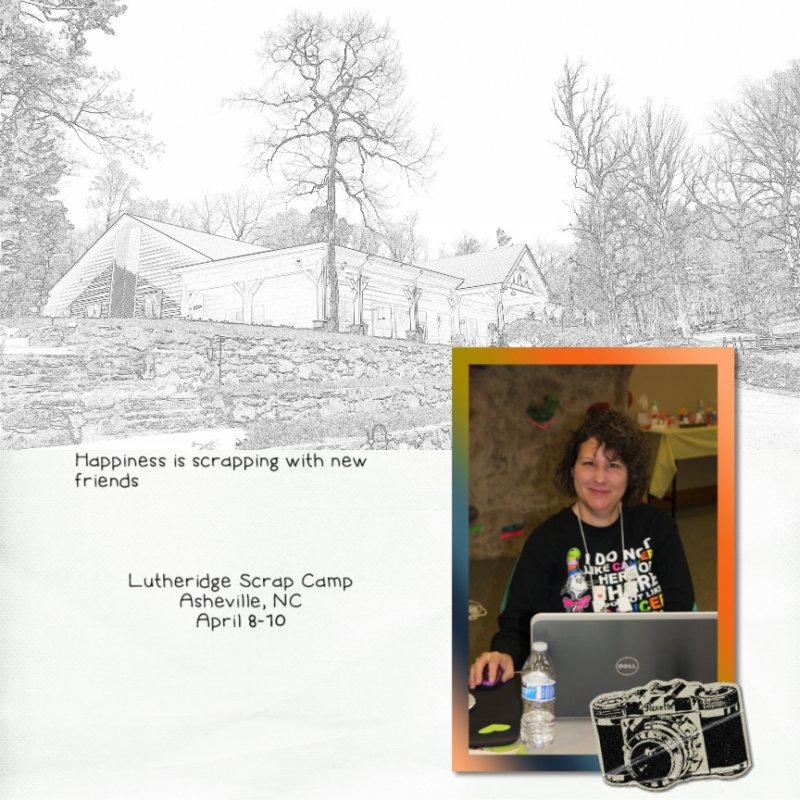
You can also use Filter, Stylize, Show Edges. There is even a box to check for color and it will draw it in color. Play with the adjustments. I did not check color in my example.
You can also use Filter, Stylize, Threshold. Play with the colors to get the look you want.
Play with the options and see what you get. It will also depend on the photo you want to use. Here is a quick example of each filter. I did not convert to B&W to start with. You can also try that as a first step. It will most likely give you different results.
View attachment 198755
If you look at the pages people have posted already, most have used a photo with distinct lines. My example photo has too many subtle color/shade differences that don't clearly define the object. So your picture would really make a difference in the end result.
Here is one I did for the speed scrap earlier this month. I used Stylize, Show Edges.