
Creating Digital Backgrounds with Pocket Cards
Happy Wednesday! I just wanted to jump in with a quick tip for using those “oh so awesome” pocket cards that come in many digital scrapbooking kits (or on their own). I am not really a pocket scrapper, but I love playing with pocket cards and finding other ways to incorporate them on my pages.
I fell in love with the Real Life in Pockets Shelf Elf Collab by Just Jaimee and Mommyish Designs (which is also in the 50% off SOSN category this week) and just had to use it to scrap a recent photo of our house Coffee Elf in action. I ended up using the fun journal and filler cards in the kit to create a background for my page (which I created using Lynne-Marie’s SOSN Press Play 6 Templates):
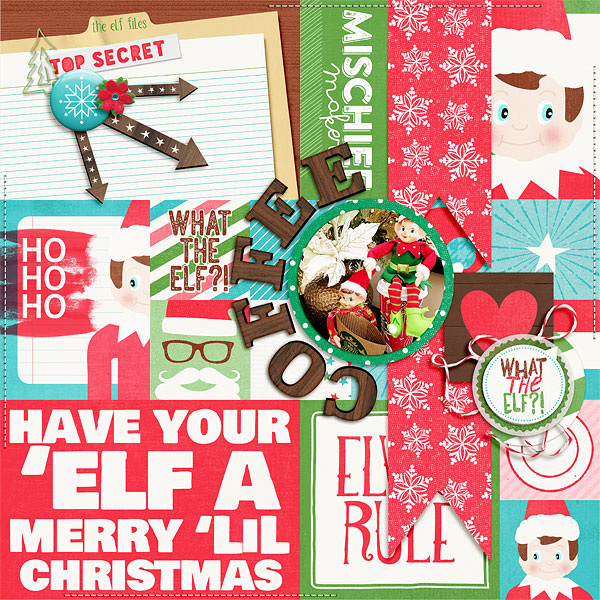
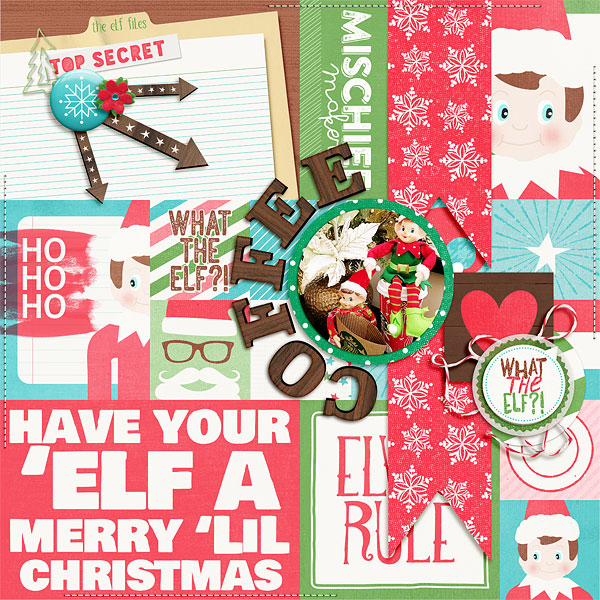
I LOVE that I was able to use so many of the cards from the kit on just one (non-pocket scrapping) page! I liked the bright, cheery effect of the background for this page – but if you want something a little more muted you can try adding a vellum-like overlay on top of the background. All you need to do is create a new layer just above the last card in the background and then fill it with white and reduce the opacity to 15% – 25%.
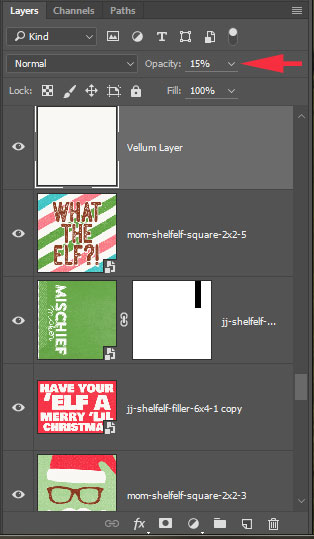
Here is what my page looks like with the vellum layer set to 15%:
I hope you have fun with this technique and find some creative new ways to play with digital pocket cards!
Until next time ~
Judie (HeyJude)






