March Desktop Wallpaper
One of my most favorite thing to do with my digital scrapbook supplies (other than scrapbooking) is to create fun wallpapers for my computer and other tech items, such as my iPhone and iPad.

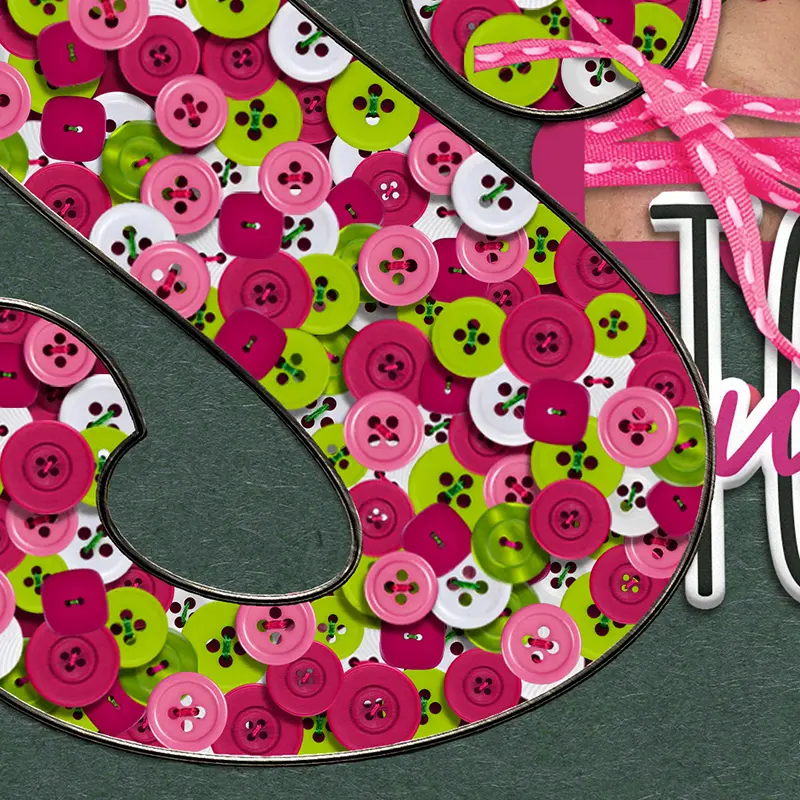
Today I would like to share with you a desktop/computer wallpaper that you can use for March. I created this using Roar, this month’s gorgeous MPM collection. It’s what I currently have on my desktop and I absolutely love it!!
I’m a little crazy about keeping a neat and clean desktop workspace. I try to keep it free from digital clutter. Everything is filed away in folders and there are very few files sitting on my desktop. Having a pretty new wallpaper each month really helps me keep on top of this task.
You can download this wallpaper here (or use the link below). To install the Desktop Wallpaper, simply click the link to pull up the image in a new window. Right-click the image to save to your desktop.
To set your desktop, simply right click on the image and select set as background.
Download March Desktop Wallpaper
To create your own desktop wallpaper, simply follow these steps:
- In Photoshop, create a new artboard sized 1920 x 1080 px
- Use your favorite digital scrapbooking to design your wallpaper
Tip: I try to keep my design centered on the artboard so there is white space on both sides, but design yours in a way that makes you happy! - Save as a jpeg
- Go to the folder where you saved it. On most computers you can right-click to set as a background, but these may vary so you can do a quick google search on how to set your desktop background if that doesn’t work for you.
I hope you enjoy your new wallpaper!!!
I hope to share with you some more pretties for all your tech supplies in the future!