AJK
I plead the 5th ...
- Joined
- Apr 18, 2012
- Messages
- 3,083
Follow along with the video below to see how to install our site as a web app on your home screen.
Note: This feature may not be available in some browsers.

@Karen
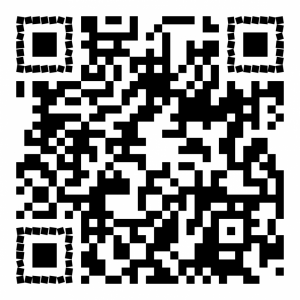
My QR code works on my computer, but when I scrunched it down to JPEG and 800x800, it doesn't work now. Will that disqualify me?


 )
)
I don't make my QR code in Artisan - I actually make it using a QR code generator. I personally use Unitag, though I'm sure there are others out there. I upload my video to Youtube and set the video settings to "unlisted". This means only those with the QR code or my link from Youtube can view it. After the video is uploaded in Youtube you copy the video link and paste it into a QR code generator. The generator creates a jpeg which you download and use in Artisan just like you would a photo or a png (I copy from desktop and paste into Artisan).#tinkerbell1112 How does this work in Artisan???!!! HELP please!

Just follow the directions: " To link to a video, you upload your video to YouTube and then when the upload is complete you’ll see a link to that video. Copy that link and paste it into the QR Code Generator (see image below). The Generator will create a unique QR Code that has your specific url link embedded inside of it. Download/Save that QR Code and use it on your layout."
- Upload video, then copy URL/link (or website URL)
- Paste the video/website link into the QR generator
- Generator will create a unique QR Code
- Then copy and paste the generated link into your Artisan LO, or save it to your computer to add later
Easy peasy. I used a QR code on a LO I made in SBC+ a few years back.


I did a Falls page too for Day 6....So thanks to MOC, I'm now addicted to magazine style layouts for travel pages and also to QR codes. I think that will add an extra dimension to my travel albums!
I haven't had the code expire. I have had the website it linked to change, but I haven't had that with any of the youtube ones I've done.One of my concerns would be how long do the codes remain valid for?