
Template Tricks
Hello, fellow TLP creatives! This is guest Polly, Nancy, hopping in with my first blog post, and it’s about one of my favorite digital scrapbooking items… templates! I don’t know about you, but I have never met a digital template I didn’t love! They’re one of the main jumping-off points I use when I have a set of photos and need inspiration of how to showcase them (my other main jump-off points are the TLP main gallery or an individual designer’s gallery if I’m wanting to make a layout with one of their kits or inspired by their design vibe).
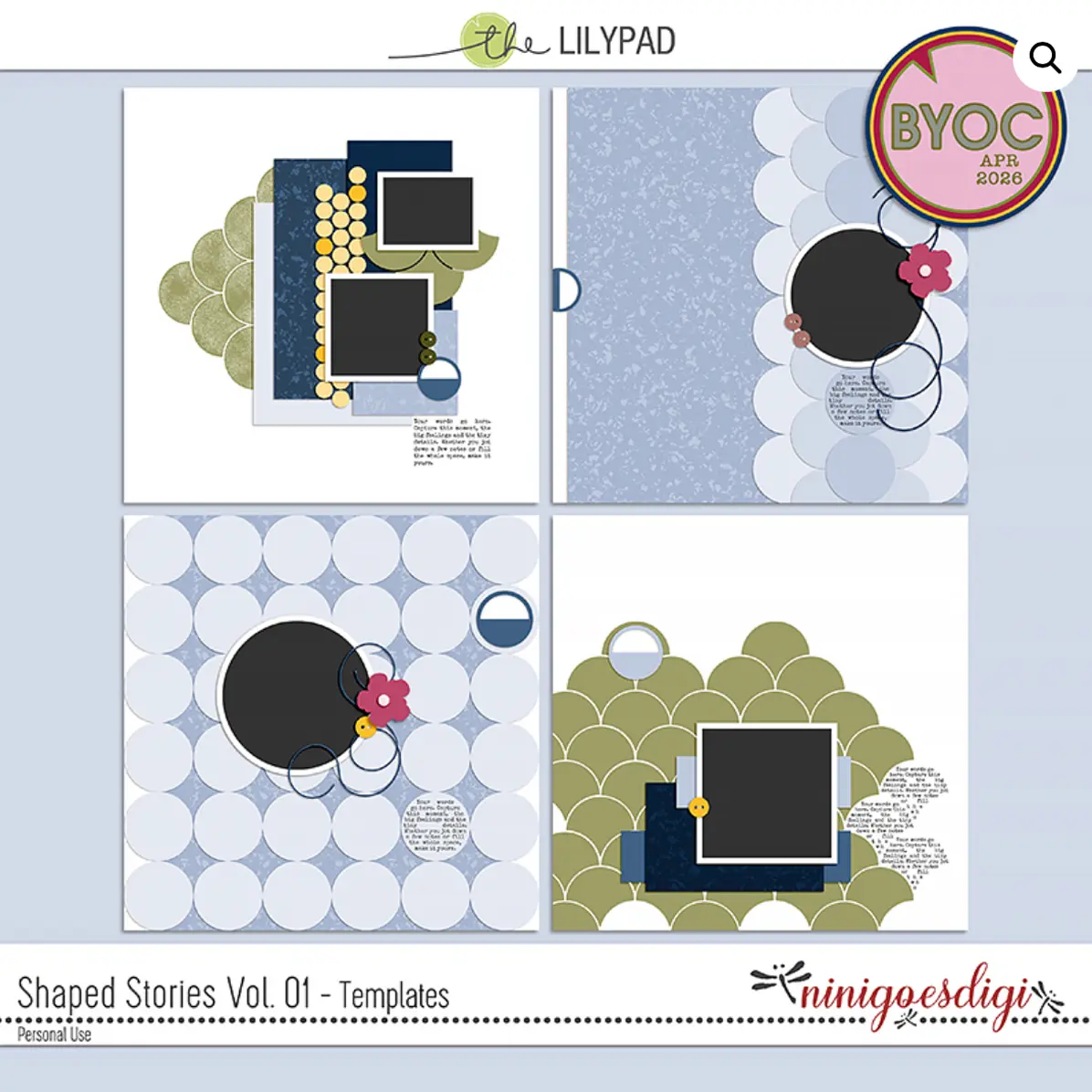
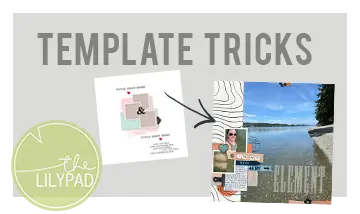
In this article, I’m going use several of April’s BYOC kits to share a trick I use to alter a template to make more room for photos, journaling, or elements. I call it “Slice and Split.” It can be done with practically any template. Today, I’m using Ninigoesdigi’s wonderful templates, Shaped Stories, Volume.
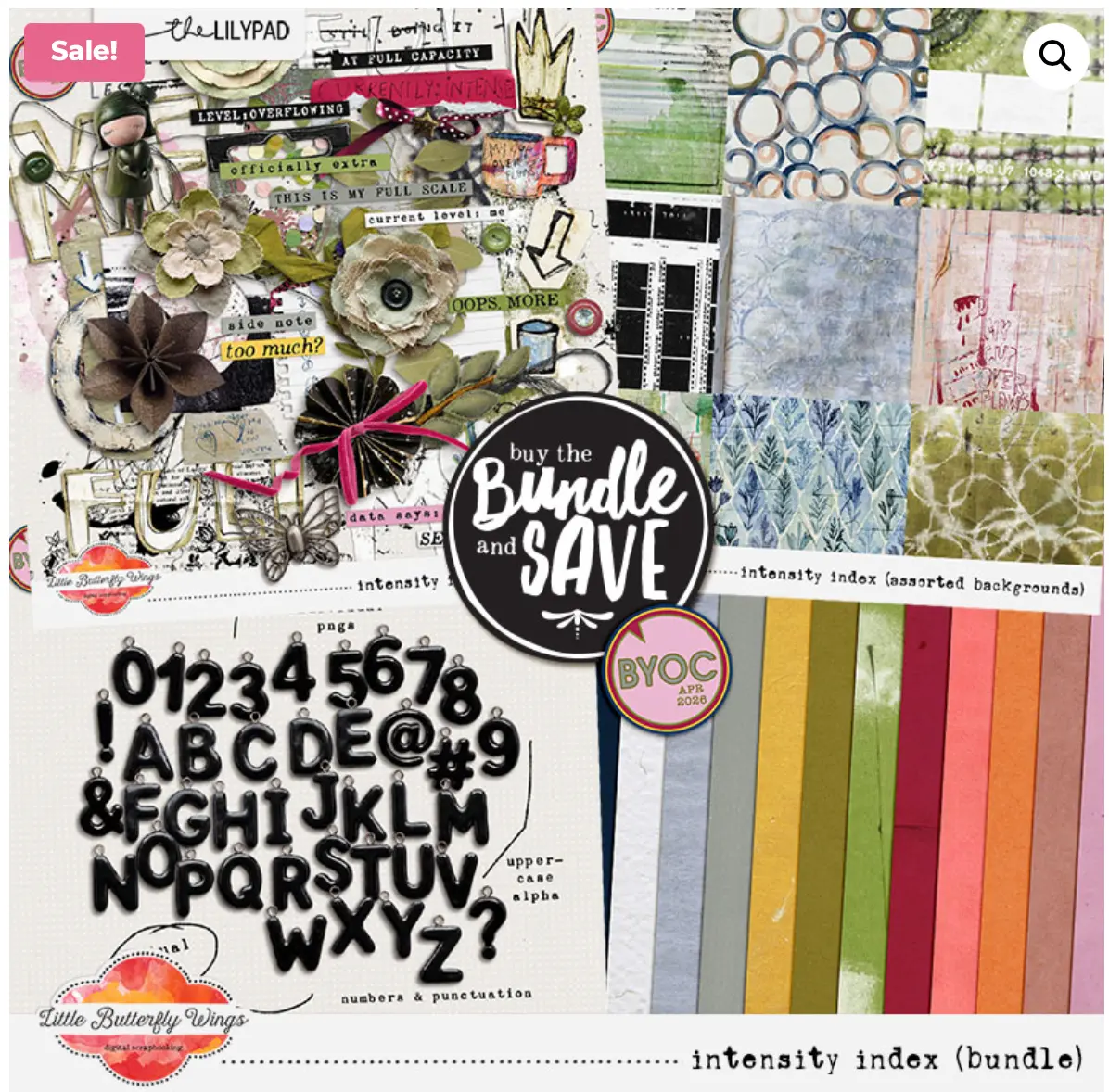
The kits I used are: Intensity Index, by Little Butterfly Wings
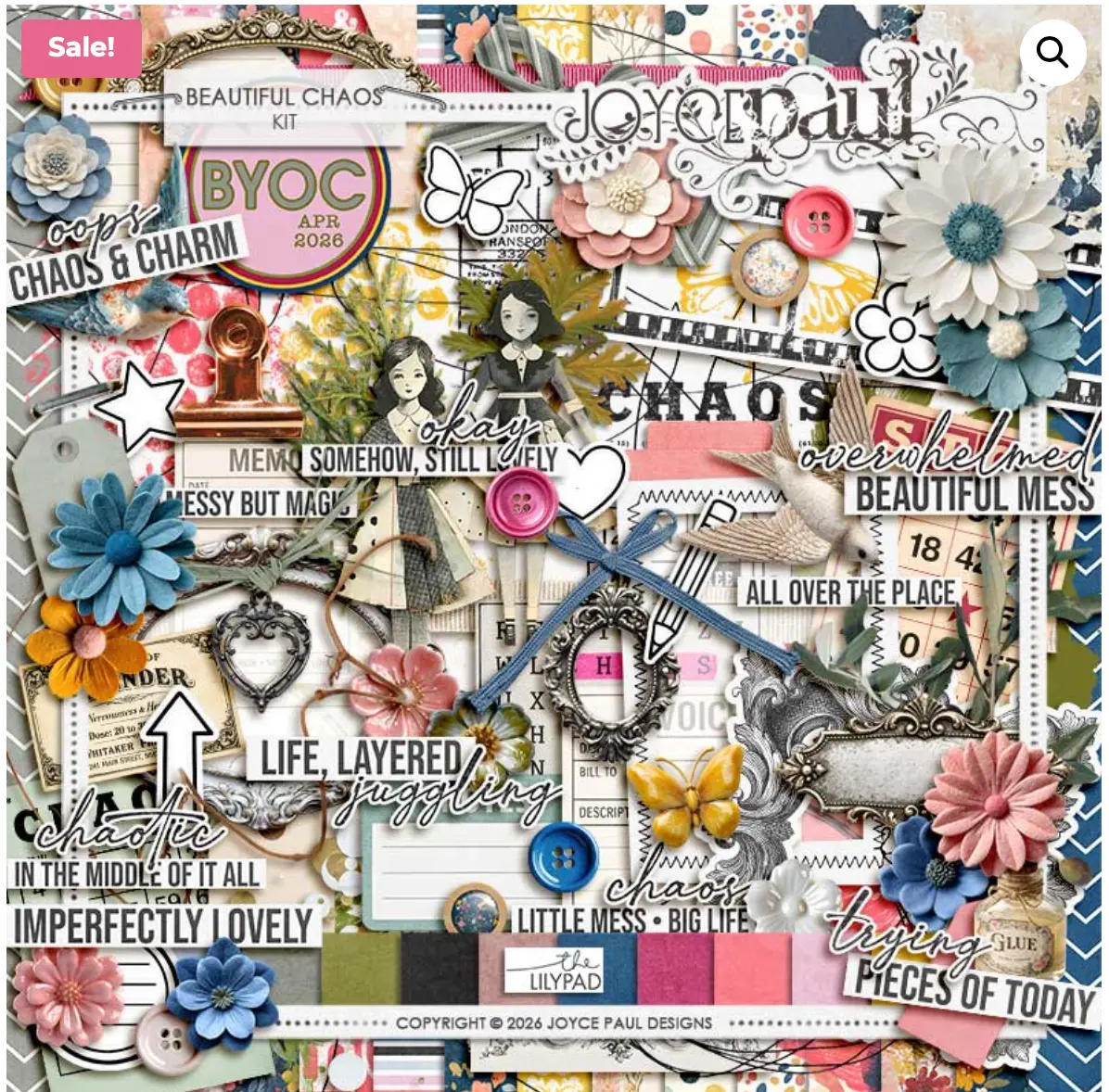
Beautiful Chaos, by Joyce Paul
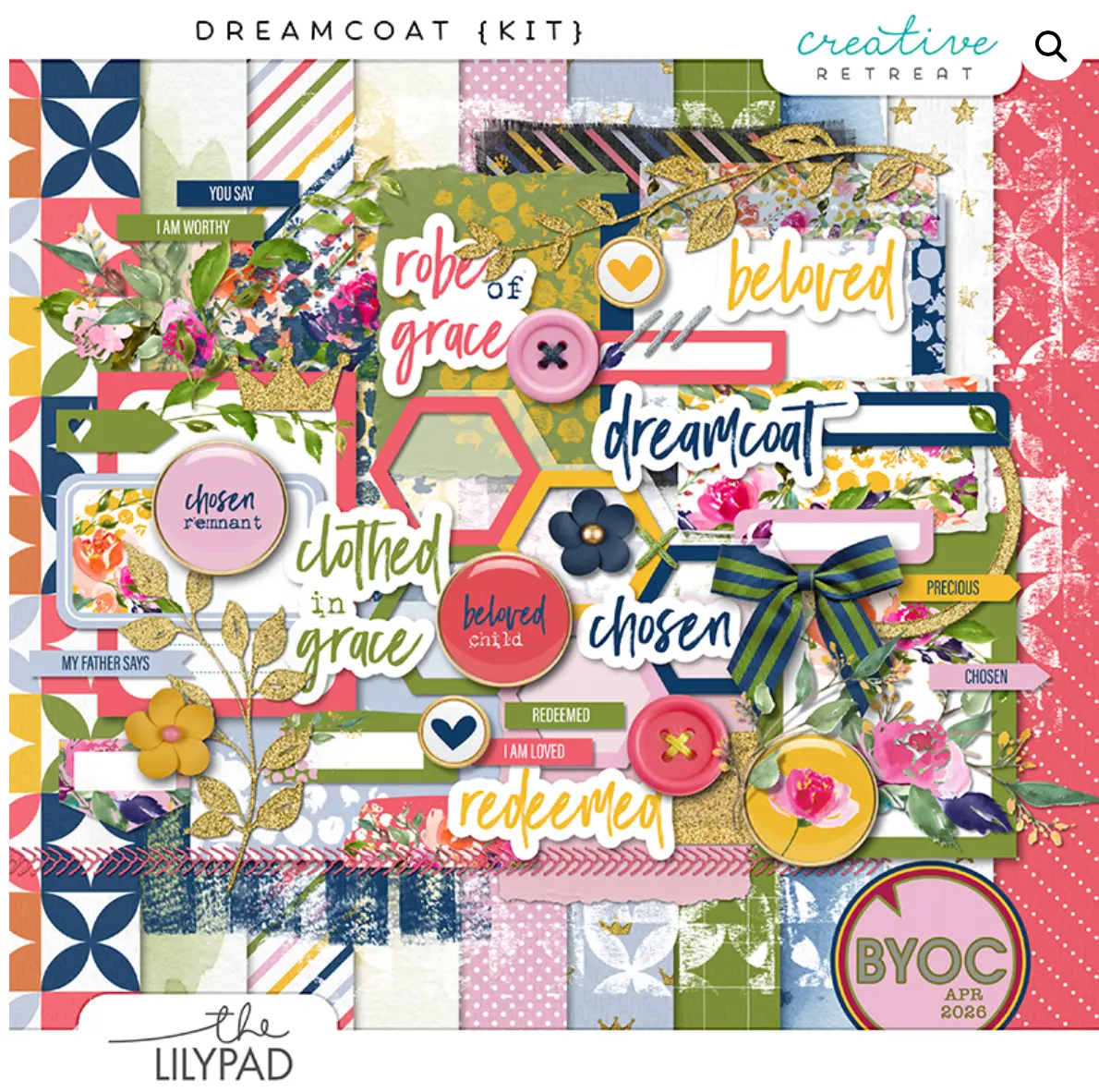
Dreamcoat, by Creative Retreat
What is “Slice and Split?” It’s fast and simple! Simply shift elements sideways or vertically to make an open strip where you can place additional items. I think of it like pushing library books over to make a space in the middle for more books. Splits can be made horizontally, vertically, or diagonally. Usually, I hand-drag the elements over. Occasionally, such as in my first layout example, I can make a column and set it right on top of the layout to make the split.
I especially like making split spaces on my layouts when I’m scrapbooking several pages of an event like a birthday or family vacation. Using one or two templates, by rotating and slicing, the layouts look cohesive without being identical.
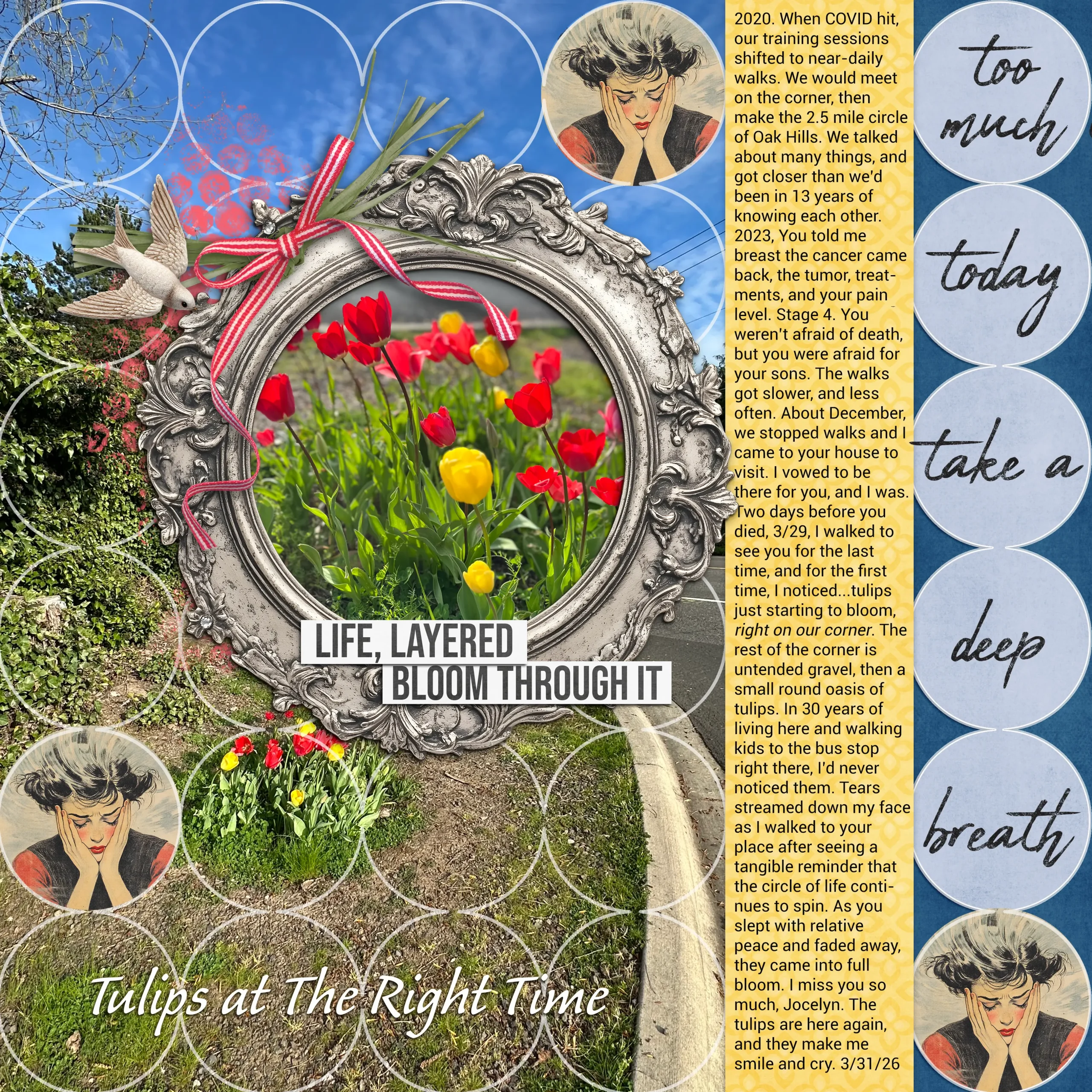
Layout 1 – vertical split to add journaling. Journaling is frequently as important to me as the photos, and I like it to feel like it belongs where it’s placed. For this layout, the story and the framed circular photo were important. The large context photo was less important and not as pretty, so I used the template a few elements to de-emphasize it. First, I made a column above the circles on Nini’s template, just a little wider than one row of circles, and wrote my journaling. I scooted the round photo over by a small amount as well. That was my “slice and split.” I chose Joyce’s kit for this layout because the theme, “chaos,” resonates with my topic, and her word art and picture of a sad face-in-hands were perfect.
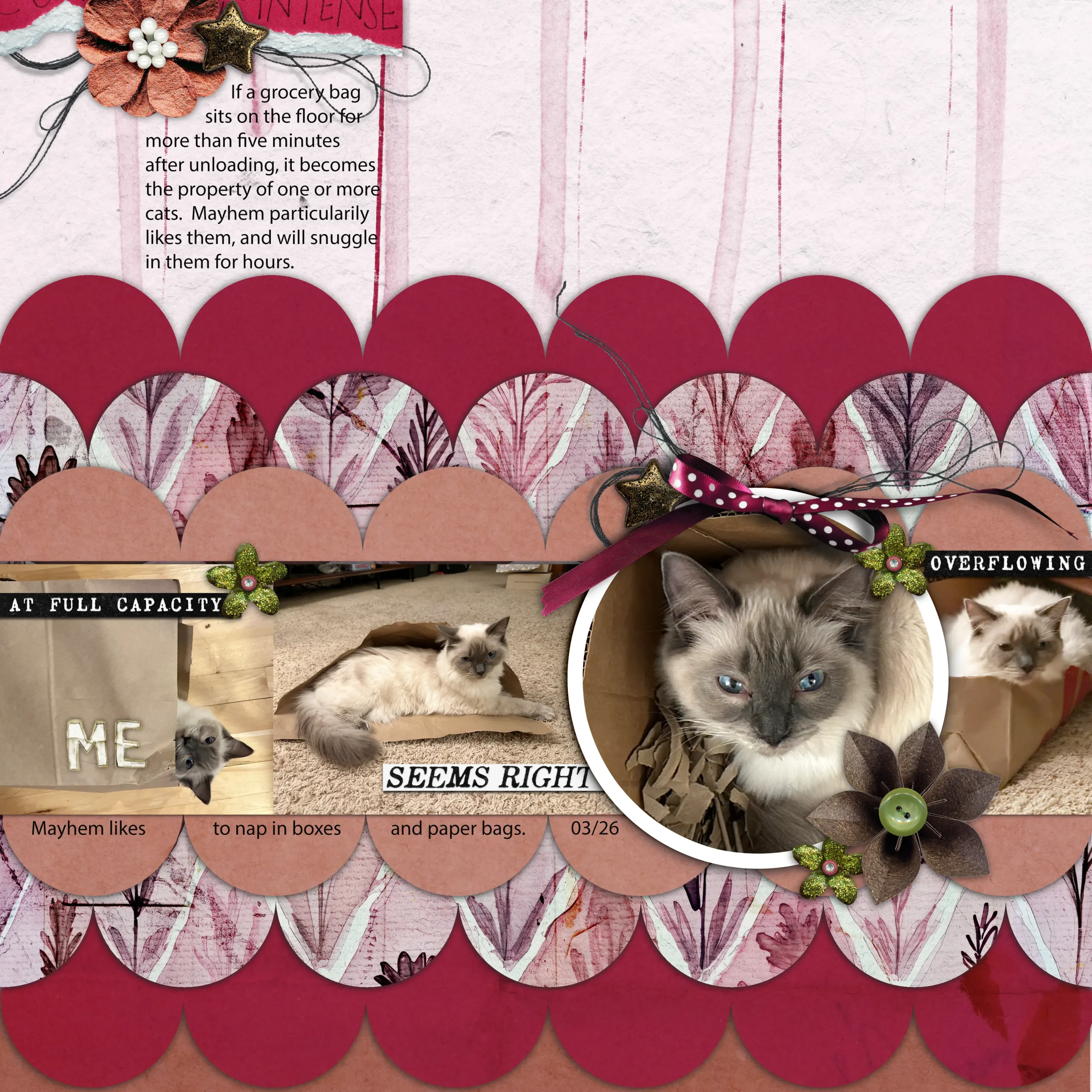
Layout 2 – horizontal split for more photos. For this layout, I wanted more space for photos. I have thousands of kitten photos, and I like to have multiple photos on a page to show facets of their personalities. I took Nini’s template from the top right of the preview above, rotated it 90 degrees, then copied a second set of the ruffled circles. After creating a band across the page to place more pictures, I pulled the two ruffles apart, deleting / erasing a little bit of overlap. Little Butterfly Wings’ kit, Intensity Index, was perfect for these photos because I love all her word strips about being extra, overflowing, seems right, and full. They fit Mayhem’s personality to a T.
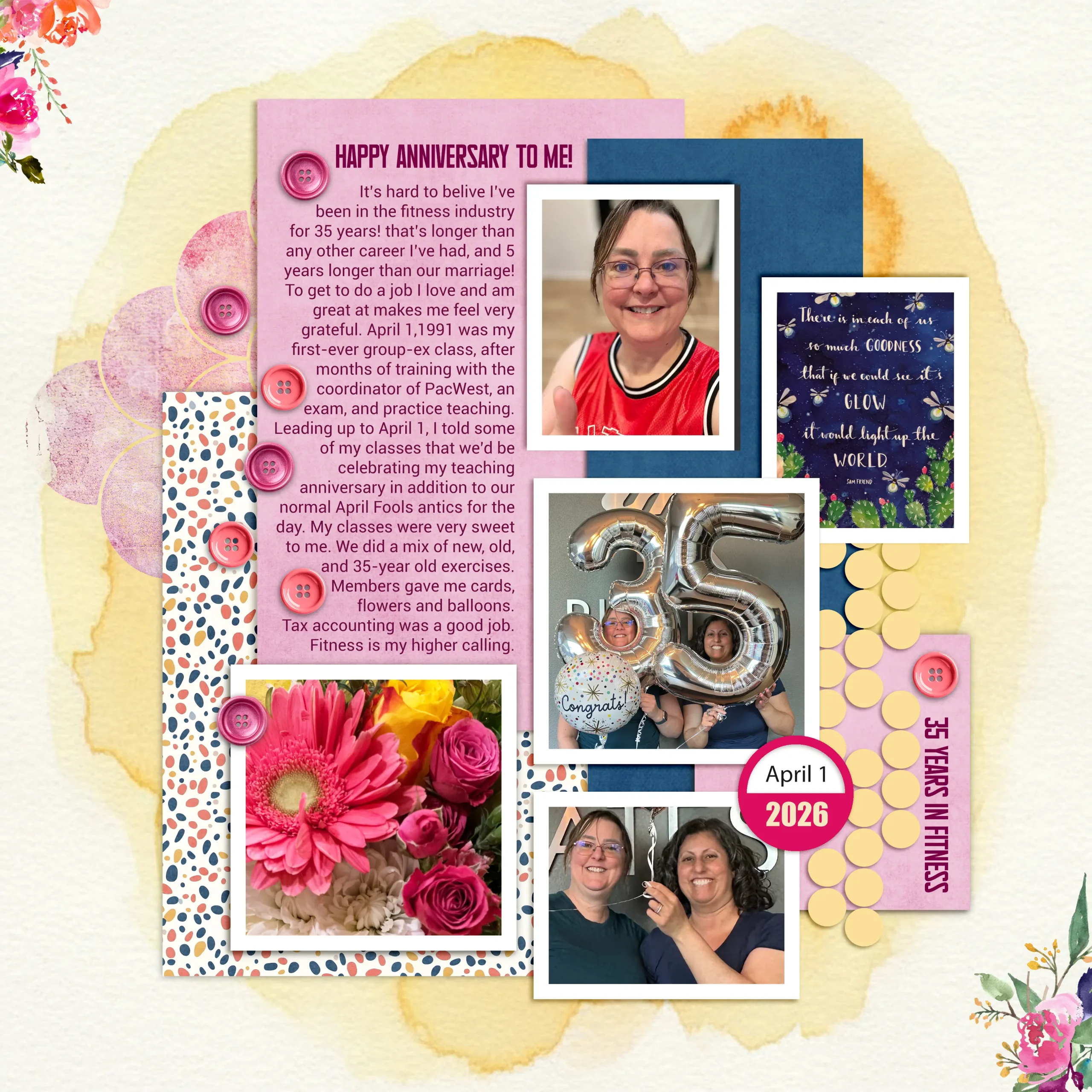
Layout 3 – Splitting along a diagonal. I had a lot of fun playing with this template. As a former tax accountant, I’m a very “rows and columns” girl. Symmetry makes my heart sing! With this asymmetrical template, my eyes went to splitting and pulling space for more photos. I used a mix of Joyce Paul’s Beautiful Chaos and Creative Retreat’s Dreamboat to make a bright and celebratory layout.
I hope you’ve enjoyed today’s simple trick for making space on your layouts. If you try it for yourself, please post a link to your layout as a blog comment so I can leave you some love!
I was born and raised in the Pacific Northwest, currently residing in Oregon with my husband and 2 fledgling adult children. Although I’ve spent my life living within a 200 mile radius, i’ve been to 28 countries and am planning my visits to countries 29, 30 and 31 within the next year. I work in the fitness industry as a pilates instructor, personal trainer, and mentor to other instructors.
My creative style can be all over the map as I enjoy trying new styles. My default style is lots of photos with story-telling journalng. Reading family scrapbooks is what taught our daughter (special needs, Down Syndrome) how to read. She loves seeing pictures of herself, and I include lots of photos for her to highlight her activities with journaling to encourage her to read aloud. A lot of family history, vocabulary and education can be snuck into scrapbook pages!
I’m a HUGE fan of templates! About half the time, I’ll use them as is, and half the time I’ll move things around, add or delete shapes, or even merge two templates.
If you’re new to scrapbooking, my biggest piece of advice would be to enjoy the process and know that your work is beautiful and meaningful just as it is. There is no one better at documenting your memories, or creating your heart’s visions, than YOU.
Nancy — what an excellent and informative post. I love that you have a name for the technique too. I’ve been doing something similar with templates but never really thought about what I was doing. Journaling is also important to me so that tip was really on point for me. Congratulations on your first post. You’ve set the bar high for me!
Thanks so much, Elizabeth! It’s not an official name or anything, just how I think about it, slicing down or across and then moving things apart, kind of like when I put my hands in between two shirts hung in the closet and push them aside for more room to hang. Maybe “the mysterious closet technique” would be better. 😀 Have a great weekend!
I love the slice and split term and idea! Great tips here to make useful templates, even more useful.
Thank you, Karen! I love making templates even more useful. They get flipped, rotated, sliced, resized, and smooshed. Have a great weekend!
What a great concept to employ! Simple and effective! I will keep that in mind, because I, too, am a fan of templates! I have so many and this will motivate me to use them again in a new way! Thanks! (Polly Becky)
Hi there, Becky! Thanks so much for your comment. As much as I love to collect supplies (and I definitely do!!!) when I find a great template, I like to do a few layouts with it to stretch out its value. Have a lovely weekend