
Oldenmeade
Well-Known Member
- Joined
- Aug 26, 2016
- Messages
- 534
Ohhh yes - that's much better. Awesome photo and page, Jane

Follow along with the video below to see how to install our site as a web app on your home screen.
Note: This feature may not be available in some browsers.
Ohhh yes - that's much better. Awesome photo and page, Jane
Ooooh nice, Geraldine! It looks more artsy too.Thank you for this challenge!
Original Photo

My layout

@TrishD @Oldenmeade Hi! In view of the pages, I have a question please: Should we, or not, add the original photo on our layout? Because from your post, I think that we should. But, many pages are created without the original photo, which I would prefer if I may say. Thanks for confirming what should be done.

Hi Thuria, You can certainly include your original photo in your altered color page as some of the girls have done. It is certainly easier than posting two pages and easier to see the difference. Maybe I should have suggested that method in the beginning. Thank you for alerting me to that@TrishD @Oldenmeade Hi! In view of the pages, I have a question please: Should we, or not, add the original photo on our layout? Because from your post, I think that we should. But, many pages are created without the original photo, which I would prefer if I may say. Thanks for confirming what should be done.
thank you for the challenge Trish
What a great idea, I like red apples
I recolored the apples
View attachment 380371
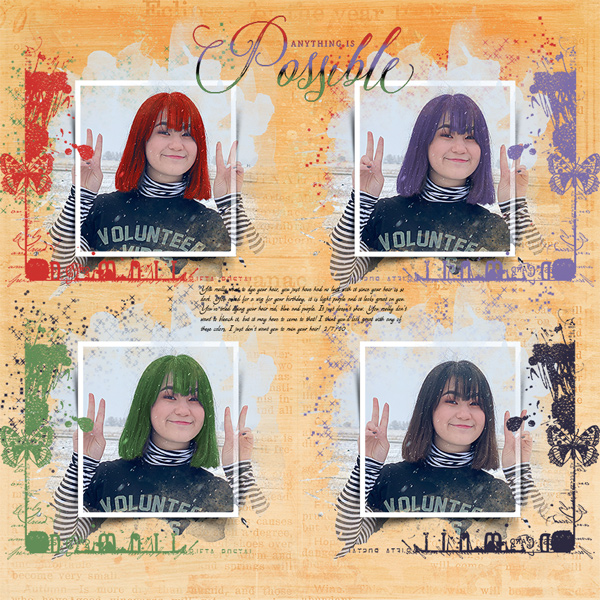
I loved this challenge, once I found a good photo for it. The bottom right photo is the original photo of my daughter and her true hair color.
I love all those different colors, now she can co-ordinate her outfits to suit her mood
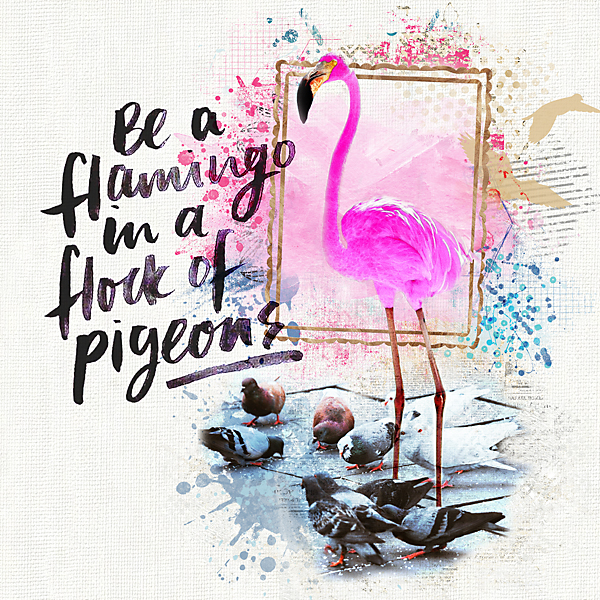
Take Two - after reading the rules one more time! I recolored the flamingo but I'm not sure how to display the original pic
You could put it in a box on the same page if you wish Mama. Or do another page, you can do as many as you like
thank you for the challenge, I've learned something new!
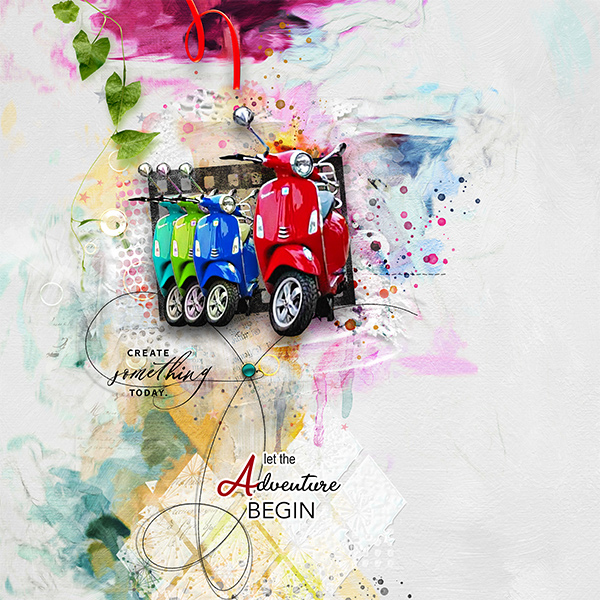
The red is the right color, the other scooters are colored
I love what you have done with the other scooters, a great way to show before and after
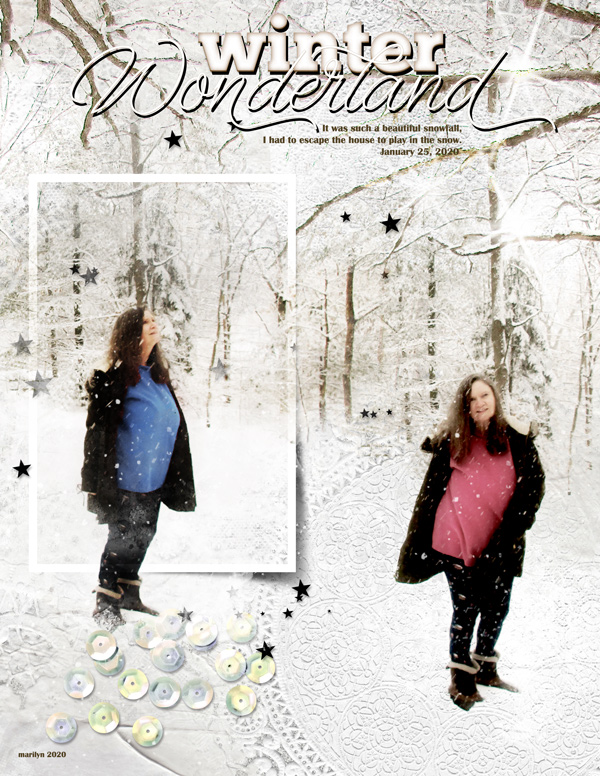
Here is mine, my sweater is rose colored. The altered hue/saturation effect (blue) is in the frame. And while I've used hue/saturation many times to change the coloring on something, I'd do the selection, then copy the selected piece into its own layer and then apply a hue/saturation. I never realized that I could apply the hue/saturation directly to the selection. Score!
Your colors look so natural, you would never pick that they have been recolored. When I first learned how to recolor making a selection and then using the power of the Hue/Saturation mask. Easy Peasey
Thank you for this challenge!
Original Photo
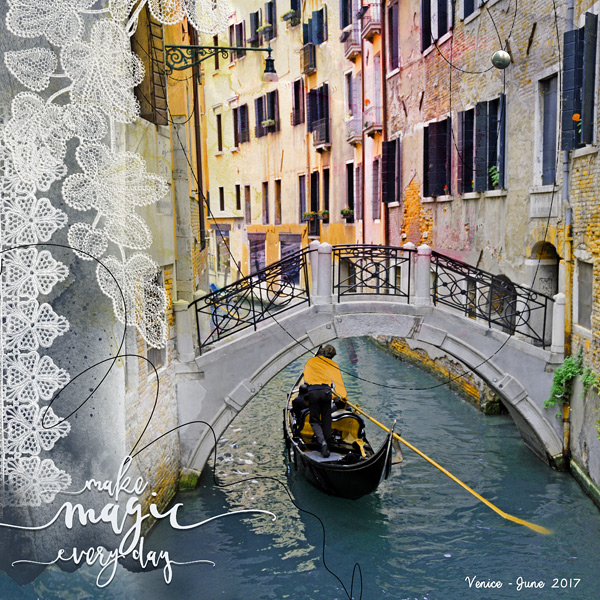
That color change certainly brightened the gondolier's shirt. Well done
My layout

