
dailydwelling
Confidently cooking and creating
- Joined
- Apr 6, 2012
- Messages
- 2,419
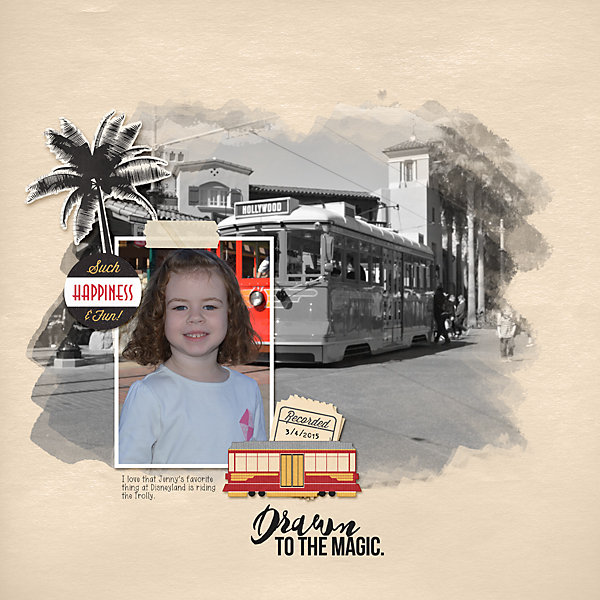
This was such a fun challenge!! It's something I probably would never have done myself, but I'm absolutely in love with the layout I created. Thank you!
Follow along with the video below to see how to install our site as a web app on your home screen.
Note: This feature may not be available in some browsers.


Hi Lizzie! Absolutely journaling is allowedWhat a great challenge! Is journaling allowed @cfile ?
 I am glad you are enjoying the challenge!

Christa @cfile, thank you for the fabulous technique challenge and for the step-by-step tutorial. I especially appreciate the tips in Step 7 using the watercolor brushes and the settings.
/Quote]
Thank you Grace for your sweet comments on the blending technique challenge. I am so glad you enjoyed using the watercolors and learning about the settings. The settings you can do that with any brush if you want them to be used randomly. Some of the brushes by Just Jaimee or NBK or others in the store may already be set up with random settings, but if not it is fun to play with sizes and angles
@cfile im trying to replace this layout with my new one... i redid the blending. i was able to get the new layout in the gallery, but how do i get rid of this one and put the new one in?

Thank you, Christa!Hi Lizzie! Absolutely journaling is allowed


