January 26 - Repeating, Transforming and Connecting Shape/s to Make a Frame

Thanks for hosting Justine!
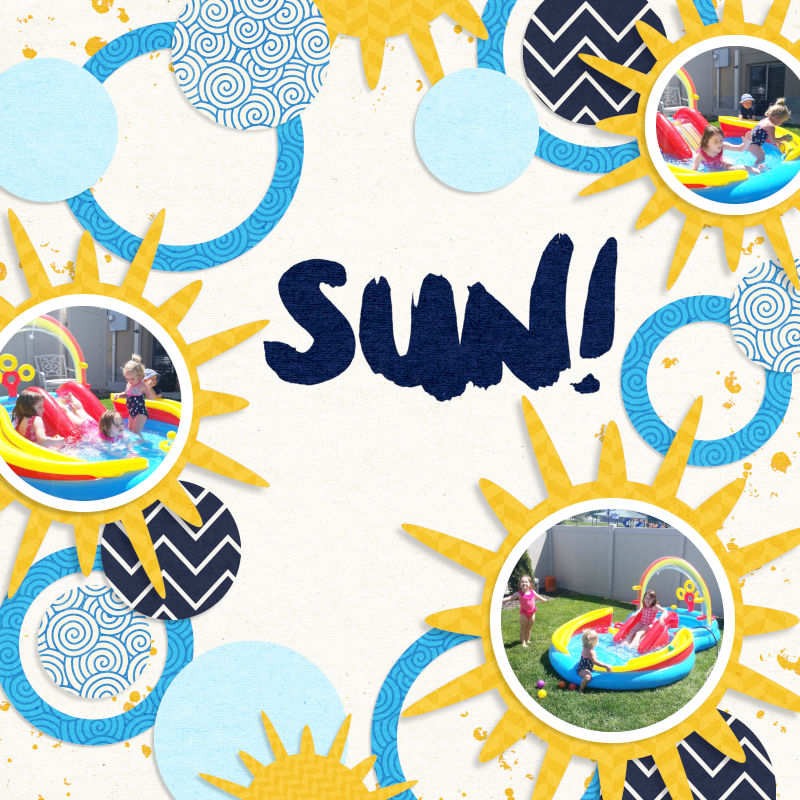
I started with a circle and stretched it and rotated it to make the yellow suns. I made the circles and suns touch/overlap all around the page to frame the word "sun" in the middle of the page.
 
This took A TON of thinking... but finally, here is my page. I'm not sure I'm entirely happy with it, but with just a few days till the end, I don't have much time to spend tweaking it any further.

I started with a cog shape, duplicated, resized and transformed the original (changed hole radius and number of teeth), applied metal style that came with my software and repeated the process several times. I then grouped the cogs into a stip, duplicated and rotated to make a page frame. Resized the frame to 14 inches and centered on the page. I hope this counts for the challenge.


cogs.jpg
 
Last edited:
This made me really think! :) I started with a square and then warped it into a rectangle, then repeated the process to make a frame for my word art.

 
I used a leaf shape that I duplicated and rotated to make the initial shape, then I duplicated that shape 2x to make the frame shape. What a fun challenge...but I went right down the rabbit hole looking through shapes lol!
 
For my frame I took an alpha and typed out SILAS and then duplicated, flipped it horizontally, left, and right until it looked the way it does.

 
This was a very interesting challenge! I started with a star-like shape, then duplicated it, rotated and changed sizes.
 
Back
Top