
melidy
Well-Known Member
- Joined
- Jul 24, 2012
- Messages
- 488
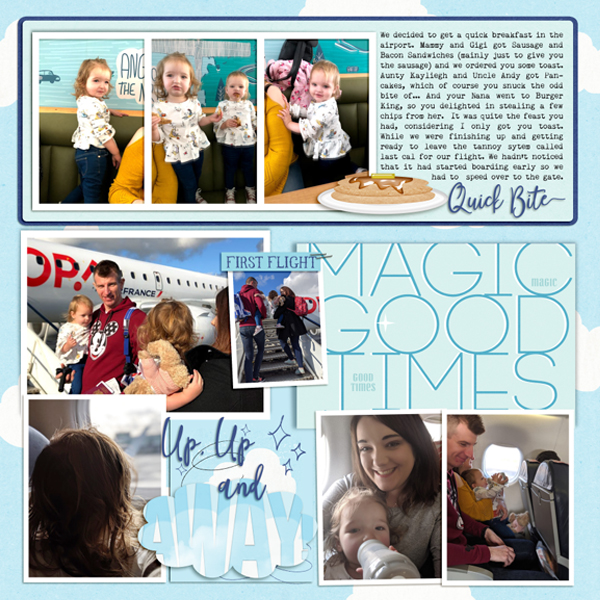
Thank you for the challenge. Here is mine. I used the cloud from the set and added the word away to complete my title:
Follow along with the video below to see how to install our site as a web app on your home screen.
Note: This feature may not be available in some browsers.





I'm not sure what program you are using sorry Rhonda but the way that I did it in PS was to pick a shape and then create a layer for each letter in my title. I then clipped all the layers onto the shape. It will cut little bits off some of the letters but thats fine as long as I can see the what the letter would be. For the letters that needed lengthening to fit the shape, I just grabbed them and dragged them up and down until they fit. Like this .........
View attachment 431553
and just keep going until it fills up the shape nicely ......
View attachment 431555
I hope that this helps?

I think you have to unclip the letters from the shape first before clipping the papers to the letters. Then simplify (merge) each paper/letter combo and then clip them to the shape? I have PSE and that is how I would have to do it, not sure if there is a quicker way in PSCC,yes that helped me to clip the letters to the shape. but now i am having trouble trying to clip paper to each letter. when or how do i do that. when i tried to clip to each letter it ended up just clipping to the shape. i am using ps cc thanks for help


