
andastra
Can't knock me down for long!
- Joined
- Jan 27, 2011
- Messages
- 395
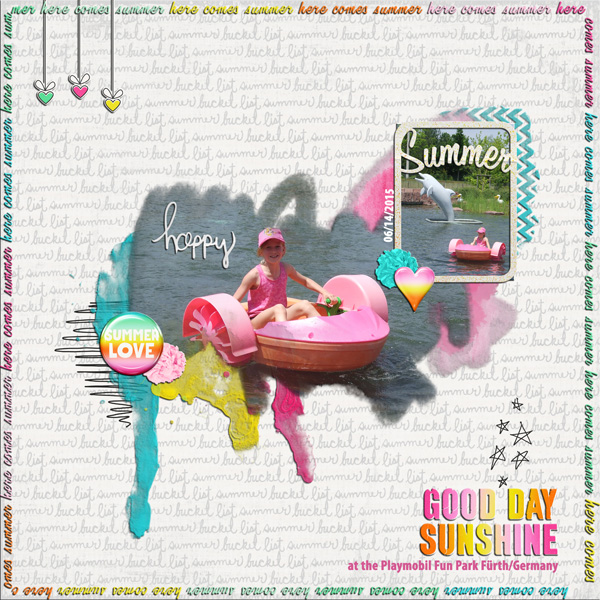
Here is my try:
Follow along with the video below to see how to install our site as a web app on your home screen.
Note: This feature may not be available in some browsers.


that is what she did ... she clipped her photo to the watercolor paint. i would say this would be acceptable ... it is watercolor paint and it was used as photo mask. but i'll see if we can get clarification.
Sorry I didn't see her photo clipped to the paint. I haven't had my morning coffee.The paint in this template is a separate layer that could easily have a photo clipped to it, so would definitely meet the requirements of the challenge. The technique we are trying to showcase here is simply taking a paint layer and clipping your photo to it so that your photo mimics the shape and faded edges of a streak of paint. You can add additional paint if you want, but you don't have to.
If anyone still has questions, please post them so we can make sure you guys are clear on the instructions before you finish your page!


 Thanks for a great challenge!


I use paint shop pro, and this is what I did!!The layer that he shows that is the black scribbles would be equivalent to the paint or brush elements layer in Photoshop as far as I can tell. Can you use paint or brushes (or brush png's) in Paintshop Pro?


