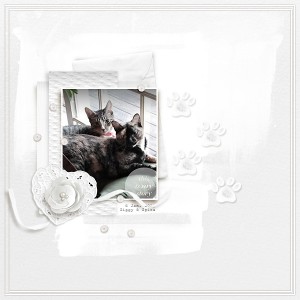

My Story (MOC7 Day 9 white on white)
- Description
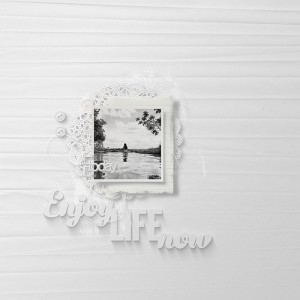
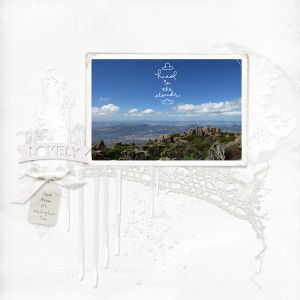
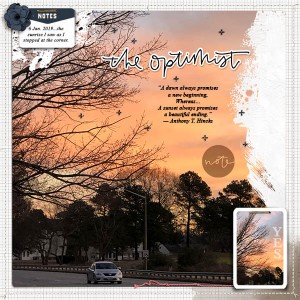
- Photo is of my BFF Kittens... (6 Jan. 2019 Ziggy & Spice)
TFL!
I adjusted some of my items to change them to white and also curve adjusted to brighten some elements/papers - like the paw print was brown.. I first made it b/w then I did an invert to go from black to white before adding a shadow.. the same thing with the bow/ribbon.. it was blue.. I changed to b/w then did Ctrl/Cmmd I to invert from black to white I then added a curve adjustment to brighten.
Credits:
Allison Pennington | Minor Details - (Vel 3)
https://the-lilypad.com/store/Minor-Details-Elements.html
Paula Kesselring | basicwhite2 (papers 4, 6 & 7 some papers have slight curve adj to brighten)
https://the-lilypad.com/store/Total-White-Super-Bundle.html
Kate Hadfield | Here Kitty Kitty (pawprint - converted to b/w and curve adj)
https://the-lilypad.com/store/Here-Kitty-Kitty.html
Pink Reptile Dessigns | Out of This World (flower white - curve adj)
https://the-lilypad.com/store/Out-Of-This-World-Elements.html
Elif Sahin Designs | Chapters (paint)
https://the-lilypad.com/store/Chapters-Elements-SD.html
Elif Sahin Designs |Fall is For (ribbon - converted to B/W and then curve adj)
https://the-lilypad.com/store/fall-is-for-elements.html
Elif Sahin Designs | It's About Time (doily, envelope - curve adj)
https://the-lilypad.com/store/It-s-About-Time-Elements.html
Elif Sahin Designs | Jaunt (beads -removed all beads but white and then dup white beads)
https://the-lilypad.com/store/Jaunt-Elements.html
Font= Splendid 66
