
7+ ways to fill a journal spot that are NOT journaling
Hey! What’s your immediate reaction to a journaling challenge? Do you dread them? Are you filled with trepidation or are you in the opposing ‘no problem, I can fill a page with words!’ camp? Do templates with significant journal spots put you off or sit neglected in your stash?
Well, I’m here with a few ways to use those templates, especially for scrappers like myself that have that initial reaction of trepidation. I’ve also asked the team to share some ideas and examples of how they use these sorts of templates or avoid journaling creatively.

Let me start by saying for Journal Challenge trepidation, especially when a word count is specified, I’ve learnt to start with the ‘who, what, when, where & why’ as a way of getting some skeleton info down as a basis, then fleshing out my journaling in to sentences. In some instances, the who, what etc is enough, but I readily admit that I still don’t love them though. The idea of typing and fitting textboxes or finding the right font all detract from how I feel about scrapping but sometimes I feel like I don’t even need to write anything. Maybe the photo stands alone and says the 1000 words by itself. What do you do with that journal spot on a template or when scraplifting if that’s the case, or you have a photo from so long ago now, you can’t remember many details or even know the story or events in an image?
Here’s some 7 ideas with example layouts and a bonus one at the end:
- Use a script brush or mask
These are often written or designed in a way that the specific text is hard to read and can make them perfect for when you don’t even know what to say about a page or photo! They are also often perfect for heritage pages or for historic architecture due to their old handwritten aesthetic and are perfect for fading into the background of pages right over the journal spot and can really help fill a template when using a solid background paper if you are not exactly a minimalist scrapper!- for this page, the template (by Rachel Jefferies which was much more minimalist!) has a journal spot on the right next to where i placed a photo at the top; i used a script brush element over the spot (where you can see the A,B,C) and ran it off the page
- Use definitional, dictionary style wordart (or type the definition in a simple typewriter font yourself)
These are often longer than traditional wordart phrases or wordstrips and take up much more space on the page, which works especially well as a stand-in for normal textbox journal spaces. It can be a stand-alone or it can highlight a word in your title or a feeling the photo conveys (even if it is not a photo you know the full story behind), so for the word and definition (journal substitute) to connect to your layout, you only really need to find one word, rather than having to come up with a few sentences to a paragraph of journaling.- for this page, I added the ‘enjoy’ definition to the empty spot on a Project Mouse journal card and integrated it into the page with paint and elements. It is using the journalling almost like an element.
- Use your preferred quotes or lyrics
If you don’t have the words yourself, with the vast history of speeches, literature and lyrics only a keyword search away, you might not need to journal and restate something that someone else once said or wrote.- Polly cfile’s example below uses a quote she typed in Photoshop, making her own pocket card creating an element but this would work equally well in any font without the obvious box shape. It’s also an example of using a photo that has an unknown person in the group but Christa coordinated it so well with the kit and theme, I didn’t even realise she’d made it herself!
- Use a pre-made large wordart or filler pocket card. You could make your own like Christa above but why invent the wheel? The designers have often done the heavy lifting for us. A lot of card sets will contain a mix of card styles, some more blank like the one I used with the dictionary definition above, and others more filled so you don’t have to do anything other than drag it onto the page! Often the wordart is also included in a coordinating kit without the card, giving you some flexibility to use it in less blocked pages
- Polly garrynkim has used several filler cards below from ninigoesdigi’s Bouquet card pack along with the coordinating kit, and the lower left card definitely looks and feels like journaling at a glance and helps the page feel balanced because of the smaller font and larger block of text on that card compared to the other wordart used on the page.
- Designer Kiana of Studio Kaleidoscope has featured a wordart from her The Sacred Pause kit in a journal spot on a layout (shown just below Kim’s) based on her template from her Remixes no.1 template pack.
- Use a text-based patterned paper. Whether you fill the whole background with a text paper or just use a snippet, this is another way designers can help you avoid journaling! From newspaper through to modern keyword themed papers, this can be a good choice if you want to completely avoid typing or even finding a quote or typing lyrics!
- For the first example, i have a few pieces of papers from Lynn Grieveson’s Botanical 2 kit, in blocks. They features different typography and so instead of journaling on the far right, i have a made more of a patchwork page, using a block of white paper with blue text from the kit.
- The following two pages, Polly littlekiwi and I have used the same paper (different colour versions) from a Pixel Giraffe pack that includes a script section showing it doesn’t even need to be a full ‘text as a pattern’ paper but just any that includes typography
- Rearrange the template. Templates are a guide after all so if you want to resize or move something, you have that option. To remove emphasis on the area designated for journaling, you could:
- slightly enlarge everything to ‘crowd out’ the journalling,
- just shrink the journal spot if a date and place/name is all you need to add to contextualise your photo,
- fill a large journal area with a photo as Polly keepscrappin has done below. She flipped the script literally on the Little Butterfly Wings template she used and filled the larger portion that was designated for the title and journalling with a larger full-length photo !
- Use a patterned or busy background paper. This is a good trick if you want a minimalist input or quick and easy page but maximalist impact design. Nothing fills a blank canvas faster than a busy paper. It’s so much harder to get clear and legible text against a patterned background and it will be a great distraction along with out photo so no one will be missing that template journal spot, no matter how large!
- The big artsy paper Polly Stefanie has used here certainly fills the bottom half of the page where one might expect journaling especially with a plain solid background. She didn’t even include the date!
- And Bonus Idea: Swap in an extra photo.
A rectangular or square text box is a fairly easy swap for a filler card or extra photo on some templates and especially if you are a multi-photo scrapper, this might be an easy way to extend your template stash of single photo templates! Even circle photo masks or a freestyle shapes if your journal block is not the standard rectangle or square, could create a more artsy multi-photo page.
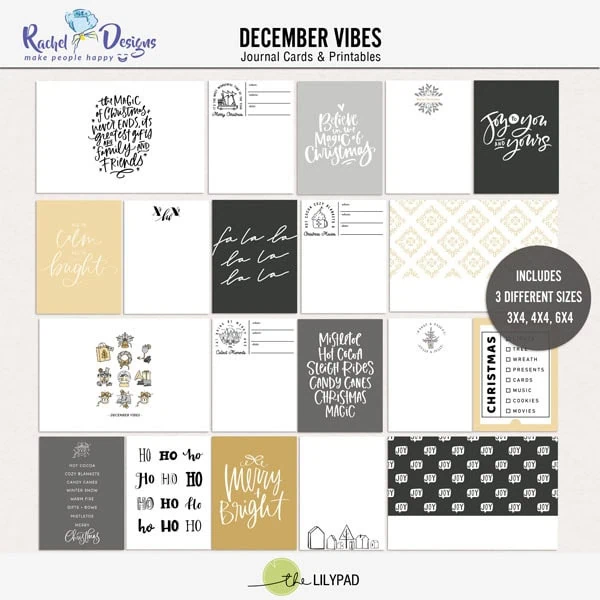
Now that you have some tips and tricks, here’s a few products that journaling-avoidant scrappers may find handy. Some script or definition ones, (Lynn Grieveson has easily dozens of different sorts in her store and a definition is often included in Sahlin Studio’s element packs, but here’s a small selection ) and wordy pocket card packs:
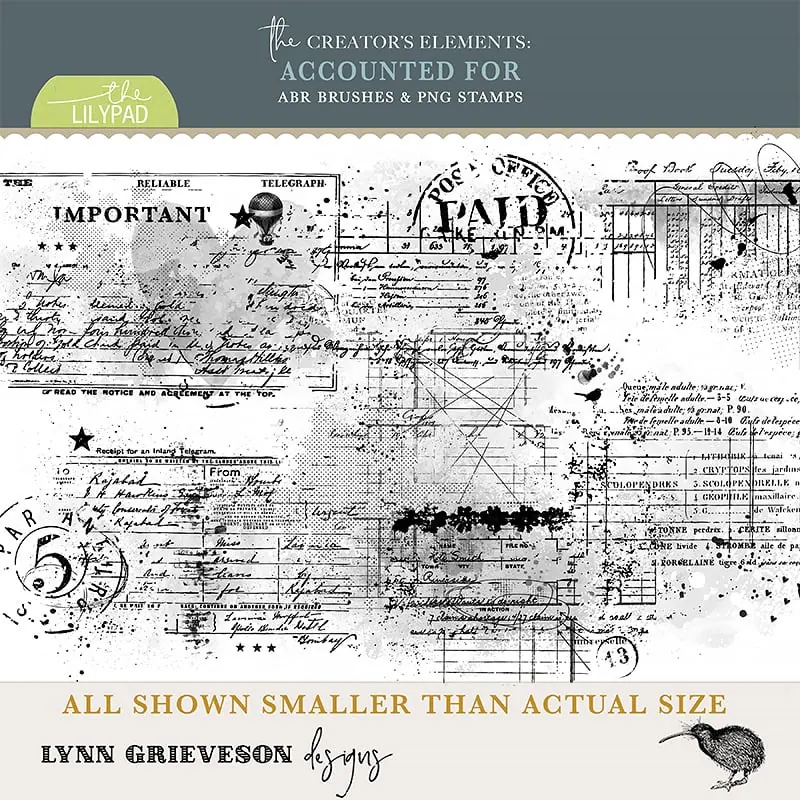
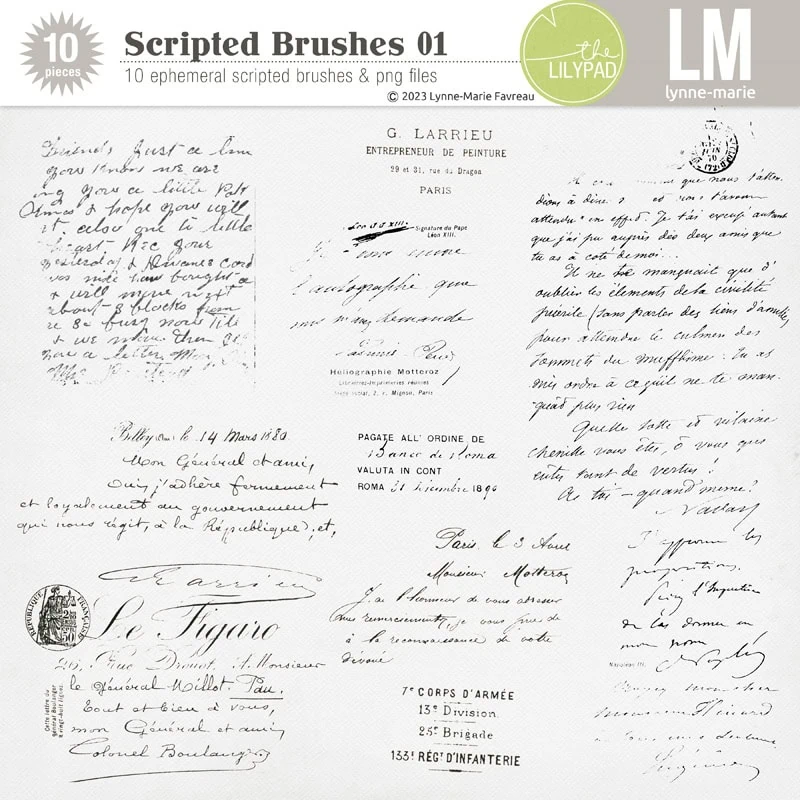
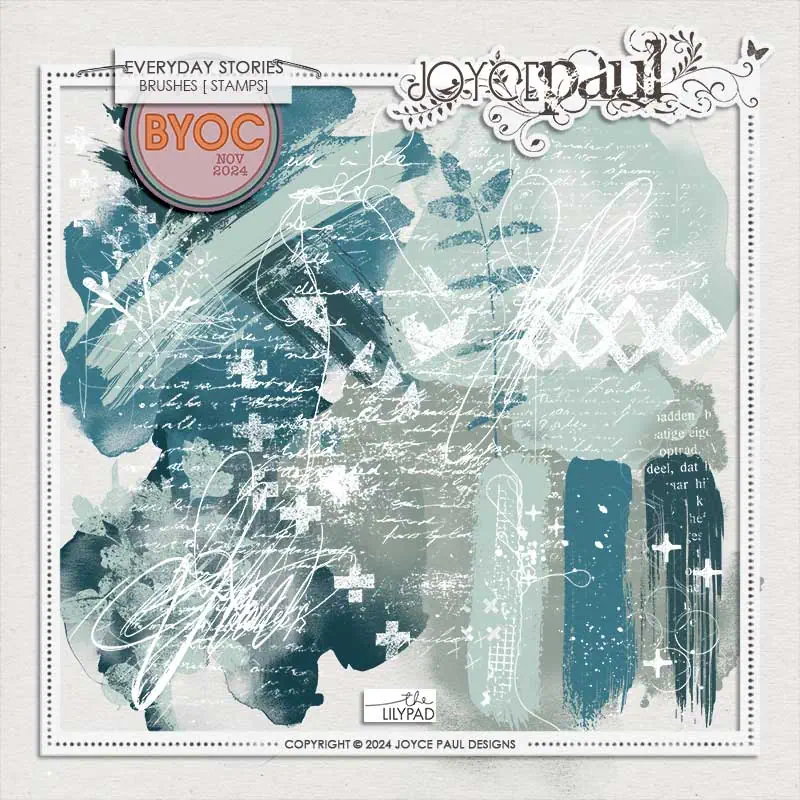
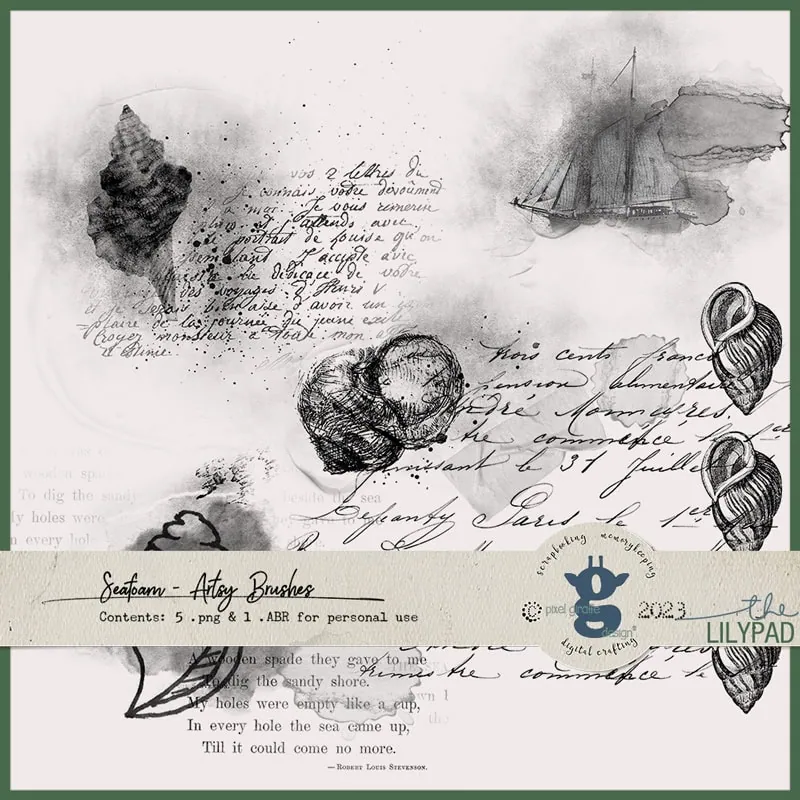
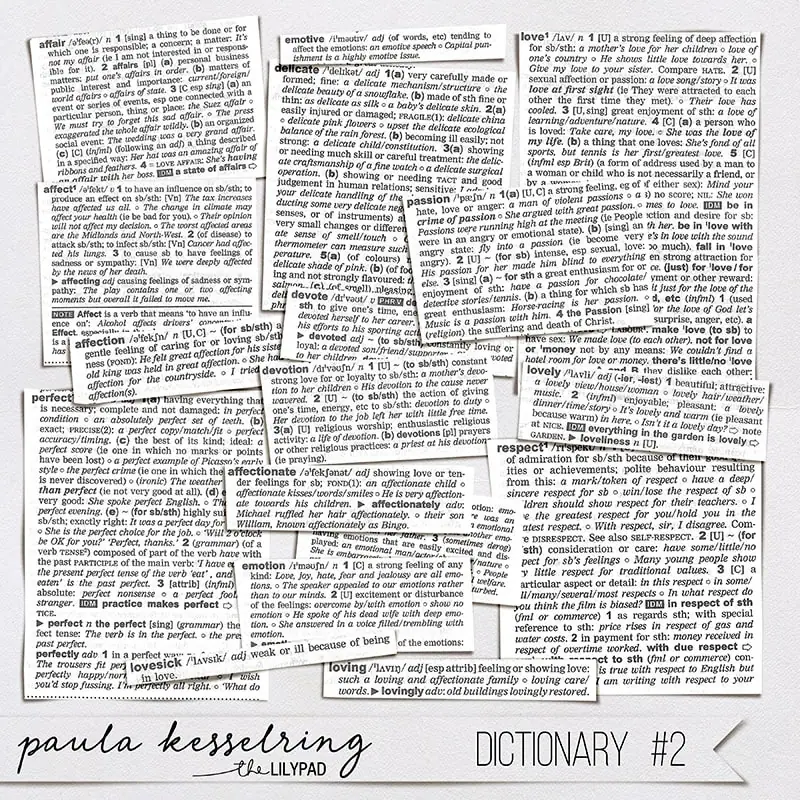
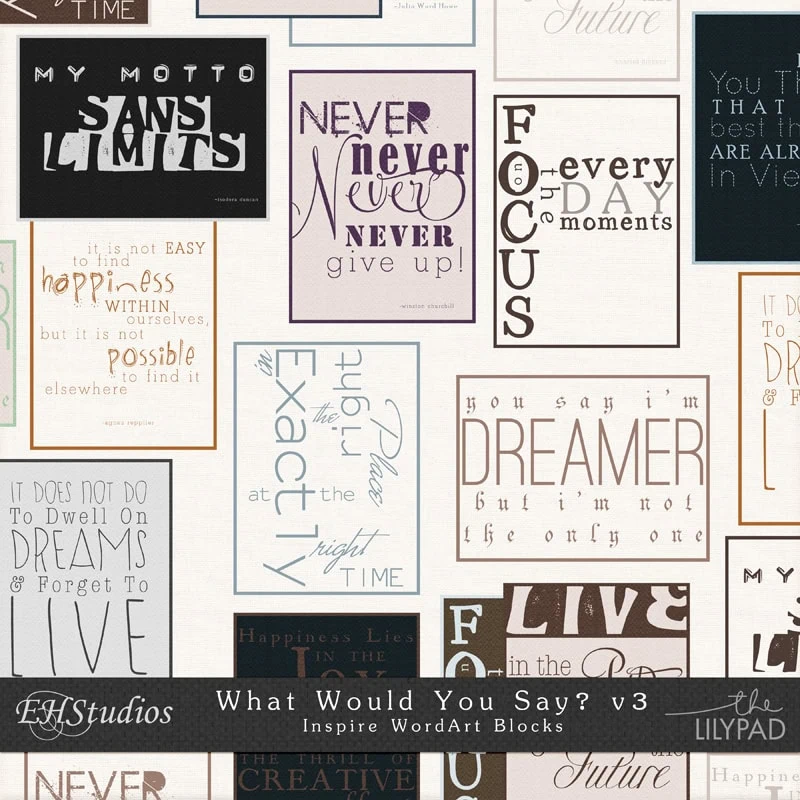
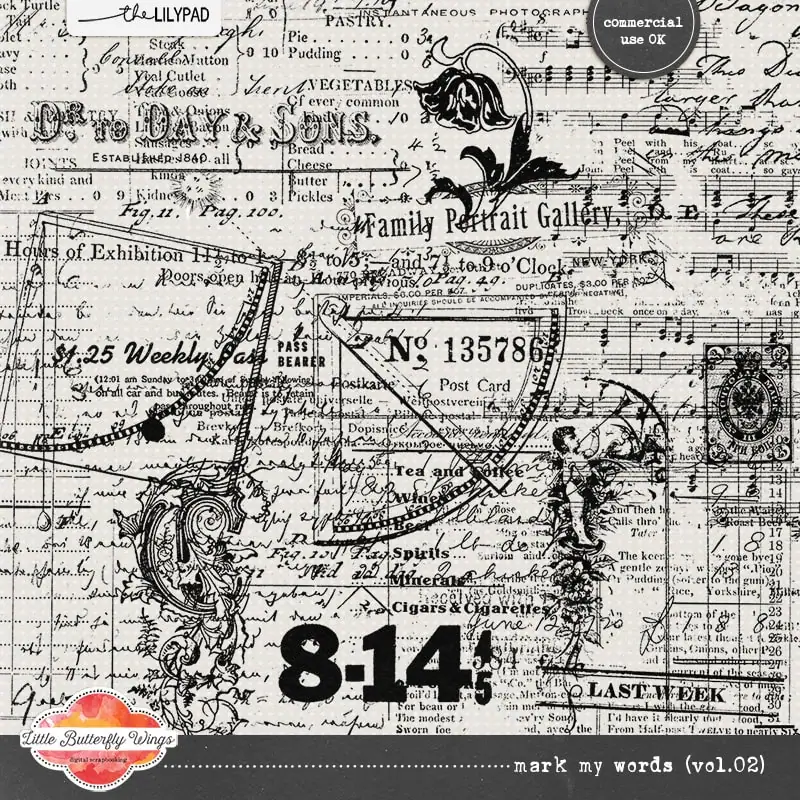
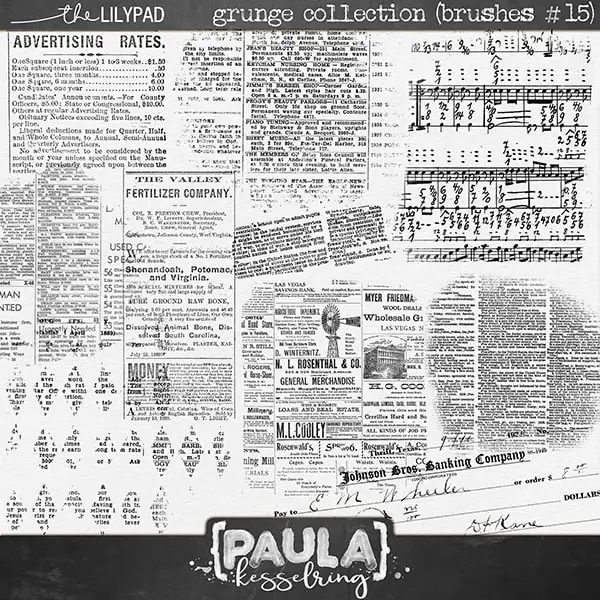
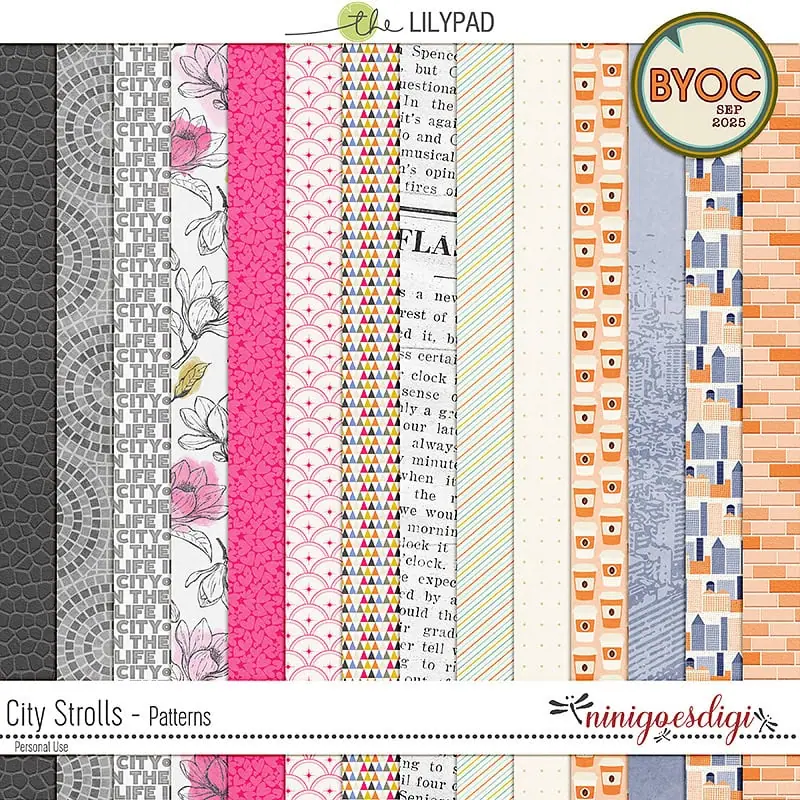
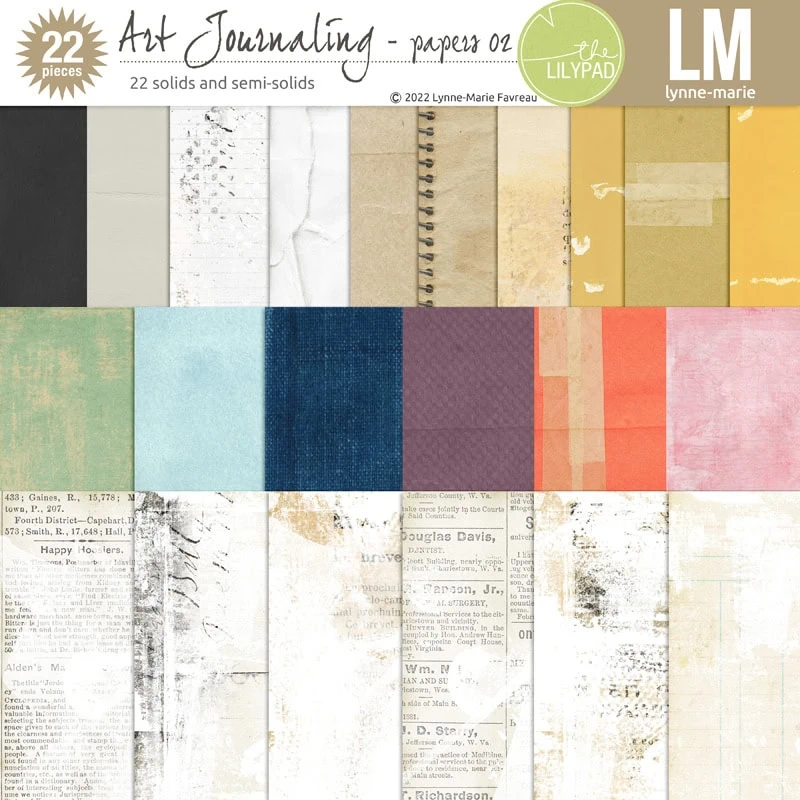
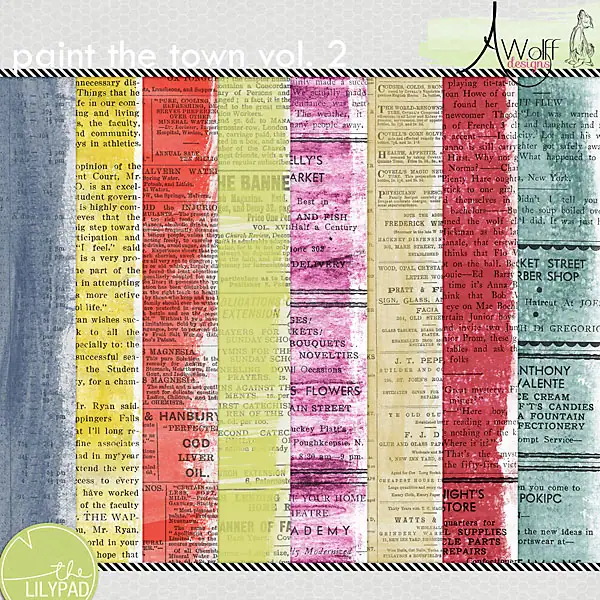
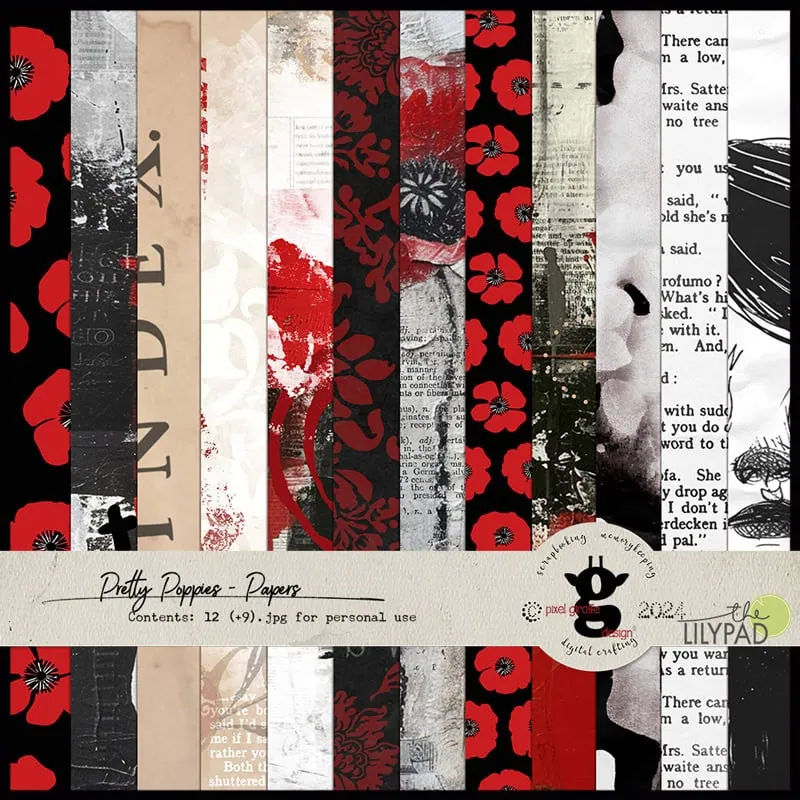
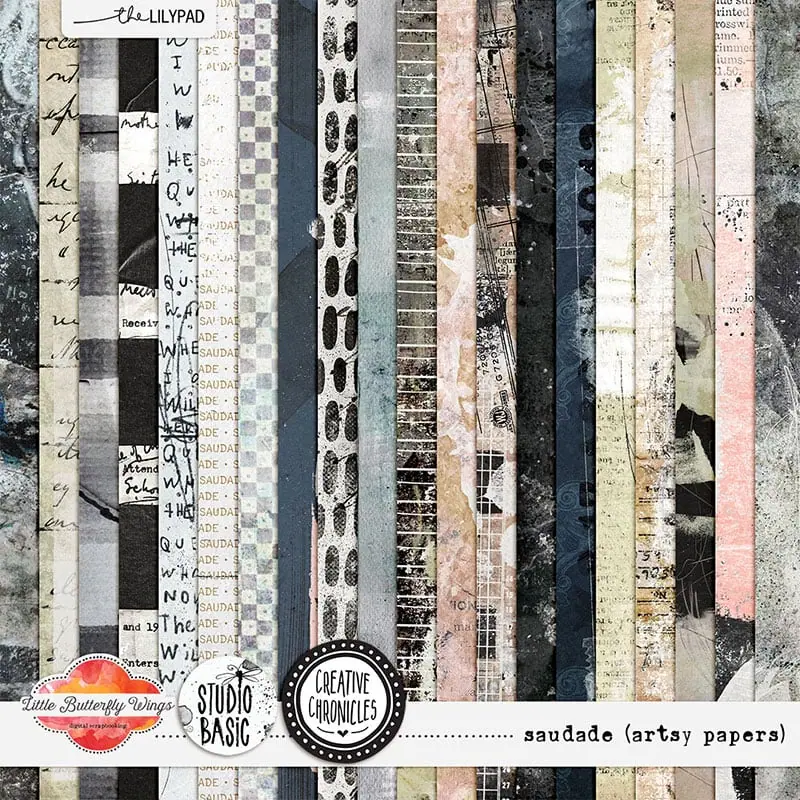
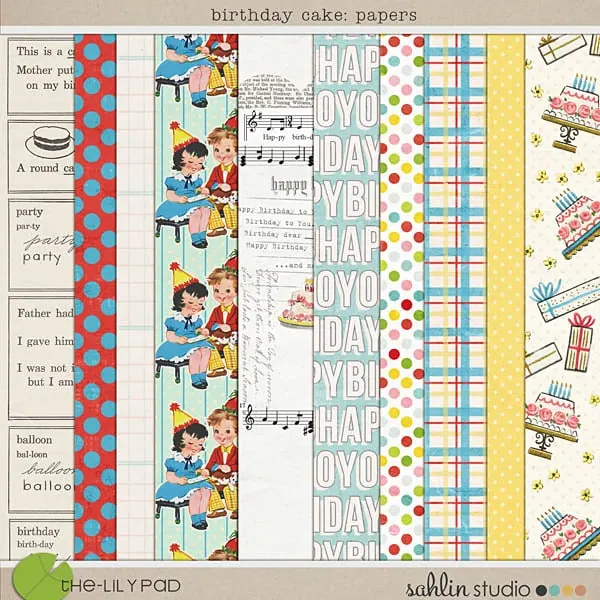
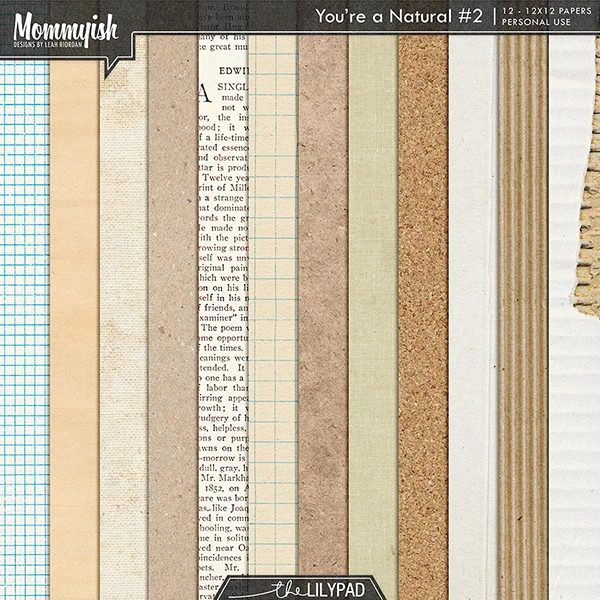
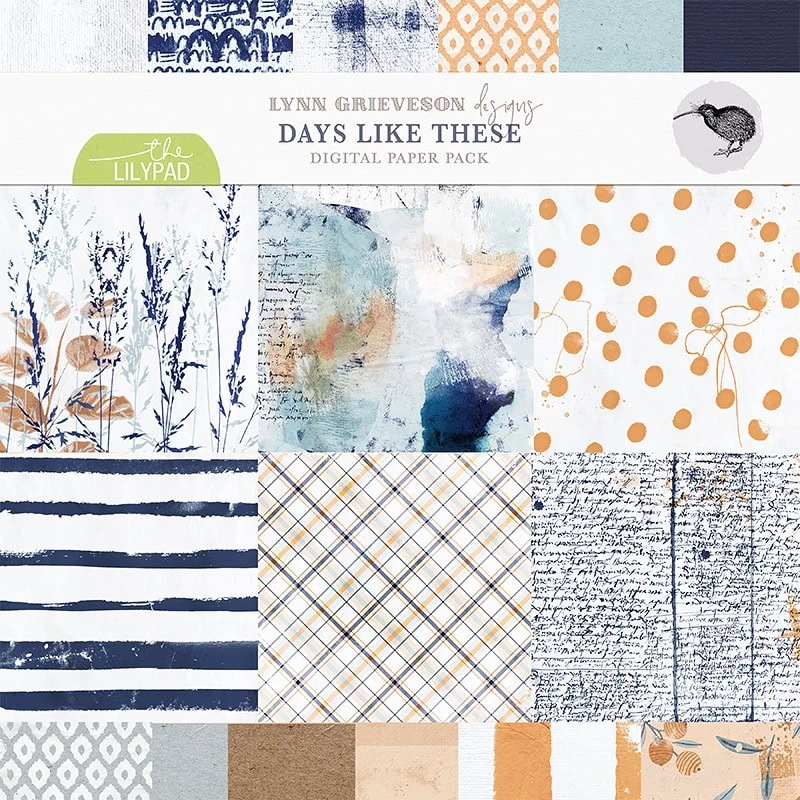
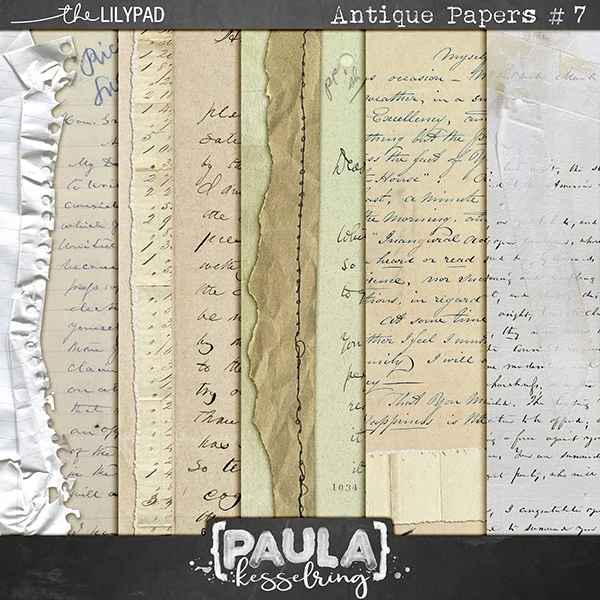
And some paper packs that feature text on one or more of the papers:
So can you relate? Do you avoid journaling where possible? Do you have a favourite or different way to fill a journal block when you don’t need or want to journal? Let me know in the comments and good luck with your future Journal Challenge pages!




Great tips, and fabulous example pages. I’m not adverse to journaling, but sometimes I don’t want or need to add journaling to a page. As I nearly always use templates for my pages these are great ideas for me to add to my box of tricks. Thank you.
Fabulous article Justine! I really enjoyed looking and reading about journaling in templates and seeing all the examples. Well done!
Great tips! I really love the idea of filling a large journaling area with a photo instead! But, these are all great ideas for those you want to skip the journaling!
Greart article ! Thanks for sharing all these tips.