agree with above posts that so many do not look white her e at all - either cream or light gray looked thru all pages and only a handful are whiteMOC7 Always Has So Many Interesting Challenges...In The Years That I Have Been Here & Have Never Heard Of A White On White Challenge...I Find This Challenge Confusing...I Looked Through The Thread Here & To Me It Looks Like A Lot Of The Layouts Contain Grey & Not White On White...I Have Trouble Distinguishing The 2 Sometimes...It Says White But To Me It Looks Grey...This Doesn't Seem To Comply With The Rules To Me...I'm Very Confused...Either Way...I Have A Finished Layout Here To Post & To Me It Looks A Lot Whiter Than A Lot Of The Ones I See Here In This Thread...So Hopefully It Is O.K....
qUOTE]
.
Navigation
Install the app
How to install the app on iOS
Follow along with the video below to see how to install our site as a web app on your home screen.
Note: This feature may not be available in some browsers.
More options
Style variation
You are using an out of date browser. It may not display this or other websites correctly.
You should upgrade or use an alternative browser.
You should upgrade or use an alternative browser.
January 9: White on White Page
- Thread starter Justagirl
- Start date

morgyns
Well-Known Member
- Joined
- Feb 28, 2015
- Messages
- 580

Bec
Well-Known Member
- Joined
- Dec 30, 2016
- Messages
- 352
I pulled white elements from sooooo many kits for this and then I removed most of them 


CarolinaScrapper
Well-Known Member
- Joined
- Jul 8, 2012
- Messages
- 376

tinkerbell1112
Offical Ambassador of the Magic Kingdom
- Joined
- Dec 31, 2011
- Messages
- 3,046
lighten - thanks. I'll try that. I was under "color" tabUnder the touchup ribbon I used lighten on the flowers in my layout. They were white but had a lot of gray to them. Using lighten was like painting them white but still having the ridge definition and associated shadowing of the elements. It was cool using a feature I'd never tried before.

tkradtke
Professional Brainstormer
- Joined
- Dec 28, 2009
- Messages
- 5,906
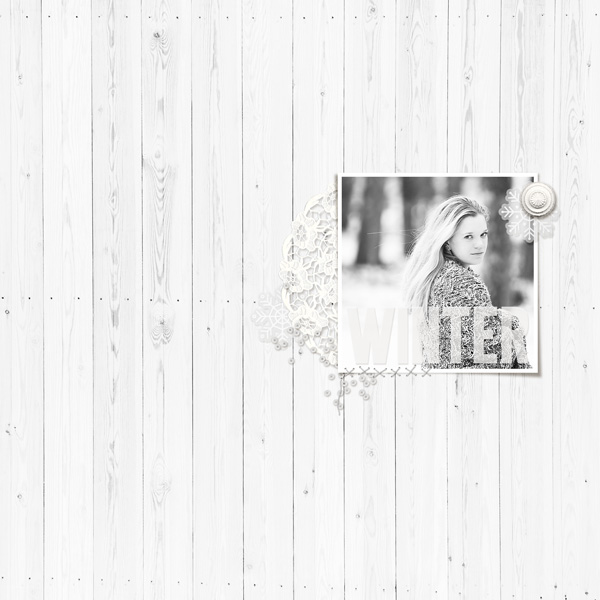
Here's mine... (please let me know if the wood background paper doesn't work... I lightened it and spot tested to see if the white portions were on your chart)...

mrsashbaugh
Well-Known Member
- Joined
- Oct 31, 2013
- Messages
- 331
This was definitely a challenge...thanks for challenging me and hopefully it came out alright.


Genniejoy
Well-Known Member
- Joined
- Jan 1, 2018
- Messages
- 300

huyentrang43
Well-Known Member
- Joined
- Nov 1, 2013
- Messages
- 524
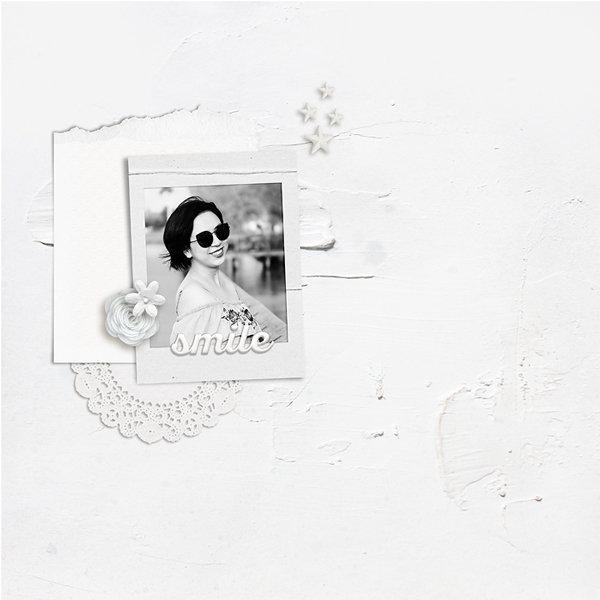
I got crazy to find all the white stuffs from my scrapbooking folders OMG

bjc
Trophy Wife
- Joined
- Aug 18, 2011
- Messages
- 3,222

Electra
Bustles & Parasols
- Joined
- Apr 19, 2015
- Messages
- 3,255
This was a real challenge, thank you!
[URL=https://the-lilypad.com/forum/galleries/9-having-fun.375801/] [/URL]
[URL=https://the-lilypad.com/forum/galleries/9-having-fun.375801/]

cookingmylife
Pizza would be my last meal, except ...
- Joined
- Aug 1, 2012
- Messages
- 5,367
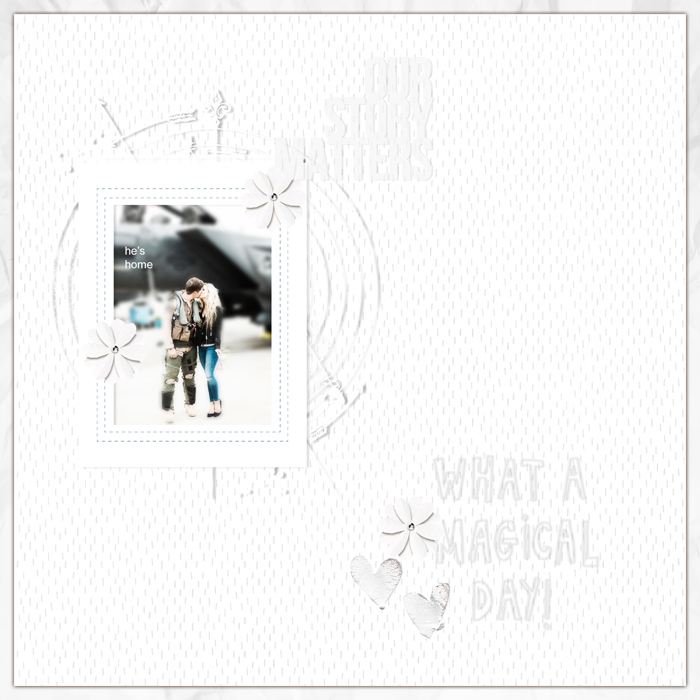
I used to think I liked recoloring but this cured me of that!  But I hope I got it!
But I hope I got it!
Marjoleine
Well-Known Member
- Joined
- Dec 3, 2018
- Messages
- 119

lorieh
Well-Known Member
- Joined
- Aug 24, 2016
- Messages
- 592
This was a challenging challenge! I kept wanting to add some color It was fun to play and I now have a little "Franken Kit" of white paper and elements Thanks for the challenge! Here is my page:

It was fun to play and I now have a little "Franken Kit" of white paper and elements Thanks for the challenge! Here is my page:
carrie1977
Tequila and Taco Tuesday
- Joined
- Jan 20, 2012
- Messages
- 5,077

wvsandy
Grinning Granny
- Joined
- Apr 15, 2011
- Messages
- 3,999
This was tough. I went through three LOs to get one I liked.


DisneyMom
official mousketeer
- Joined
- May 13, 2018
- Messages
- 615
I think a big issue I had and many might as well is the look of white on one screen, it may look cream/grey/blue on a different screen. All depends on what your computer screen setting are. Hope mine is white enough. Looked great on the computer but when I opened it on my phone the white colour was off.


cinna
The Force is ALWAYS with me ...
- Joined
- Jun 18, 2011
- Messages
- 1,456

Alexandra M Meffert
Well-Known Member
- Joined
- Jan 17, 2018
- Messages
- 313
This one was a bit of a challenge for me, as I did not want to change my style too much, but stacking and clustering white on white elements is very tricky!
