January 3: Mood Board Challenge (Inspiration)

Here is my mood board:
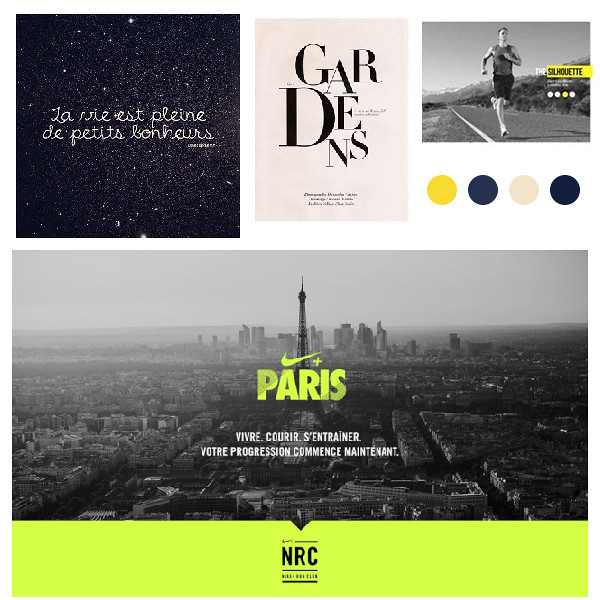
GOUJi73.jpg


and my layout:
 
Can't Shake The Winter Deep Freeze Around Here...So Here's My Mood Board...

MOC6-Day3-Mood Board-Challenge.jpg


moc6-day3-mood-board-challenge-jpg.250827


Here's My Finished Layout Based On My Mood Board...It Pretty Much Sums Up My Winter Theme Here....Lots Of Cold Mixed With Snow + A Gentle Mix Of Red Winter Berries...Ooh...Frosty!...

*For My Red+Blue=Winter Layout-I Used*

*Winter Wonderland & Wrapped Up-Both Kits By Kristin Aagard

 
Last edited:
Oh goodness I have never created a mood board and am actually a little lost on how to do this.
 
Is there an app to make mood boards, or do we do it with our digi program just like when making a layout?
 
Is there an app to make mood boards, or do we do it with our digi program just like when making a layout?
Oh goodness I have never created a mood board and am actually a little lost on how to do this.
there are lots of samples in this thread to give you the idea. it might help to start with a search for a colour scheme you like or 'feel' at the moment?
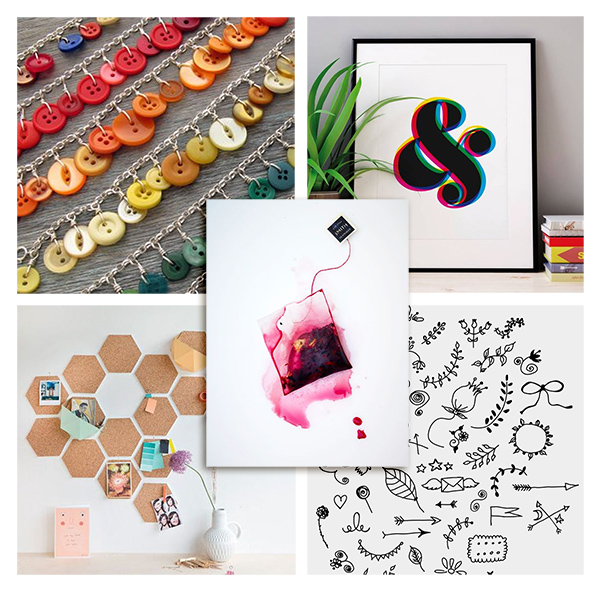
I just made a grid in photoshop for the one i've been working on (attached) and dumped images i liked into it and then resized them to fit the grid (like pocket scrapping or using a template). I started with the dreamcatcher wreath and built it from there (if you use pinterest, clicking one image to make it big will give you similar or recommended images further down the page and it helped me go from cacti to buttons and lakes with wordart etc)- my page isn't close to done yet but here's another example board i guess. My unfinished page has several buttons on it now and some wooden elements and a paper with the + design from one of those pots on the bottom left... Hope this helps (heading to bed now)

mood.jpg
 
Back
Top