Do you use a Graphic Tablet?
Today’s tips and tricks is a little different from our normal! I got the idea to highlight some great things about tablets! I have had my Wacom Bamboo Fun tablet for about 2 years now, and I don’t know if I could live without it! I vividly remember hating it at first though! I mainly use my tablet as a mouse, and at first I just could NOT get the hang of it. But with a little bit of practice and perseverence I have grown to LOVE it!
First off, a little overview on what you can use a tablet for from the Bamboo Fun website:
A tablet enables the use of multi-touch technology along with the comfort and precision of a pen. With multi-touch, you use simple hand gestures and finger taps to move around your desktop, scroll through documents, navigate the web, zoom in and out of photos, and rotate images. And because the active area is larger than traditional mobile devices and laptop trackpads, it’s comfortable and natural to use.
A pen tablet can help if you’ve experienced wrist pain from prolonged computer use. I have personally not used my tablet for handwriting on my pages, but that’s another great use! Many designers use a tablet to draw and doodle their designs!
I work solely on a laptop, and using the trackpad on that began to really do a number on my wrists. Now I sit on my couch, with a laptop lap pad that fits my 17″ laptop and my Bamboo Fun tablet right on it.
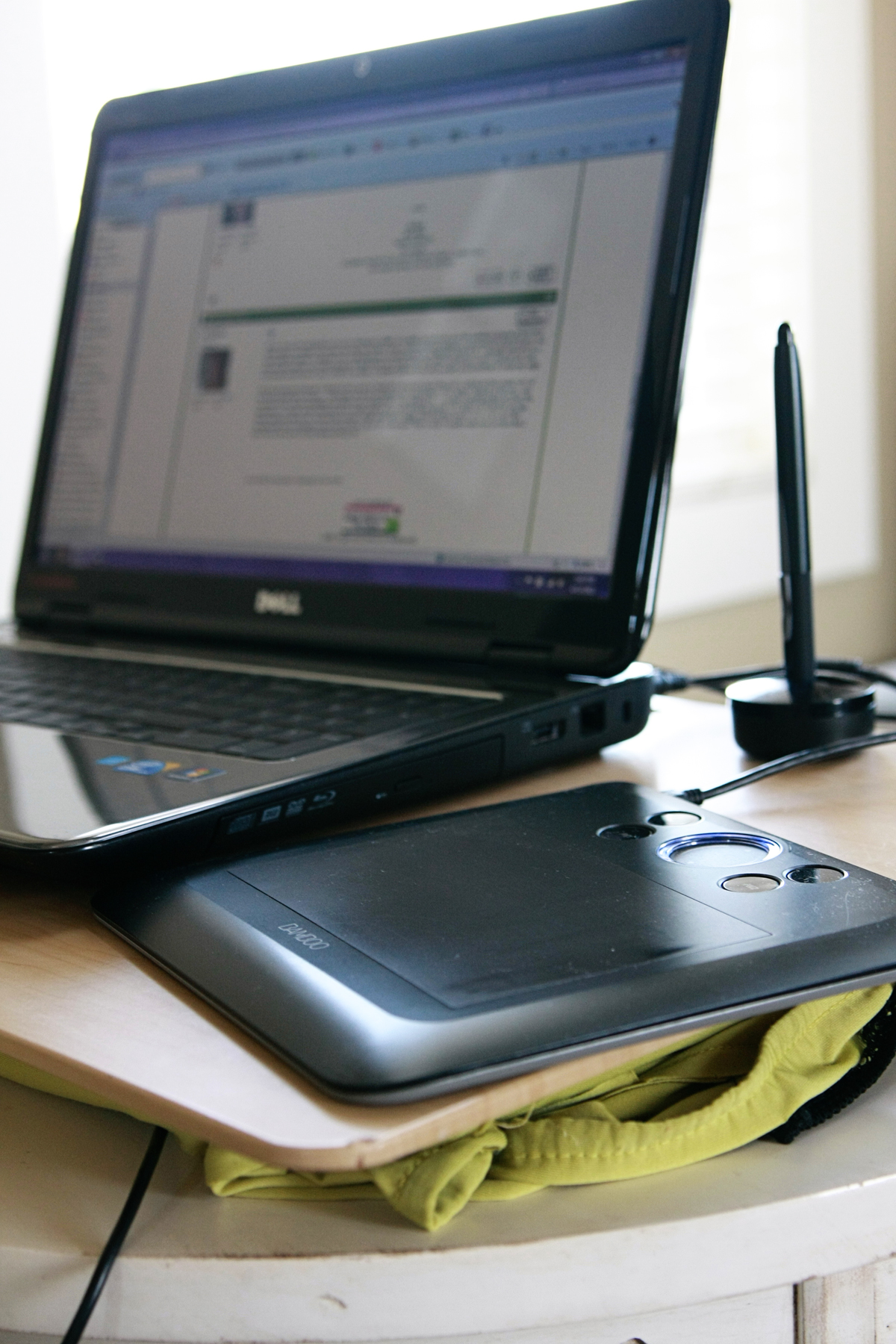
Ironically a thread was started right here in our forums about the Bamboo Fun tablets – lots of good banter in there about them as well! If you do not already have a tablet, and are looking for a new gadget to add to your list of things to own, then I strongly suggest getting one! I definitely had a love/hate relationship with it at first as I got used to the pen, but I cannot scrap or even surf the web without it!!! They are fairly inexpensive, starting at around $70, and on up to about $180 for a really good one!