lucysmom
Active Member
- Joined
- Jan 3, 2015
- Messages
- 109
I don't know if this question is for the designers or those of you that are using the system....
but I need HELP!!!!
I LOVE, LOVE, LOVE designing my pages digitally and printing them out for my planner. I'm having so much fun using these kits. So here's my question...
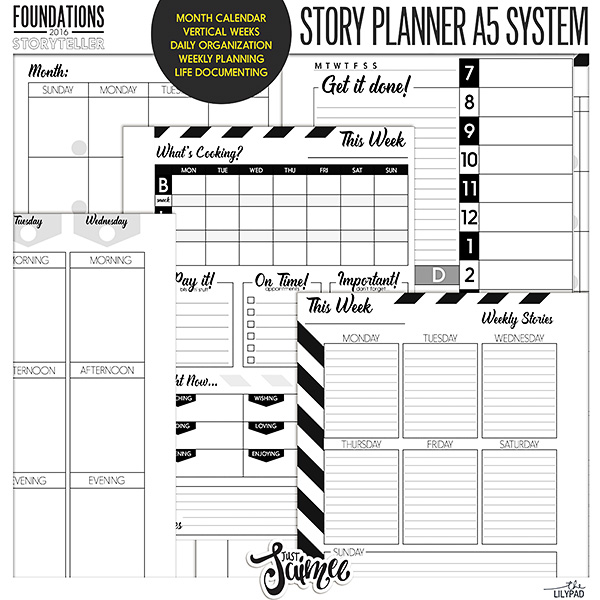
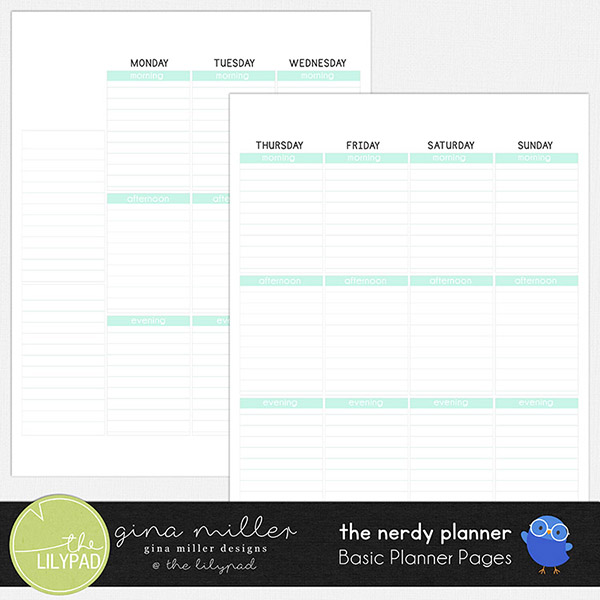
What do you all use as the base for your pages if you design them digitally-meaning, I do not use the calendar pages that come in my planner, I'd like PSD planner pages that I could embellish in PS and then print when finished. (I hope that makes sense?)
I looked in the shop but really didn't see what I was looking for. Like this page for example...what planner page base do they use?
https://the-lilypad.com/Planner-Collection-Monthly-Love-Letters.html
Any help would be so greatly appreciated.
but I need HELP!!!!
I LOVE, LOVE, LOVE designing my pages digitally and printing them out for my planner. I'm having so much fun using these kits. So here's my question...
What do you all use as the base for your pages if you design them digitally-meaning, I do not use the calendar pages that come in my planner, I'd like PSD planner pages that I could embellish in PS and then print when finished. (I hope that makes sense?)
I looked in the shop but really didn't see what I was looking for. Like this page for example...what planner page base do they use?
https://the-lilypad.com/Planner-Collection-Monthly-Love-Letters.html
Any help would be so greatly appreciated.