Photo Treatment

littlekiwi

I charge by the hour for anything before noon
Joined
Jan 21, 2012
Messages
10,794
I know what kit I'm going to use for this photo but I feel the photo is way too harsh for the kit so I'm looking for ideas on how to soften the photo a bit. My first thought was some sort of worn overlay possibly from Lynn but any ideas are welcome
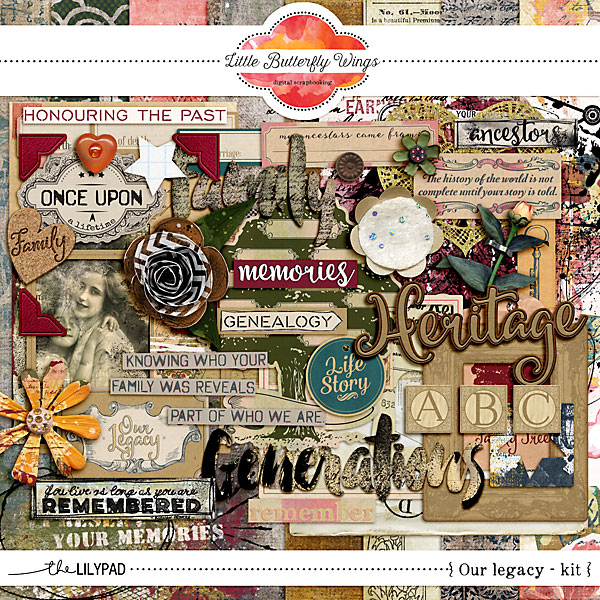
lbw_ourlegacy_pv-kit.jpg


and heres the photo....It was already black and white to start with
img031.jpg
 
This is a great style for an aged photo look-
Just Jaimee's Dusty & Dirt Style


sample.jpg
(Photo sample is free photo library of congress)

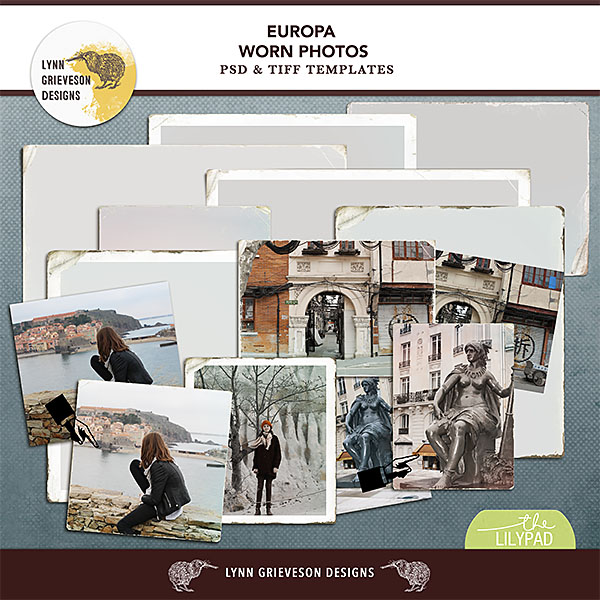
And this is using both Just Jaimee, PLUS Lynn's Europa Worn Photos


sample2.jpg
 
Last edited:
Those look like great options, just need to see what I would get the most out of as I don’t have a big need for more worn/vintage photo treatments usually
 
Those look like great options, just need to see what I would get the most out of as I don’t have a big need for more worn/vintage photo treatments usually
I use the style on bg papers too
 
Oooh, what about those paint masks you have? Could you clip a paper to one, then merge those two layers and then clip the resulting "new" mask to the photo? you could play around with different papers, maybe one that has more vintage feel and play around with a different masks as well as blending layers and opacity levels
 
Oooh, what about those paint masks you have? Could you clip a paper to one, then merge those two layers and then clip the resulting "new" mask to the photo? you could play around with different papers, maybe one that has more vintage feel and play around with a different masks as well as blending layers and opacity levels

That’s an idea I hadn’t thought of. In the end I want to make it look a little more aged (it is only about 32 years ago!) and a little less harsh
 
I would
Just turn the photo sepia rather than black and white. I don’t think it needs anything else.

it’s already black and white (as it was taken that way) so not sure I can turn it sepia unless I’ve missed a way to do it in PSE. Honestly that was one of my first ideas but couldn’t figure it out
 
A sepia photo filter will work great @littlekiwi Jennifer as Susan @Pachimac suggested.. in order for the photo filter to work in PSE make sure the mode of the photo is RBG and not Gray scale... Then click on the half circle icon and select Photo filter from drop down and select sepia. If you do not change to RBG mode the Photo Filter option will be grayed out.
upload_2021-3-9_8-57-54.png
 
Thank you all for your suggestions. Think I’ll try some of the free ideas first before going into the shop for something I might only use occasionally
 
A sepia photo filter will work great @littlekiwi Jennifer as Susan @Pachimac suggested.. in order for the photo filter to work in PSE make sure the mode of the photo is RBG and not Gray scale... Then click on the half circle icon and select Photo filter from drop down and select sepia. If you do not change to RBG mode the Photo Filter option will be grayed out.
View attachment 441763

Thanks Christa, I couldn't remember if she had PSE or that other software I know nothing about.
 
it’s already black and white (as it was taken that way) so not sure I can turn it sepia unless I’ve missed a way to do it in PSE. Honestly that was one of my first ideas but couldn’t figure it out
Doesn't PSE have built in styles that would have this? I know I have all kinds of photo effects built into Paint Shop Pro. I can even adjust the "age" of the sepia toning.
 
Doesn't PSE have built in styles that would have this? I know I have all kinds of photo effects built into Paint Shop Pro. I can even adjust the "age" of the sepia toning.

Christa @cfile has lead me in the right direction with PSE instructions for sepia so after I do my “work” (6 job applications and part time study of probably 15-20 hours this week to make up for not doing a lot last week while everyone was home during lockdown and the internet speed was almost going backwards it was so bad), I’ll have a play.
 
Doesn't PSE have built in styles that would have this? I know I have all kinds of photo effects built into Paint Shop Pro. I can even adjust the "age" of the sepia toning.

I am not sure, but the filters do a pretty good job.
 
@HavaDrPepper They have styles etc with PSE similar to what is in PSP, but the photo filter will do the trick for Jennifer.

Cool. In PSP they are called effects which is essentially a filter but I wasn't sure the PSE or PS called them. I copied her photo and tried it in PSP and got some good results with the Sepia Toning Effect using various percentages of aging. So I think she can get something to work with her layout.
 
Back
Top