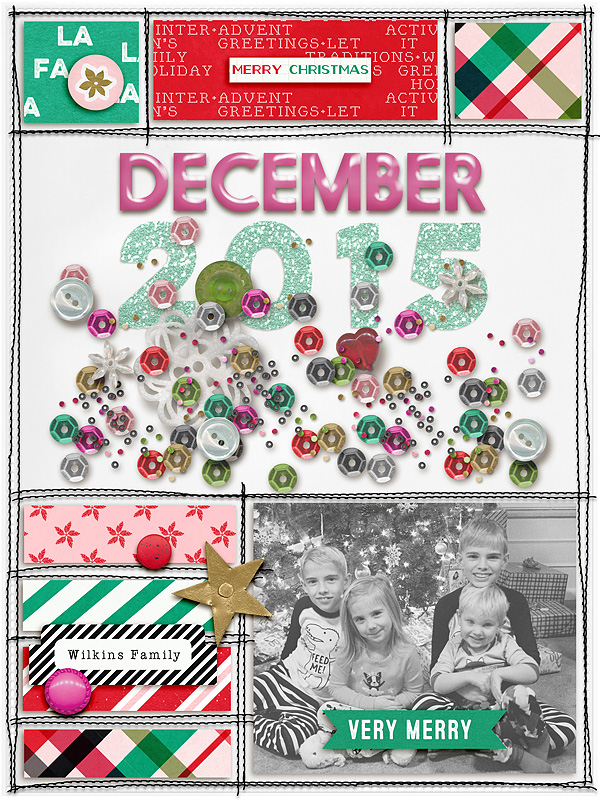
January 4th - Stylin' Titles (Technique Challenge)

Easy style installation came with PSE 11. If you have an earlier version, just google "installing styles in PSE#" and use your number. You'll have to install the .asl file and the .html file in your actual software. Turn PSE off before you start and then open it when you're done. (Seriously, think of upgrading!)

Here's a link for how to in PSE11 on...the simple way!
http://scrapgirls.net/forum/topic/62369-about-installing-styles-in-pse-13/
 
Great challenge, I have been using a lot of layer styles for titles lately, esp. your weathered wood stly which I adore.
The style here is the glitter style from the OWHD collab though (+ a drop shadow).

 
For Artisan/SBC+ users - obvious choices are fill with paper or gradient, but live a little and play with Filters. There are lots of choices in there, like add a 3-D edge, make it look like a oil painting, add a texture, etc. Create your text using Insert Text Shape to have control over individual letters. Or use Insert Text and then flatten before playing.
 
I used Mommyish Birch Shadow Styles on my title
full
 
Thanks for encouraging me to use styles. I've used them before, years ago, but only my own shadow styles in recent years. So this prompted me to learn how to load styles in PSCC. Much easier than it was in PSE!

Question: Is there a way to organize them so it's not just one super long list I have to scroll through?

 
I love using styles. Thanks for the freebie, I didn't use it this time, though. I used two styles on my title.

*Note: I made two copies of each alpha letter. On the top copy I applied the blend mode color burn. I applied the epoxy style to the lower copy, while clicking on ctrl I clicked on a shadow style to combine both styles.

 
Back
Top