January 22: Geometrical Mosaics (Technique)

Awesome challenge! I love this effect!!


The image I used for the mosaics, is the same I used in front of it. I expect that's ok for here. Please let me know if I still need to add the normal one in the post. :)

Please do, just so we can all be consistent. Thank you for understanding. :) Off to leave love.
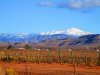


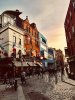
Original photo:
90434530_a4dc9b169d_o.jpg
 
This is amazing! The PSE directions worked great other than my numbers were lower. I liked the smaller pixels. Now that my photo is done, can’t wait to do the layout! This is something I will definitely use again. Thanks
 

Attachments

  • 409D4239-6181-4A93-9DA4-9CE5A0AAE126.jpeg
    409D4239-6181-4A93-9DA4-9CE5A0AAE126.jpeg
    1.1 MB · Views: 106
  • 17E422AC-804E-4359-9AE4-2A522C583D68.jpeg
    17E422AC-804E-4359-9AE4-2A522C583D68.jpeg
    151.2 KB · Views: 107
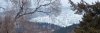
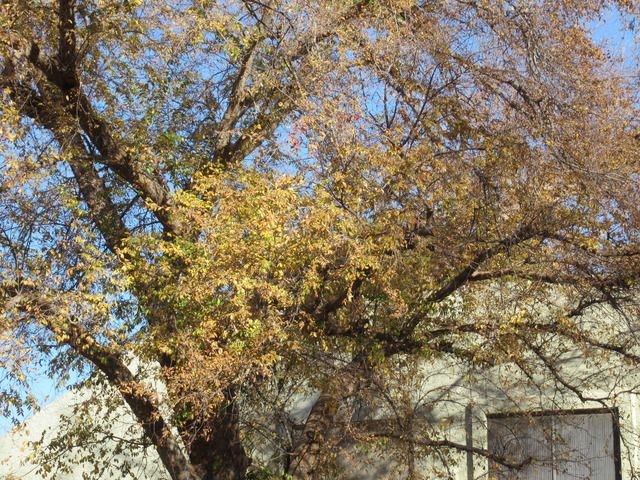
Here is mine. My original photo is below. It's the same tree you see on my layout. The tree under the stitching in the photo. Just a photo of the area where that tree is.


a>
 
Hey all! Please add your original image when adding your challenge layout to this thread.
It's part of the requirements - #3

Here are the requirements for the challenge:
1. Create a geometric mosaic out of an image. The geometric mosaic can be square, circle, triangle or irregular like my example.
2. The geometric mosaic should take up at least 1/4th of your layout. No ATC's will be accepted.
3. Post the original image in this thread, along with your completed layout.
4. You must use scrap product on your page; you cannot have JUST a photograph. Remember to follow the 75% current product rule (see below).
 
Oh my, Jenn, am I ever having fun with this!! No housework done today! I have started a folder to put my geometric photos in so I can use them in other layouts. I have used five different blends on this one photo and each blend gives me a totally different look. LOVE it!!! My photo is multiple colors yet when I used the Difference blend, I got this beautiful geometric picture of all different colors of blue. Soooooo pretty!!! Well, I guess I better stop playing and get my layout done. :banana
 
Much easier technique than dispersion, though neither feel like things I'd do often. The hard part was not making the mosaic, but deciding what to do with it.

In my first effort, I tried blending it into a paper background, but my brush skills are mediocre and I couldn't find a mask that didn't alter the photo too much. Finally I decided to just treat it like an ordinary photo. But I didn't love my page and I had time, so I made a second one (see below) which will be my official submission.


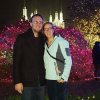
I did every step just as described, using this photo, ending with layers of soft light and linear burn.
2018-01-09-untitled-170.JPG


I thought I'd like it best as a background filling my page, and I do like this much better than my first. I've seen some other great ideas in the gallery too!
 
@jk703 just a note, to add the original photo to the post, it won't let you upload a photo...and the photo is huge. here it is...but it is the same one on the page. Sorry.001.JPG
 
Yeah! A technique challenge I did not spend all day doing! (my software has a few plugins to do the mosaic part, all I needed to do was blending and find edges, easy peasy!)
and I like the results, so I will do it again I think!


Last edited by a moderator:
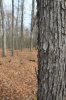
I liked making the mosaic, but it was challenging to use it. (The picture for the mosaic is the same as the picture I used. The image is below, too.)


Attachments

  • 25593965_10104113515214742_296145951410130468_n.jpg
    25593965_10104113515214742_296145951410130468_n.jpg
    107.5 KB · Views: 87
Fun challenge!! The technique challenges are always my favourite because they force me to try something new!


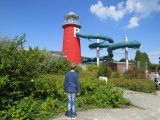
Here's the image I used (it's also on my page)
DSC_4939.JPG
 
Back
Top