
andastra
Can't knock me down for long!
- Joined
- Jan 27, 2011
- Messages
- 395
Thank you so much for the fantastic template!!
Follow along with the video below to see how to install our site as a web app on your home screen.
Note: This feature may not be available in some browsers.


I have never used a template before. I'm happy to Google instructions, but wondered if anyone could recommend a good written tutorial?
ETA: I'll use Photoshop Elements 12


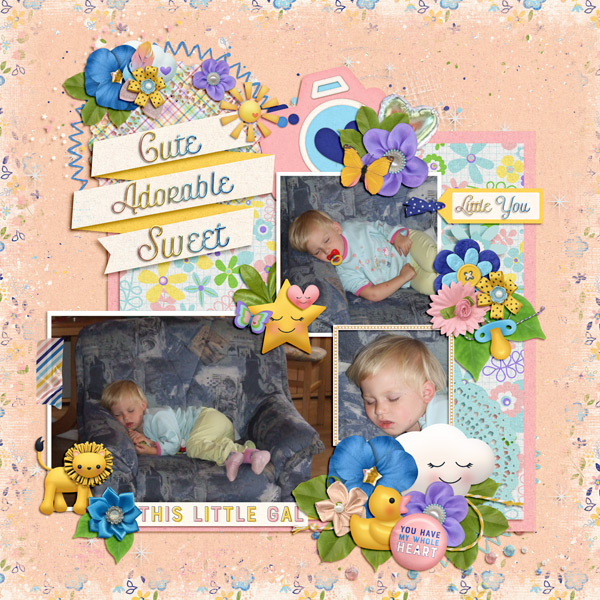
 SO many layers to delete!! hahaha. I am not used to this much clustering! Why do the templates have like 3 flowers/buttons on top of one another? I like the "dressed down" templates from Fiddle Dee Dee... but I'm wondering why anyone wants the 3 layers of flowers? ideas?


Clusters and clustering. It's a pretty common design style. It can give more depth with different shadows. They can also reinforce colors or pieces of the layout by repeating them. Just like most crafty things, it's not everyone's style, and that's ok.I'm wondering why anyone wants the 3 layers of flowers? ideas?


