
gonewiththewind
I choose joy.
- Joined
- Dec 15, 2009
- Messages
- 10,070
@bcgal00 I use ACDSee 18. Yes, I had a backup yet somehow it was corrupted as well.
Follow along with the video below to see how to install our site as a web app on your home screen.
Note: This feature may not be available in some browsers.

yes! this!Those dots look so much like English Smarties that I'm thinking about chocolate now!

Well, that just sucks. This whole conversation has me thinking about ACDSee and I started another thread about it and am curious to see what others think of it. The upgrade price is pretty reasonable so am going to think about whether I want this or not. If I do upgrade, I need to learn how to use it properly too. The last time I tagged and just sort of fumbled around with it, not really knowing what to do with it. That was many years ago so now I'm curious to see how different it is now.@bcgal00 I use ACDSee 18. Yes, I had a backup yet somehow it was corrupted as well.
yes this too - what do u do when the USB ports die? i bought another laptop b/c there's only so many peripherals i can plug in at once that i absolutely need (and i have your multiple EHD problem too @michelepixels was smart buying bigger and then moving everything with room for more) but since it last updated Windows 10 it only sporadically connects to our 'super fast blah blah tech terms' modem that's about a year old and is needed for the super fast internet plan... (so i scrap on it and use my old, mostly dead port laptop for internet -sigh, lucky i have an L shaped desk)There is in my house too. The problem is I purge to an Ehd. Lol. I need to get delete happy, but I'm afraid too!
@michelepixels I thought my stash minus retired designers was on 1 ehd, and backed up on a second. Then I remembered the horrible period when my USB ports were dying, so I thought the ehd was dead, but it's not. So I just need to see what's on it.

And i need those enamel dots too - i usually forget on a spot or two (!) but have tried recolouring and clipping and stuff onto dots on @gonewiththewind Fiddle Dee Dee templates but i can never get the exact colour i want so those dots would be perfect for any page!
Well, that just sucks. This whole conversation has me thinking about ACDSee and I started another thread about it and am curious to see what others think of it. The upgrade price is pretty reasonable so am going to think about whether I want this or not. If I do upgrade, I need to learn how to use it properly too. The last time I tagged and just sort of fumbled around with it, not really knowing what to do with it. That was many years ago so now I'm curious to see how different it is now.


thanks for the info & link!Have you tried this tutorial? It shows you how to recolor the sequins in my template sets . . . same methods apply.

Okay, I NEED those enamel dots! And I need @justjaimee to make a glittered variety, too, pretty please!!!

yes this too - what do u do when the USB ports die? i bought another laptop b/c there's only so many peripherals i can plug in at once that i absolutely need (and i have your multiple EHD problem too

 Then I'm not sure how I'll organize things. Ugh. Maybe all of my digi supplies will be on one and the photos and everything else will be on another. Not an optimal solution, but...
Have you tried this tutorial? It shows you how to recolor the sequins in my template sets . . . same methods apply.
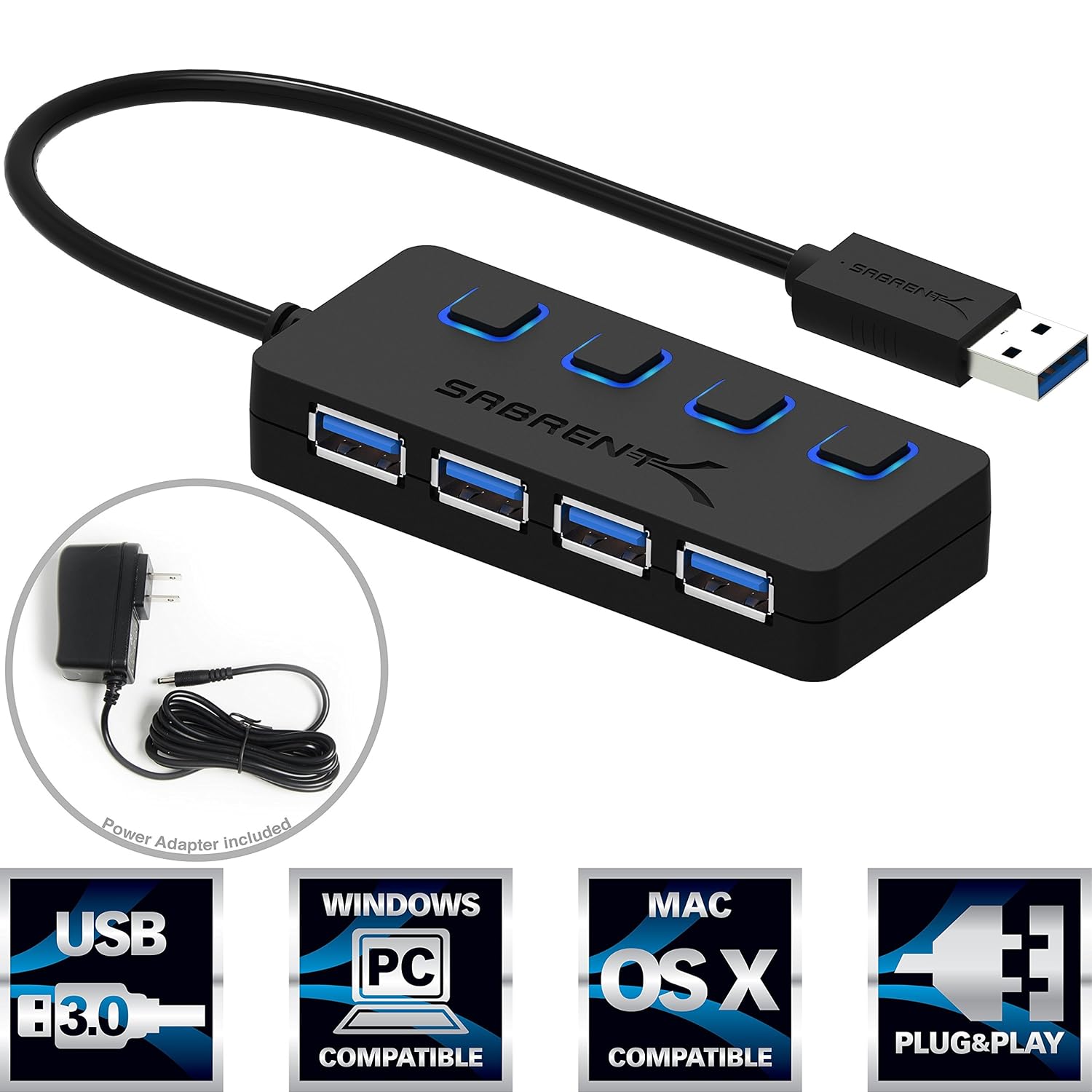
For me, the problem was the USB port couldn't pull enough power to run the EHDs, really anything except my mouse. It had in the past, but it just stopped working right. So I bought a powered USB port thing. It plugs into the wall, and has room for 4 USB's to plug in. It worked, and let me extend the use of the laptop.
The other technical answer is: Depending on which ports they are, and if they are built into the motherboard, or are separate, you might be able to pay a shop to replace them. Unfortunately, the ones that dies on me where connected to the motherboard, so too much money to replace. The other side, we could've replaced for under $30. Hence, why I went with the USB extender - much cheaper option!

None of these solutions will help. Best thing to do is to purchase an External Hard Drive with sufficient space then plug directly into your router. It will be accessible from multiple devices and not under the whim of single computer or laptop. These port expanders never work sufficiently. If you have a device between you and the internet - use it as part of your network.
And since I was often scrapping at my mom's or out with friends, I wanted my stuff to travel with me, not be locked to my house. 