
- Joined
- Jul 20, 2009
- Messages
- 11,830
Such a cool design challenge! I loved it!
Follow along with the video below to see how to install our site as a web app on your home screen.
Note: This feature may not be available in some browsers.


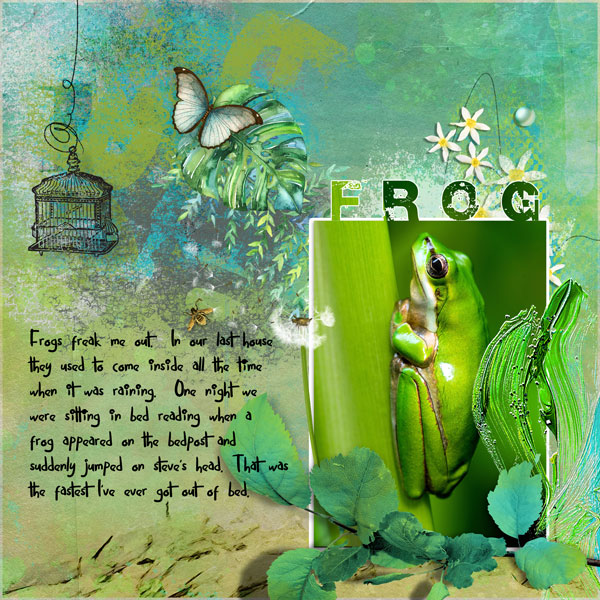
Thank you so much! Appreciate your kindness!Here's my fixed version Jenn, with the stroke all around the photo and title. It looks better like that too


I'm ready to give up on this one! All I am getting is the word on top of the shape. Its not getting cut out just sitting on the picture. I'm using PS Elements 11.
I didn't see that step! Will have to go back and play with this when MOC is done. I really would like to know how to do it correctly! Thanks!can't you merge both layers (word and shape)? Select them both in your layers panel, rightclick and choose 'merge layers', then clip your photo to that layer.

