

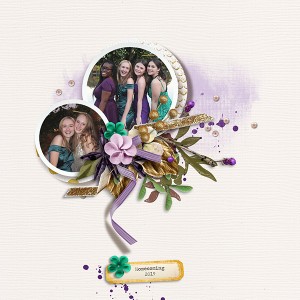

MOC2020_5_A72
- Description
- For the MOC 5 Grid Colorful Photo
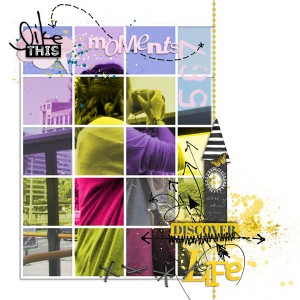
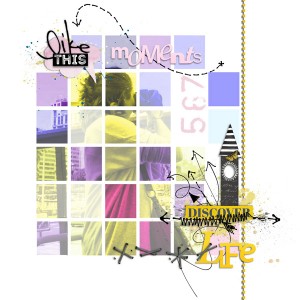
I made 2 versions, it wasn't easy with Craft Artist, I saw Angela's instructions but as I use it on Mac, it works a bit different, I ll explain later what I did, but involved duplicating, cutting each little square and then change the color, also started with a photo that wasn't making it happen, so I grabbed another, same thing, finally it work with this one, but the program was exhausted and the lack of memory makes it so slow, and in some stuff shadowing was almost impossible.... but anyway, this one I left the original photo in the background layer, and the bits I colored left with a bit lower opacity., not much of a difference between them but if you would like to voice an opinion on which page is better.... I ll be grateful!!!
The photo: Sarita (DD) in 2016 when we went to Barcelona to celebrate my birthday with some friends who were coming from other places in the planet
My colors: 3 different shades of purple- 2 shades of pink, greens and yellows-
Kim Jensen : Snapshots Mashup Paper Words
https://the-lilypad.com/store/Snapshots-Mashup-Paper-Words.html
M3 Mixed Media Monthly Subscription: Aug 16, July 18, Feb 19
https://the-lilypad.com/store/Mixed-Media-Monthly/
Lynne Marie : Sketchbook 12 (also M3)
https://the-lilypad.com/store/Sketchbook-12-Stitches-and-Scribbles-M3.html
TFL!!!
this is the other version

