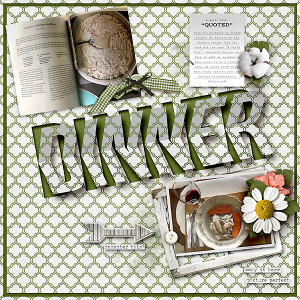
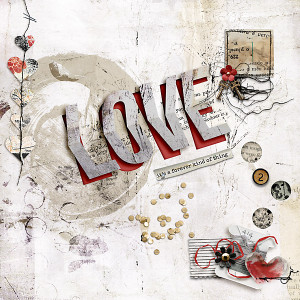
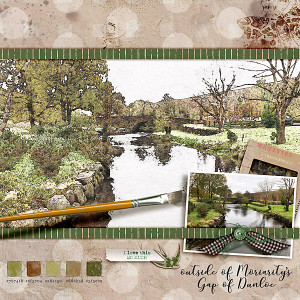
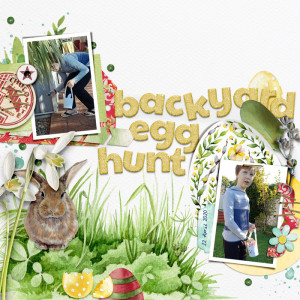
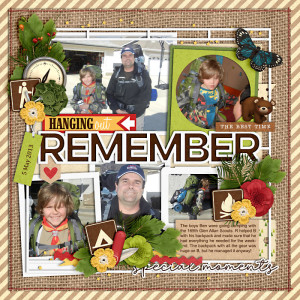
Scraplift of Aly's page as I wanted to try the 3D type title using her page as inspiration and as an example... not as good and clean as Aly's but with practice I can perfect it!
Credits:
Rachel Jefferies | T is for Together Mixed Media Collection (collab w/ Syudio Basics) https://the-lilypad.com/store/t-is-for-together-The-Complete-Mixed-Media-Collection.html
font is Bebas Neue Regular
----------------------------
[using the transform perspective warp tool in PS]
tricky as this was the first time playing with the perspective warp tool.. thanks Aly for the inspiration and the opportunity to try something new!
------
what are you talking about "not as good" ?????????? YOU are AWESOME!!!!! I saw this right now as I came (as usual to do something else LOL) and I am always marvelled with how you keep amazing me with every creation, my sister!!!!!! You not just have technique, you have heart in every page and you teach us stuff....could be places, could be flora or fauna, or you could be planting the seed for our net meal with your awesome food pages..... You not are just as good, you are magnificent !!!!!!! LOVE this so so much!!!!!!!!!!!!!!!!!!!!!!!! into the APRIL Froggy Faves!!!!
@Claire Grantham Claire, you can do this in PSE too, using the perspective tool... the video on Aly's page gives the steps in PS but it is very similar in PSE.. I did do the same thing in PSE with the perspective tool here:
With the perspective tool in the tool area at the bottom of your screen is a rectangle with 6 dots.. for the top half of your word (on that layer) click on the top center dot when you use the perspective tool.. then when you do the bottom half of your word (on the layer), use the bottom center dot. Otherwise everything is the same in both PS & PSE. Have fun!
This site uses cookies to help personalise content, tailor your experience and to keep you logged in if you register.
By continuing to use this site, you are consenting to our use of cookies.