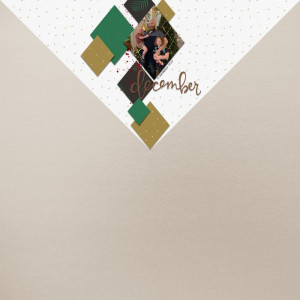
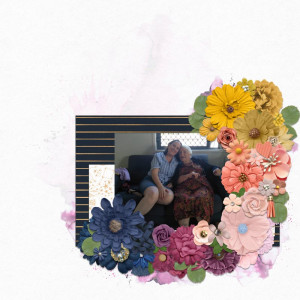
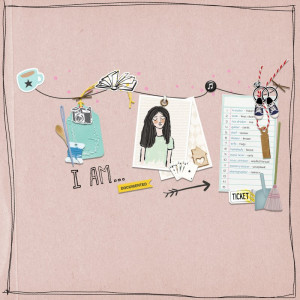
What a fabulous take on the challenge. I love the page design with all the layers. I love the photos and how you filled up your layout. Beautiful work!
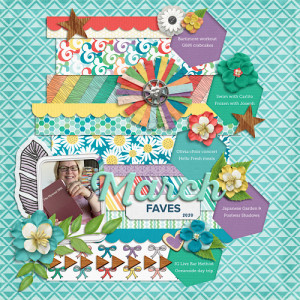
I am lovin' your use of paper strips that end with the cut out. Fabulous design and use of color (JJ's kits rock with color!!!). Thank you for making such a bright and bold, filled from top to bottom layout for the Filled Style challenge!!!
@Saar, @jenn mccabe, @ArmyGrl Thank you for your kind comments and encouragement. I love the FAVES templates as a starting point. This one was lots of fun because I took the opportunity to learn about inner shadows (random internet videos) & adding 3D effects (Kelly Sills Affinity Photo tutorials). I almost exclusively use Just Jaimee storyteller kits/bundles for this project because of the color!
@BLKinOR I never thought to do an "inside" shadow....that makes it look like a cut out. How wonderful!!! Now, how do I do it...lol???!!! Will pay better attention in photoshop for sure.
@ArmyGrl I'm working in Affinity Photo (on iPad) but I'm sure the principles are the same in PS. I open the fx studio (same place as one adds outer shadows). Choose inner shadow. I researched settings & played. In this case I ended up with 35% opacity, size of 7 & distance/offset of 9. Also saw up to opacity of 40%, size of 44, offset of 18. Always use 90 for angle, I tried 45/135 (PS/Affinity) and it really doesn't look right so I listened to the advice!
Next I want to figure out how to put my shadows on a separate layer so that I can warp them.
This site uses cookies to help personalise content, tailor your experience and to keep you logged in if you register.
By continuing to use this site, you are consenting to our use of cookies.