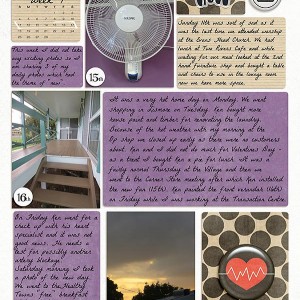
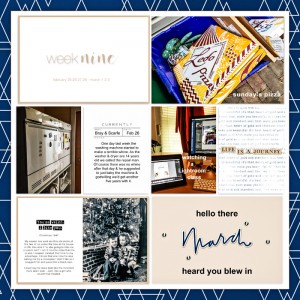
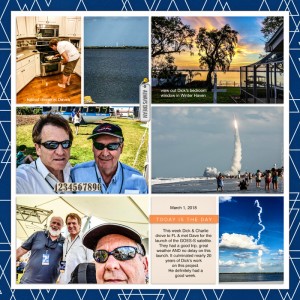

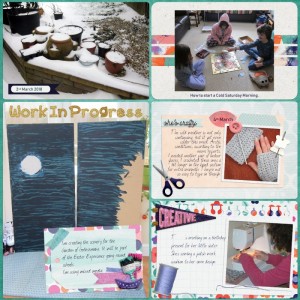
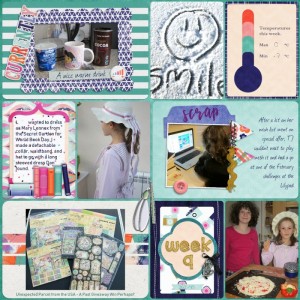
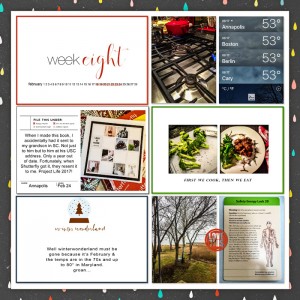
I document 'project-life' style, but not digitally: I scrap 4x6 and 3x4 digitally, then print & place in conventional pocket pages. This template is perfect for my needs, allowing me to 'separate' pockets & use as needed - so YES! More like this please!
Only I do wish the layers were not scattered all over the template - it makes it difficult to work one pocket at a time, but I re-arranged them to make things easier. I also changed some of the colors, as needed. Thank you for looking.
Hi and welcome to the Pad gallery! Glad you have found a product you're happy with that still allows you to use real pockets in a way you're happy with - there are a few hybrid scrappers here (they use digi products like you described and print (and cut and paste sometimes) to make traditional or pocket pages - i'm going to tag Jaimee so she can see your feedback @justjaimee - what program are you working with for the digi side @Vianna? sometimes in Photoshop (i use CS6) i 'colour code' the layers that relate to a certain pocket or group to keep them visually together, if that makes sense?
@bellbird - Thank you for the warm welcome and the suggestion. I started using photoshop back in 97 - I think it was version3 or 4, I cant remember - I was doing some web design back then (I'm retired now). These days at home I use PSE 15; it has everything I need for my simple scrapping needs (no color coding feature however). I dont post much anywhere due to my different scrapping style & the odd way I organize what I use. Thank you again. ♥
This site uses cookies to help personalise content, tailor your experience and to keep you logged in if you register.
By continuing to use this site, you are consenting to our use of cookies.