
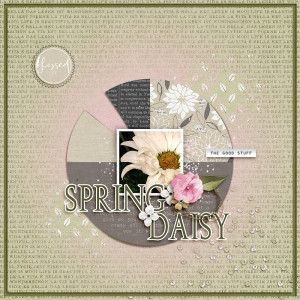
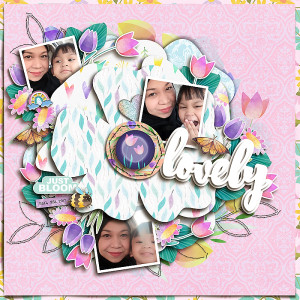
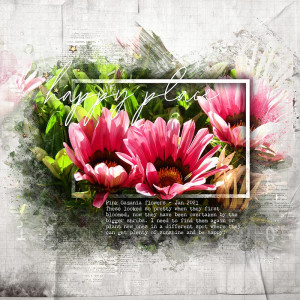
@IowanThank you Carol.. I did the lettering with shadows .. basically create & seperate the layer with the shadow and then on that shadow layer, using the marquee tool make a rectangle vertically splitting the shadow layer in half by the center.. then go to layer>new>via cut so now you will have two parts of your shadow... on what would be the shadow on the bottom part of the letters you use the perspective, distort and warp transformation tools to adjust the shadow so your letters look like they are popping off the page. You can also use a Dodge and Burn on the letter layers to darken and lighten the lettering so it will appear shadowy and brighter to add to the illusion. I hope that helps. If you need further detail, I can see about writing something. Hugs!
This site uses cookies to help personalise content, tailor your experience and to keep you logged in if you register.
By continuing to use this site, you are consenting to our use of cookies.