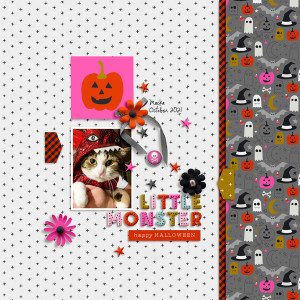
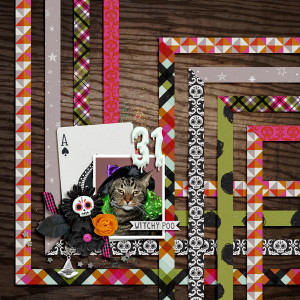
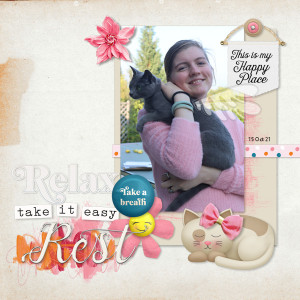
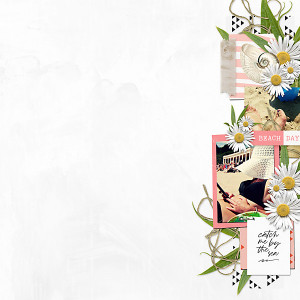
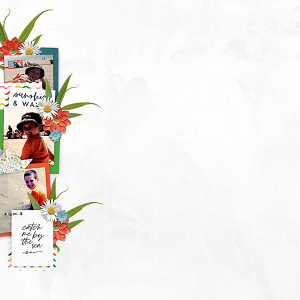
Thank you so much, @bjc !I can try to make a tutorial, but I use Corel for my scraps, and I have no idea if it is similar to what you are using. I will try to send you in pm some general steps.
@bjc i think if you use any large photo over a white background you could make it work. Type out any text (or use wordart) on a layer above the photo and make sure it overlaps part of the photo. Duplicate the original photo and clip it to the text layer, then crop the original photo underneath that area of text so the white paper background shows as a background to the text, it should work - we did something similar in MOC a few years back, i can't remember which on but i believe it was @jenn mccabe that ran it and there would have been a tutorial for that
This site uses cookies to help personalise content, tailor your experience and to keep you logged in if you register.
By continuing to use this site, you are consenting to our use of cookies.