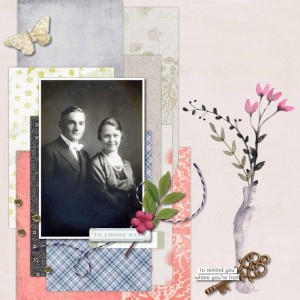
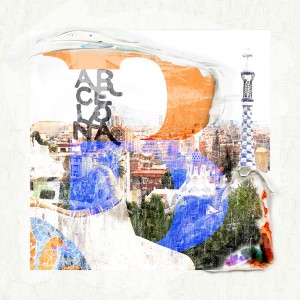
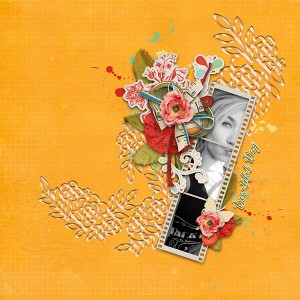
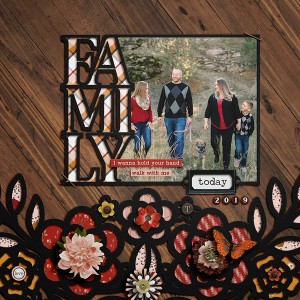
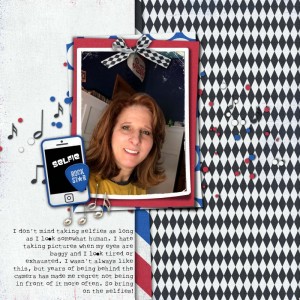
I guess for me it's not "real"enough.....especially the gesso. It just didn't turn out as I wanted. Hard to describe, it was not the challenge @Dalis. If I catch up on the challenges, I might take another stab at it.
1. Grab one of these gesso pieces (or two or three, LOL!!!) and add them on top of your picture. These gesso pieces are in the painstroke folder as part of the mini kit.
2. Duplicate your picture and now put the copy ABOVE the layer with the gesso.
3. Change the blend mode of the TOP picture to SOFT LIGHT. Voila that should make it work.
This site uses cookies to help personalise content, tailor your experience and to keep you logged in if you register.
By continuing to use this site, you are consenting to our use of cookies.