
Ferdy
Heavy Metal Head Banger
- Joined
- Oct 21, 2009
- Messages
- 5,976
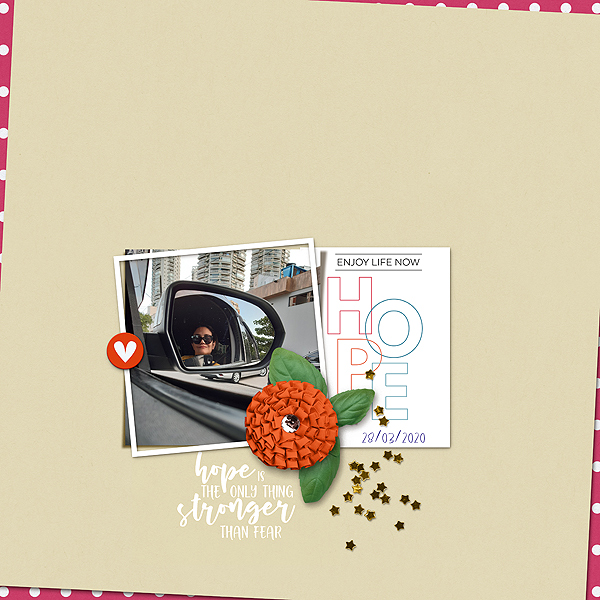
mine! yesterday I went out of my home, after more than a week, but I only stayed at the car while my fiance went to the bakery, pharmacy etc..I just needed to see the world outside!
Follow along with the video below to see how to install our site as a web app on your home screen.
Note: This feature may not be available in some browsers.


I'm really liking these layouts! I wish I could get the techniques to work better for me. I am wondering if any else in the thread is using PSE 2019 and was successful following @FarrahJobling 's tutorial? I missed the chat, but the tutorial seems pretty straight forward. I spent several hours trying to adjust settings and options - I finally got too frustrated and gave up. I think I am probably missing something easy - any suggestions are appreciated.

I'm really liking these layouts! I wish I could get the techniques to work better for me. I am wondering if any else in the thread is using PSE 2019 and was successful following @FarrahJobling 's tutorial? I missed the chat, but the tutorial seems pretty straight forward. I spent several hours trying to adjust settings and options - I finally got too frustrated and gave up. I think I am probably missing something easy - any suggestions are appreciated.
I finally gave up yesterday after not having success in PSCS or PSE2019. Too tired to continue last night
@cfile @mommyish I am working on a Mac with Catalina OS and tried adding the Style given for PS as Ive had no problem with that adding an Action .atn file or a Style .psl file. However, if I need to add the data.xml file I don't know where to put it in Mac Catalina, it's been so long since I needed too and I'm thinking that the location is now in the Hidden Files?
I may try @Joan K 's solution to check @gonewiththewind 's solution but I would like to use the Mommyish Stylin 263 as is.

I'm really liking these layouts! I wish I could get the techniques to work better for me. I am wondering if any else in the thread is using PSE 2019 and was successful following @FarrahJobling 's tutorial? I missed the chat, but the tutorial seems pretty straight forward. I spent several hours trying to adjust settings and options - I finally got too frustrated and gave up. I think I am probably missing something easy - any suggestions are appreciated.


I will have to try this out another time because I seem to have run into some roadblocks - still. But I have to laugh at this one! half assed to be sure which was worth a laugh on its own. While I could move the shadow layer from the FX spot in layers it never went on a layer of its own so when I did the wave, it also waved the photo. @keepscrappin nor could I get the 2nd stroke to move. One day!!!
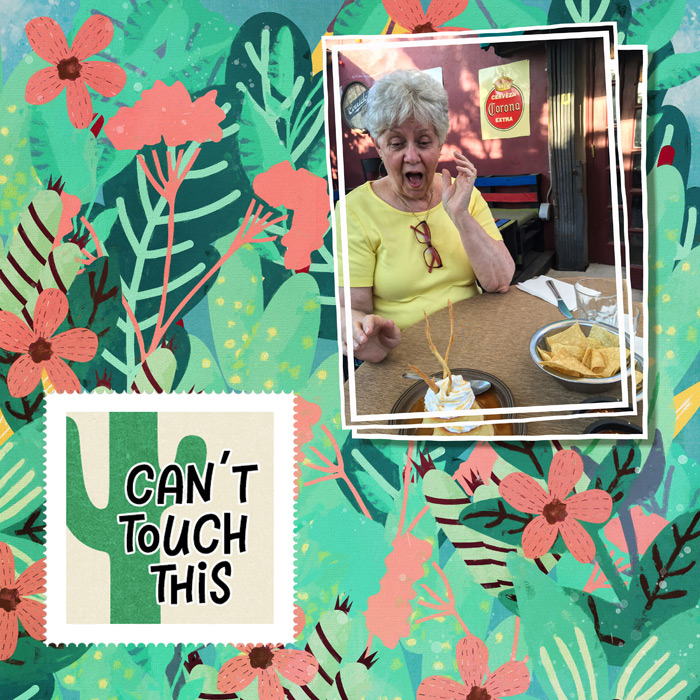
Thank you @cfile and @keepscrappin - those tutorials seem like what I need for PSE2019. Re starting on the later steps I don’t see why not! Have fun!
@cfile with the PSE accordion can I just start with the later steps if using 1 square or rectangle for a Slow Scrap etc? I'm also wondering if this would work with inches instead of pixels. I have other things to concentrate on today but will have to try it all out later. I'd still really like to know where that .xml file of @mommyish goes. I may ask on FB as there may be more Mac users. Thanks again!



Just bring the shadow all the way out and then put the marquee around the shadow and click on Cut via new layerView attachment 387439 View attachment 387439 Christa all I needed to do was to start at Step 12 of your PSE tutorial to see how to make the shadow its own layer. @cfile Then I used @gonewiththewind 's action to warp. Now I'll move on to trying the frame on it's own layer - later today. Thanks again. I apparently can only learn one new trick at at time and each day of being inside has seemed to suck a brain cell cluster each day! Obviously I didn't get all the shadow as you see my 'shadow' box still there. Paper will cover that ...
 It just takes time .. Glad the accordion tutorial could help you
I don't have a mac with Catalina so unfortunately, i cannot trouble shoot for you. I have pc and PSE 15 in addition to the CC .. so sorry I cannot help further, but at least with the work around you can seperate... you would do the same with the stroke too.@keepscrappin Here is a shot of my layers when I tried to separate @mommyish 's Stylin'263 Shadow. I ended up with the two blank layers above the your method of using one of her shadows and then running the PS action and PSE action. I'm pretty sure it didn't work right because I still didn't know where to put the .xml file included for the PSE version. Since about 3 or 4 PSE versions back I have always been able to use the normal PS .asl file but apparently not with this one.
(This image does show how I did move the shadow starting with @cfile 's PSE Accordian tutorial just starting at Step 12.)
View attachment 387444