Photoshop Actions

bestcee

In love with places I've never been to
Joined
Dec 18, 2013
Messages
19,337
In watching Cheryl Scrap tonight I realized she has an action to create a new layout that has the way she names her layouts as the title. I thought that's so smart! And it made me wonder what other actions are out there that I don't know I'm missing!

I have an action that saves a printable and web size copy of my layouts. And an action for paper warping (I think from Cheryl?).

Do you use actions? Have you made actions? What do you have actions for?
halloween2022-png.517480
 
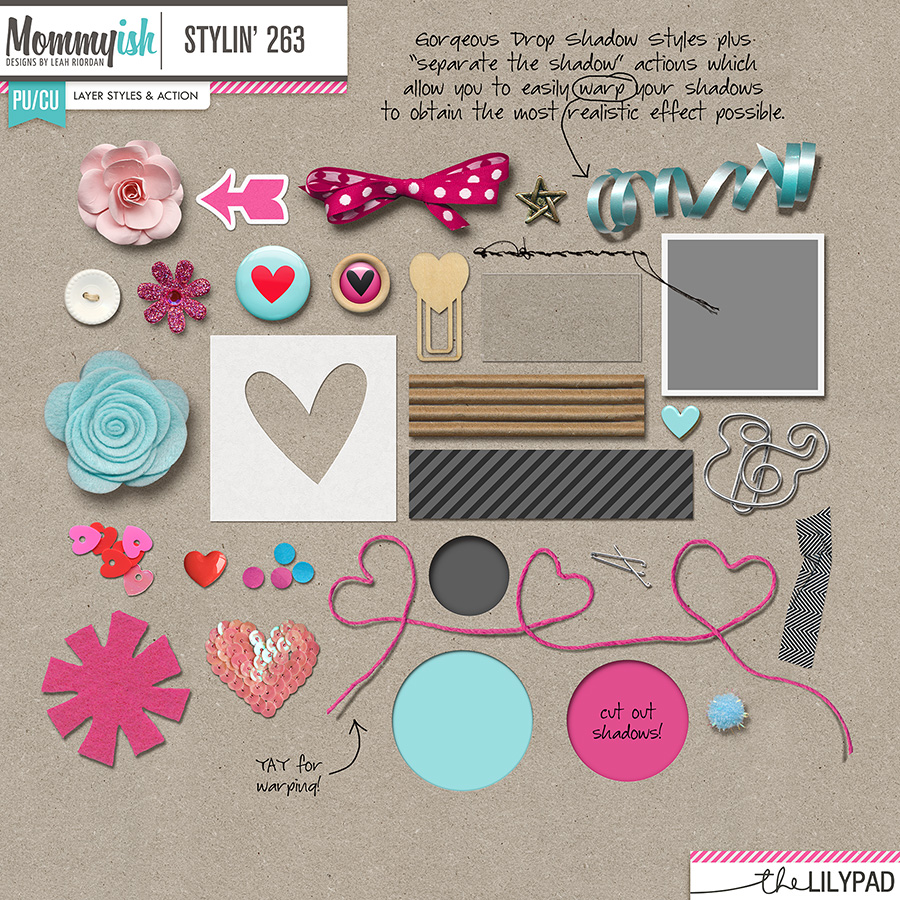
It's never even occurred to me to make my own action! but I use several by the TLP designers. The one I use most frequently is Mommyish's "separate the shadow" action:

folder-4292576888.jpg


And I've also used Elif Sahin's felt & stitch actions (I should use this set more often, it is seriously awesome!)

sahindesigns-feltactions-tlp-1fc60c9320.jpg
 
I don't really use actions for scrapping other than to save the different versions of the final image, but I have created many of my own actions for designing. Most of them are for saving various types of files. I also have them for centering the current layer on the page (mainly used for texture overlays), creating a new background layer, and creating brushes.

I will play with actions I have purchased from other designers from time to time, with the most common being for stitching or creating a specific texture/material for an element (stamped paint, different metals, distressed edges, etc.). Styles are usually quicker and easier for the material thing, but there are some effects that just can't be fully realized with only a style. :)
 
@KimJ, I think one of the reasons why I've never made my own action is that I don't really understand the difference between a style and an action! :huh
 
@KimJ, I think one of the reasons why I've never made my own action is that I don't really understand the difference between a style and an action! :huh
A style applies a predefined set of effects (bevels, shadows, etc.) - basically anything you would find in the little fx button on your layers panel.

An action is a recorded set of steps that can do almost anything you would do in Photoshop. It can do things like running filters, stroking a path with a brush, adjusting levels, adding/deleting/merging layers, etc., in addition to applying layer effects the same way you would in a style. The tricky thing with actions it to create them in such a way that they can be applied to other files, not just the exact one you are doing. You often have to use keyboard shortcuts or menus instead of clicking on things.

Some of the more complex actions I have purchased have hundreds of steps. The ones I've created myself are usually more like half a dozen steps. The exception would be the set of actions I created to save out my alpha files; those are pretty huge and were very tedious to create! LOL
 
Thanks, @KimJ. I think I sort of get it now (and sort of now get why Mommyish's "separate the shadow" is an action, while the shadow itself is a style...)
 
I have an action for resizing/sharpening/saving for the web and a few other random ones I've made for specific projects. Because I have a few CT's that require different size layouts, I have my action stop at the image size step so I can plug in the numbers for whoever I'm doing a page for. I just found that easier than having separate actions for each size.
Oh, and I also have Mommyish's Pocket Template Maker actions and Enamel Pin Builder actions.
 
As Courtney I use Cheryl's actions for paper warping and for resizing ...
I often use the Florabella B&W actions ... and I have a great action to edit a photo as a sketch...
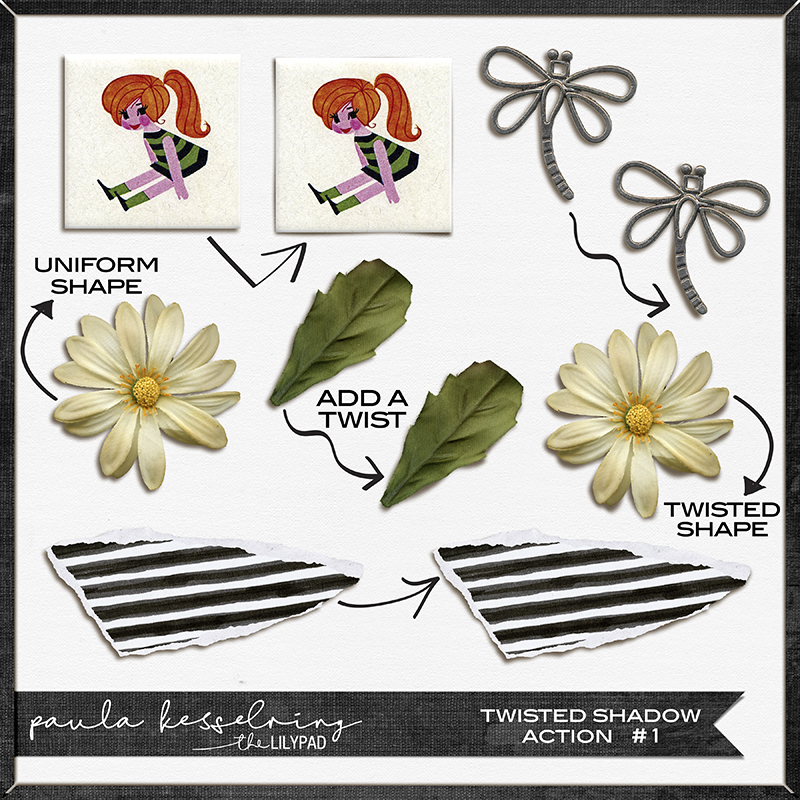
a while back I bought the Twisted shadow action of @paula kesselring
and use them regularly
 
I use one for re-sizing and sharpening ready for web.

Halloween2022.png

TOAD-ally wonderful.
 
I just LOVE actions!

My most frequently used actions are these ones:
Paper Tear action by Mommyish, but I can't find it in the store to add a link. I use it all the time!
Stitching actions by Mommyish similar to this one but they are straight stitches (I can't find it in the store).

These are some of my other favourites:
Doodle action - Sahin Designs
Enamel Pin Builder - Mommyish
Inked Edge - Mommyish
Plaid Maker - Sahin Designs
Paper Warping action - Fiddle-Dee-Dee (this may have been a freebie?)
Pocket Template Maker - Mommyish
Deckled Edging - Mommyish
 
I've created an action to convert my PSD templates to TIFF. I can run it as a batch, so I keep a folder of PSD files and one a month or so, I convert them all to TIFF which saves me a ton of room! Not every designer offers TIFF, so this really helps!
 
I feel like I need to do more with actions, but it takes time. I did create one that separates the shadow layer and adds a warp since that is something I do often. I might still play with the shadow after that, but it saves a few clicks.

A while back I changed my view to button view so the actions are just one click. I haven’t bothered with assigning short cut keys because I’d have to remember what key does what
 
I have a couple of old actions that I use, but I've given up on buying new ones. I have an ancient PSE (PSE11) and it's in Swedish, most of the newer actions don't work in it. I've been thinking about getting a new program, but to be honest, I rather spend the money on new kits. LOL
 
A while back I changed my view to button view so the actions are just one click. I haven’t bothered with assigning short cut keys because I’d have to remember what key does what
Tell me more! There's a button view? And you just click and the action runs?
 
I used a ton of actions when I was designing. But now not so much. I like warping my own shadows so not much else I need an action for these days.
 
Back
Top