January 23: Photo treatment | Double exposure (Photography Challenge)

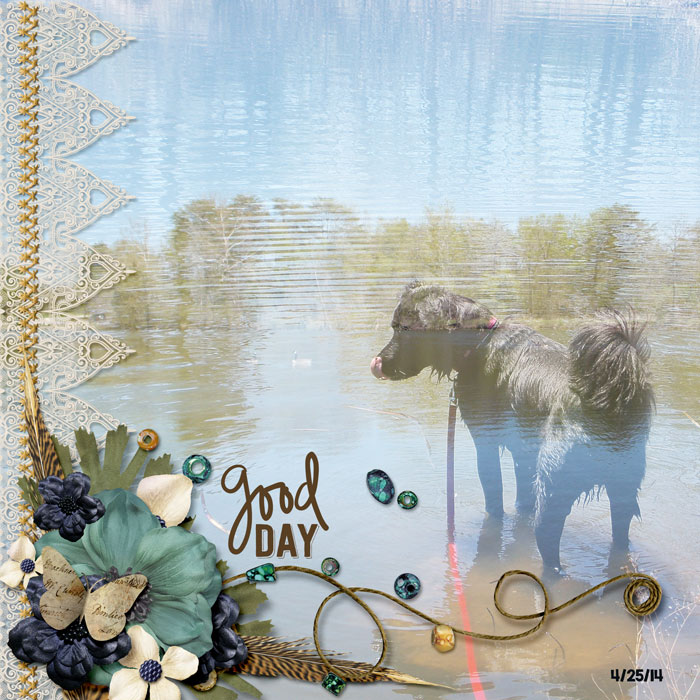
Originally, I had the a scene with Raven in the lake, exposed over a silhouette of her face, kinda like the example, but I couldn't get it working on a page, so I ended up doing two square photos over each other.
 
In case I'm not the only person with a Windows Phone, we do have apps too....
If you have a Lumia, the Lumia Camera app has a Smart Sequence function where you can double/triple/whatever expose action shots. I've done that before and it works well. If you want two totally different photos as Farrah did, it looks like Camera360 can do it. I haven't tried it yet but I may play later today when I'm stuck at the indoor play with my kids!
Thanks Lorry! You are so helpful :)
 
Super challenge Farrah. I struggled initially to find the right photographs but think got there with trail and error :) Have applied blending modes to both photos to get the effect I wanted!
 
This is an awesome challenge! :)
full
 
This was a challenge - still need to work on this one - but here is what I came up with.
 
I blended the statue into the field with the animals - definitely not something that I have ever done before

 
Thanks for a great challenge - I learned something new! Tricky finding the right photos but once I found them, it's was a great technique to use to combine them.
 
Didn't like have cattle on my hat and pic didn't work well so ended up erasing it and leaving cap and gown. The face has the effect I wanted. Layout may be the next redo after the challenge one though.
 
I could probably spend hours playing with this technique! Can't wait to use it again!

full
 
Last edited:
Back
Top