Navigation
Install the app
How to install the app on iOS
Follow along with the video below to see how to install our site as a web app on your home screen.
Note: This feature may not be available in some browsers.
More options
Style variation
You are using an out of date browser. It may not display this or other websites correctly.
You should upgrade or use an alternative browser.
You should upgrade or use an alternative browser.
January 18: Elements on a Path
- Thread starter Karen
- Start date


- Joined
- Jul 17, 2012
- Messages
- 15,704
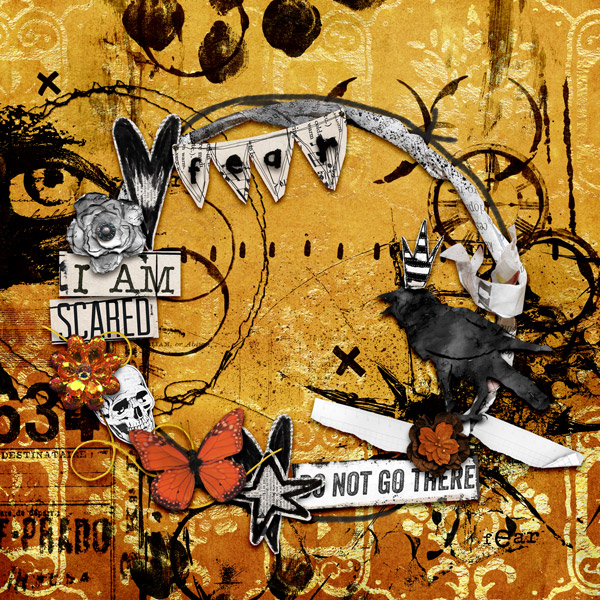
I don't know how this ended up photoless but it did, so I'm thinking I might use it as the center of a grid page with the photos of lost teeth around it. I love how it turned out! I wanted to do a shape no one else had done so far which was pretty hard to come up with!


patsyt
Loop-de-loops? Not a fan!
- Joined
- Jan 2, 2013
- Messages
- 602
I'm so not an "element whisperer" so this one was another difficult one for me. I LOVE the creativity that this challenge brought out!

staciahall
Quidditch, anyone?
- Joined
- Oct 29, 2010
- Messages
- 5,289

KairynLisa
Wouldn't make it as a fighter pilot
- Joined
- Dec 31, 2015
- Messages
- 598
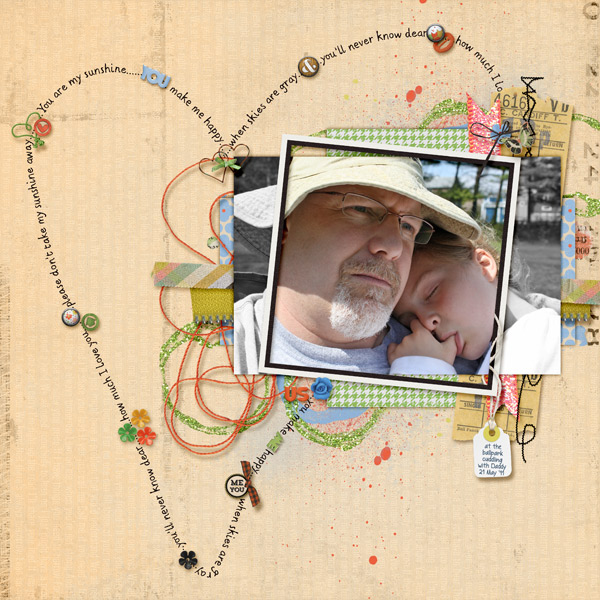
Got it done... it's a nice companion page for one I did previously, but I'm not totally sold on it. However, since this was my fourth attempt, I am done! LOL I did use the technique we learned on the 4th - the blending photo, and I like how that worked!

Monica Moriak
Well-Known Member
- Joined
- Jun 28, 2017
- Messages
- 529
Once I started thinking about it, I had a lot of fun. Definitely, time consuming but worth the effort.
Used elements from January and February 2018 Storyteller and December 2017 Storyteller as the yellow alpha from April 2018 storyteller

Used elements from January and February 2018 Storyteller and December 2017 Storyteller as the yellow alpha from April 2018 storyteller

bonnenuit
Why do I always have to be Captain?
- Joined
- Dec 22, 2015
- Messages
- 3,977

kirstiegai
Trick or Treat, RUB by feet!
- Joined
- Jul 10, 2009
- Messages
- 686


knclark
Chocolate snob
- Joined
- Dec 22, 2015
- Messages
- 1,255
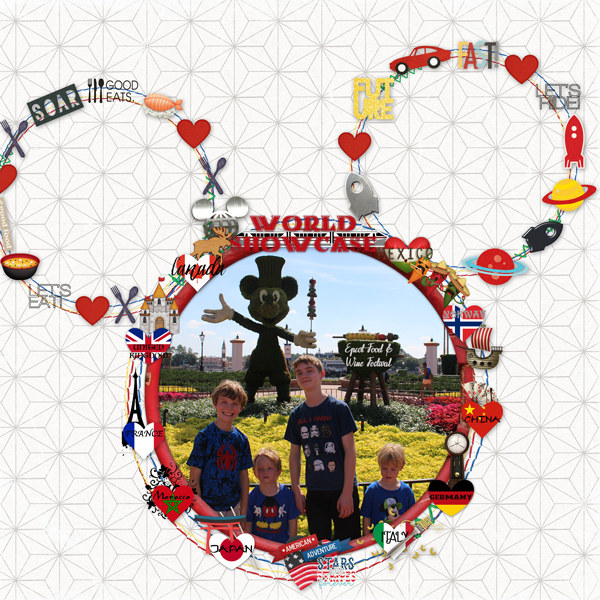
Wow - that took a while - but it was fun! I framed my picture which is inside my path.
Last edited:

MsCarolina
Well-Known Member
- Joined
- Dec 28, 2015
- Messages
- 468
Here's my layout:

Last edited:

Elizabeth
Well-Known Member
- Joined
- Oct 8, 2014
- Messages
- 294

nanascrapper
Well-Known Member
- Joined
- Jul 21, 2014
- Messages
- 582
TLP MOC 2019 Day 18 Elements on a path
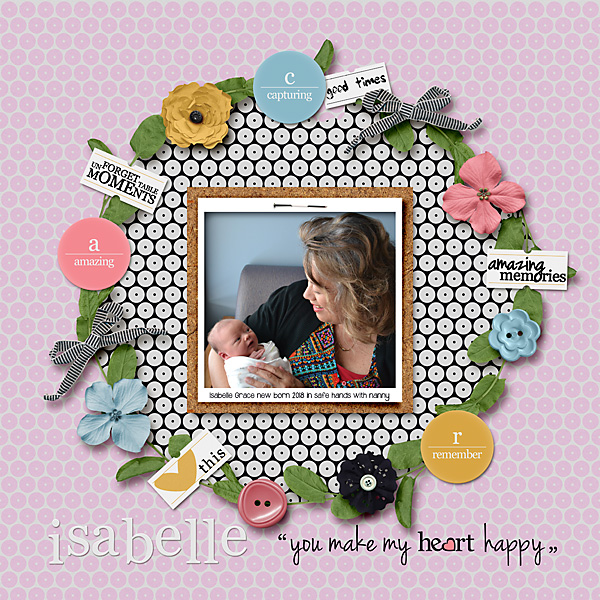
Another senior moment! I had edited my gallery page, but can't seem to enter it here. Not sure why. Again I have ended up with 2 of the initial page. Anyone able to help as to how I can replace a page once it has been posted here.
Also noted that I only had 14 elements so added I more in case the leaves didn't count.
Another senior moment! I had edited my gallery page, but can't seem to enter it here. Not sure why. Again I have ended up with 2 of the initial page. Anyone able to help as to how I can replace a page once it has been posted here.
Also noted that I only had 14 elements so added I more in case the leaves didn't count.
Last edited:

meterr
Retro Chic
- Joined
- Apr 29, 2010
- Messages
- 1,598
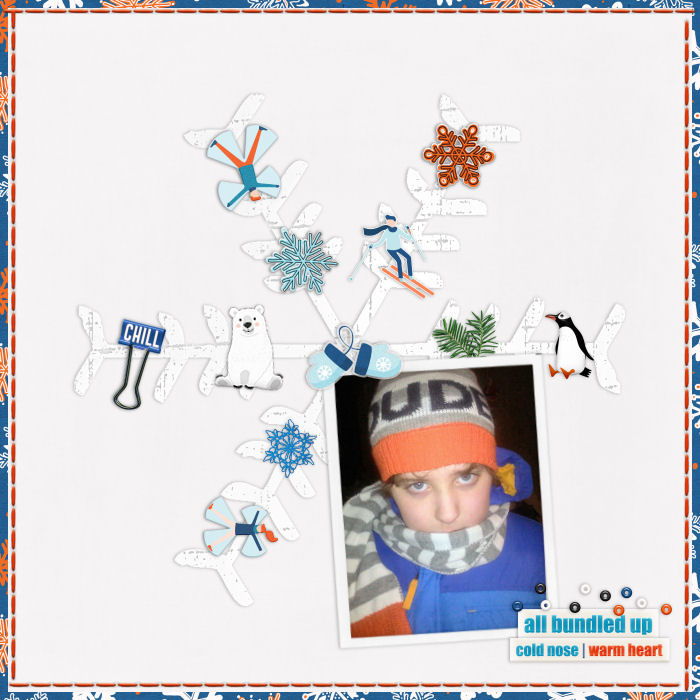
When I saw this kit, I KNEW it would fit with this challenge for me! I had this photo of my son from a few years back, wearing blue and orange. I had a picture in my mind of a big snowflake as my "path" and this kit was perfect! It was a little more elaborate in my mind but I do like how it turned out in real life.


A-M
Not a lot of hustle in my hustle anymore
- Joined
- May 3, 2016
- Messages
- 3,931
Thank you for a fun challenge. I may remove some of the elements before I organise getting my Cruise Album printed.


SheriScraps
Well-Known Member
- Joined
- Dec 31, 2015
- Messages
- 371
I created a sun outline path with my elements. 
Fun challenge. Took some time for sure!!

Fun challenge. Took some time for sure!!

caapmun
Well-Known Member
- Joined
- Oct 10, 2016
- Messages
- 312