
Dalis
Jose Cuervo is NOT a good friend
- Joined
- May 6, 2011
- Messages
- 21,594
A few months ago Mommyish (Leah) released the Enamel Pin Builder and started a Pin Exchange.... which made a lot of us very happy and very addited to creating PINS! She also released an add-on with additional styles for your pins called Glittery Enamel Pin Styles. I will be the first one to say that I can't have enough of them! I can't WAIT to see all the pins from the exchange! AND.... I CAN'T wait to do this all over again this month! I sent Leah a private message to volunteer myself to run this challenge because I NEED to HAVE MORE PINS! This time we are going to follow a very loose theme.... drum roll please........ the theme is NOVEMBER/DECEMBER & Fall Season, HOLIDAYS, Thanksgiving, snow!
Just in case you have no clue about what product I am talking about that revolutionized our pin making skills, here it is:
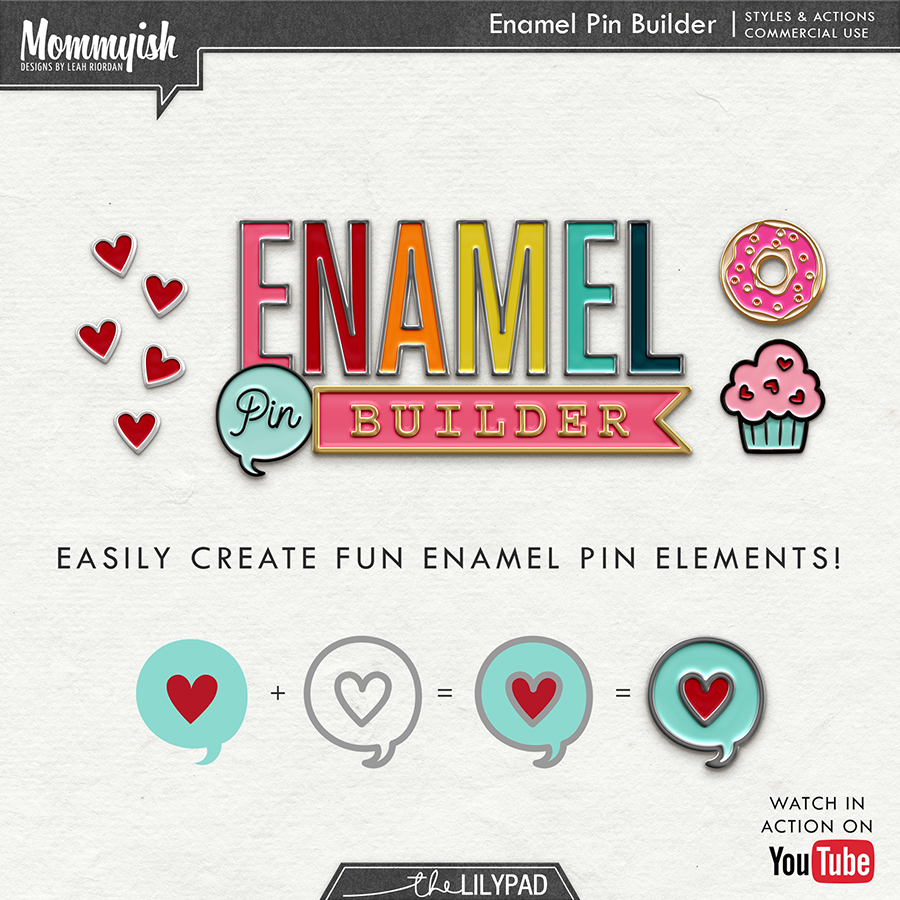
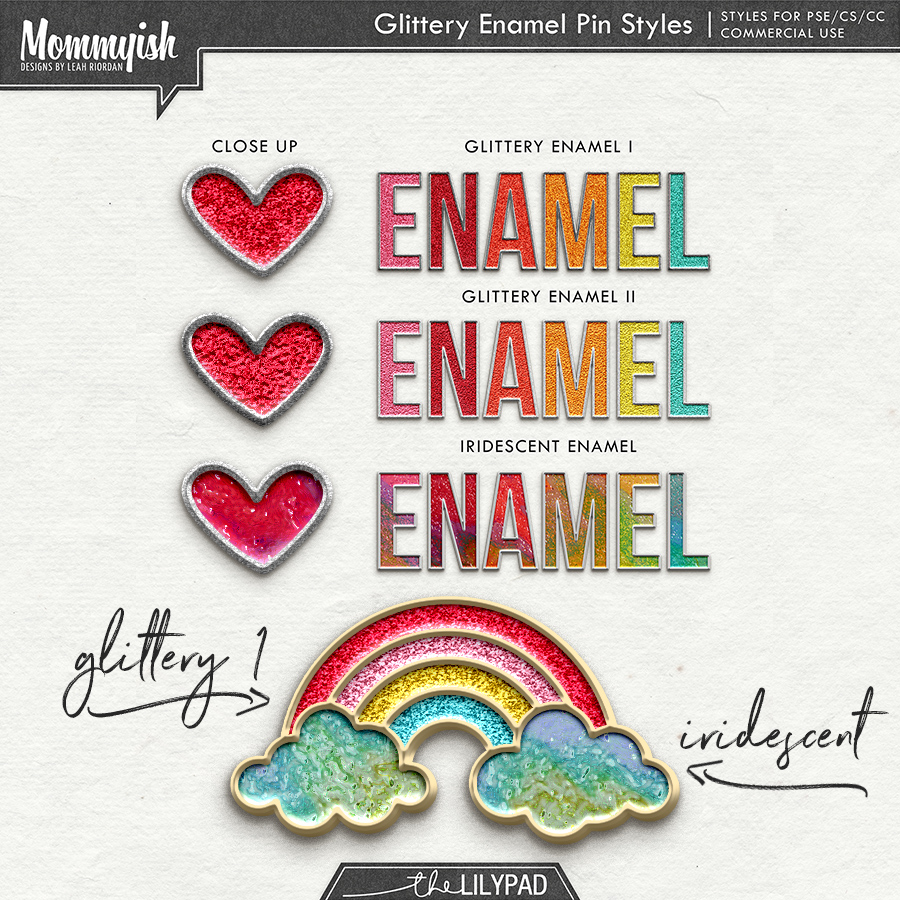
Did you hear there is a new Enamel and RIM styles in the store? I am going to try these for this month.

JULY PINS are ready to download, so please grab them ASAP before they are gone!

AUGUST PINS are ready to download too, so please grab them ASAP before they are gone!

UPDATE: It's fixed... download the September kit again!
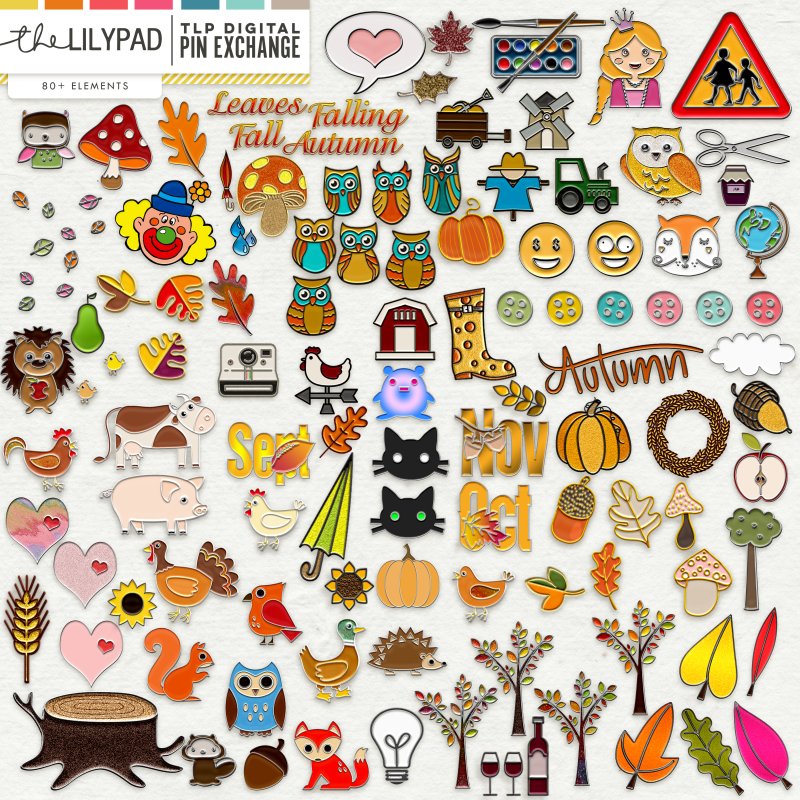
How do I even make a pin?!
Still unsure - watch this video!
Drawing from scratch? Watch this one!
Some of you asked me to make a video on how I USE the styles and actions, here it is!
How do I save my pin for other folks?!

I can not wait to see what you guys come up with! NO LIMITS ON NUMBER OF PINS
Deadline is Nov 30th, 11:59pm EST
Just in case you have no clue about what product I am talking about that revolutionized our pin making skills, here it is:
Did you hear there is a new Enamel and RIM styles in the store? I am going to try these for this month.
JULY PINS are ready to download, so please grab them ASAP before they are gone!
AUGUST PINS are ready to download too, so please grab them ASAP before they are gone!
UPDATE: It's fixed... download the September kit again!
How do I even make a pin?!
- Install the Enamel Pin Builder Styles & actions
- Watch the video tutorials for your program - if you are still unsure - hit me up here and I will be happy to help you out.
 . @angiekey created the following step by step instructions for those that like written instructions better. HERE (I have posted the written instructions in the second post of this thread)
 - Have an idea! If you aren't sure look up "enamel pin" on pinterest and you flooded with ideas.
- Get creative. <3 Use shapes, your brush tool, text, etc! Use other styles to create other interesting effects.
Still unsure - watch this video!
Some of you asked me to make a video on how I USE the styles and actions, here it is!
How do I save my pin for other folks?!
- You will want to create a new document that is 300ppi in RGB format with a transparent background.
- Keep in mind that pins shouldn't be GIGANTIC - ideally you will want your pin to be smaller than 2 inches. (600 pixels)
- When you save your pin be sure to save it as a .PNG file (this maintains the transparent background)
- Save the file as username_tlp-xchange_pinname.png for example I'd save mine as mommyish_tlp-xchange_rainbow.png
- UPLOAD HERE
I can not wait to see what you guys come up with! NO LIMITS ON NUMBER OF PINS
Deadline is Nov 30th, 11:59pm EST
Last edited:


