bestcee
In love with places I've never been to
- Joined
- Dec 18, 2013
- Messages
- 19,337
**Our random winner was marijke!**
One of my favorite games to play is Scattegories. If you haven’t played it before, here’s a quick summary. Each person has the same list. An alphabet die is rolled, and each player has 60 seconds to write down an answer to the list items starting with the dice letter. The goal is to be unique and creative because if you have the same answer as someone else – no points awarded. I love getting creative thinking of words that fit each letter, plus I usually know enough random trivia that I can come up with something.
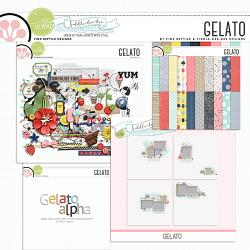
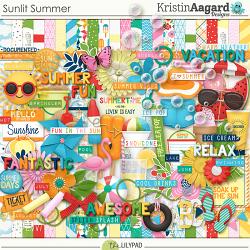
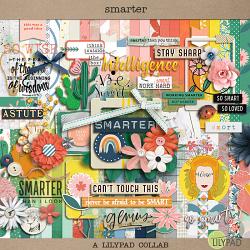
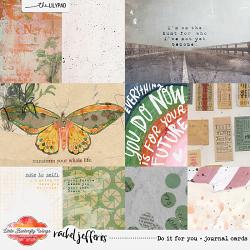
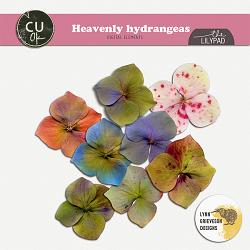
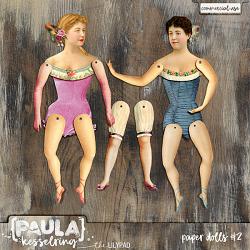
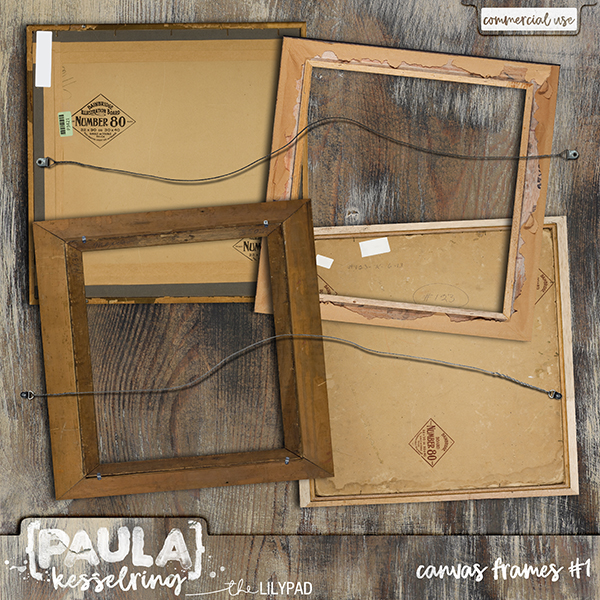
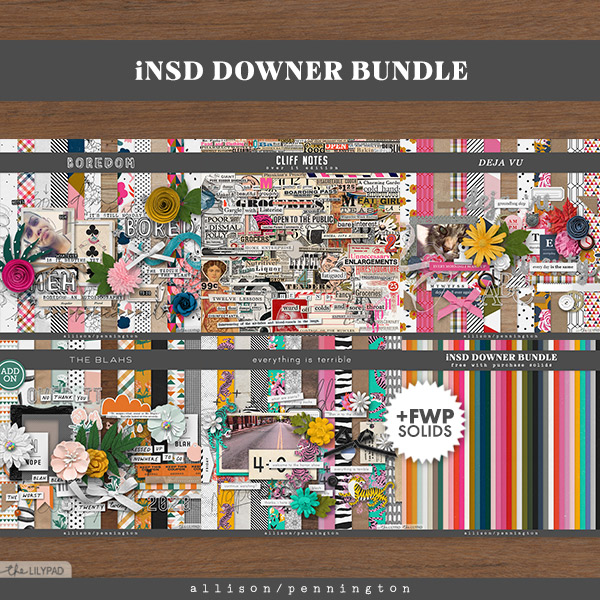
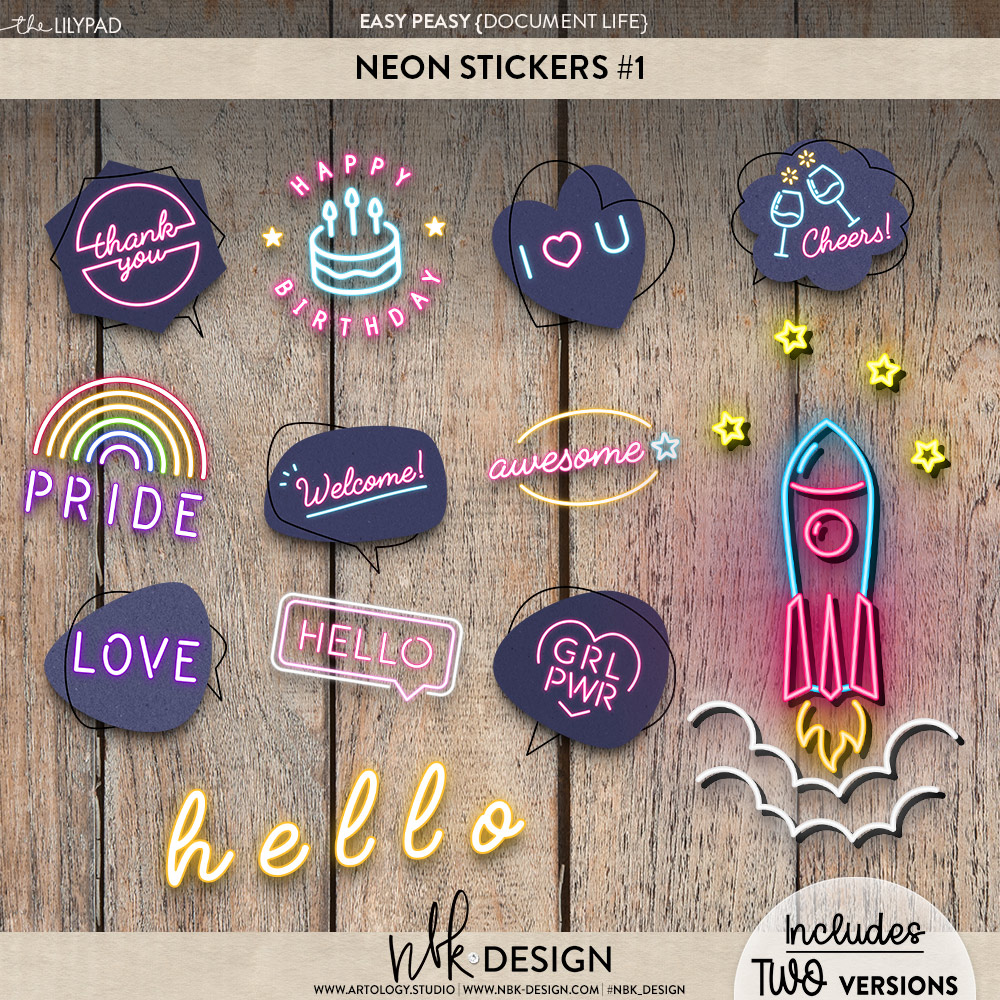
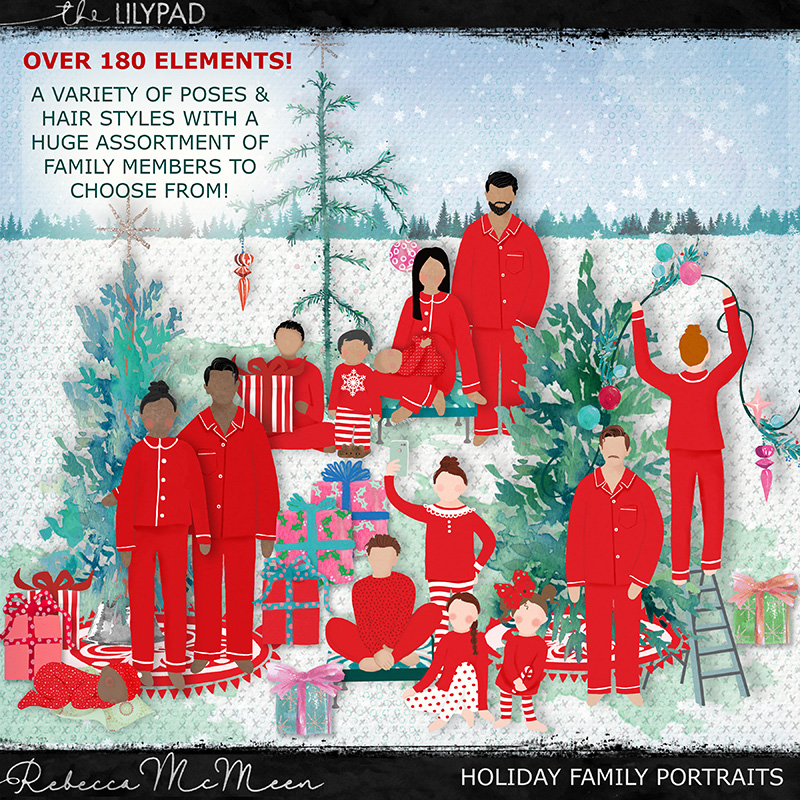
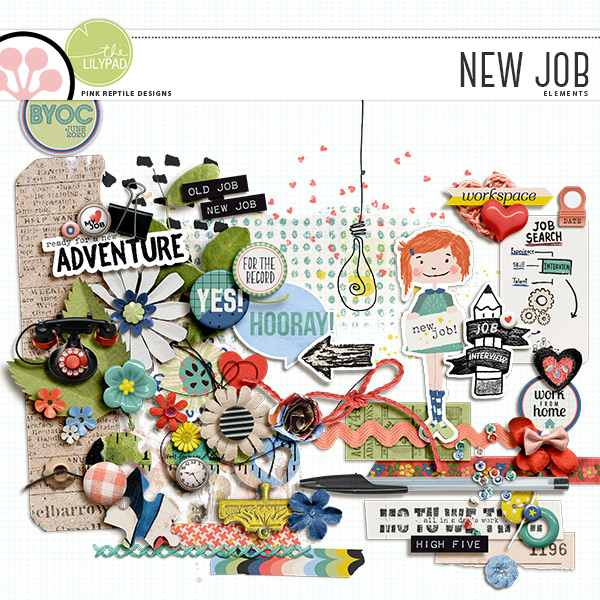
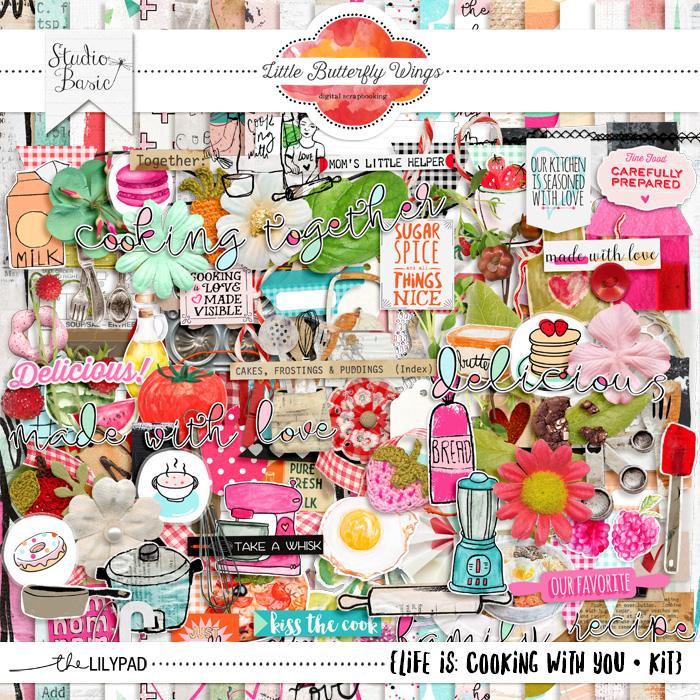
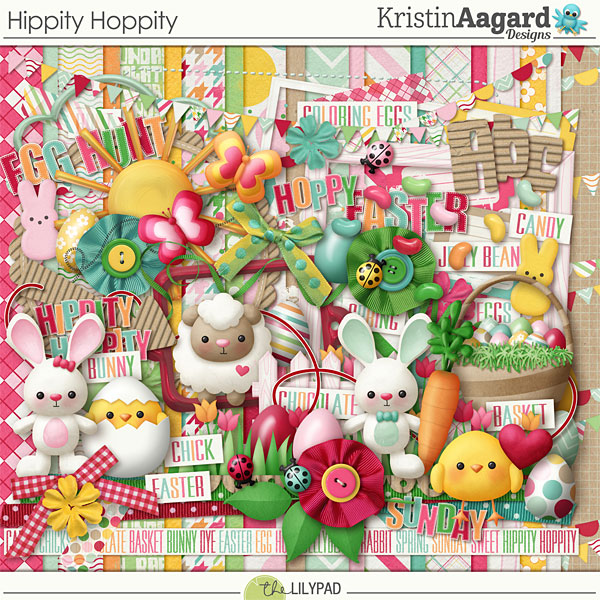
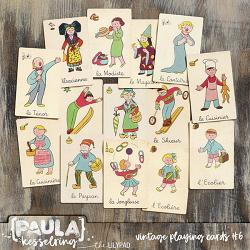
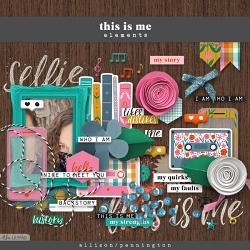
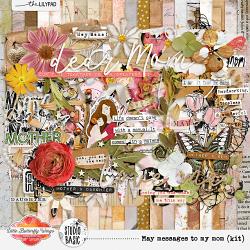
Our digital version is a little different. I have a list below. You will answer each question using a different kit preview from Froggy Friday (April 30) and Special Saturday (May 1) releases. This includes the titles for template sets. Be as creative as you want! Post your answers below for us all to enjoy. It's okay if you duplicate someone else, but feel free to be as creative as you want!
For example: If I had “A way of transportation” an answer could be a butterfly.
International Scrapbooking Day Scattegories List
1. Something You Like
2. Something You Eat
3. Something a Scrapbooker Uses
4. Something You Say
5. Something You Wear
6. Something You Do
7. Something Pretty
8. Something That Grows
9. Something in the Kitchen
10. Something Seasonal
11. Things at the Beach
12. Things at Home
1. Something You Like
2. Something You Eat
3. Something a Scrapbooker Uses
4. Something You Say
5. Something You Wear
6. Something You Do
7. Something Pretty
8. Something That Grows
9. Something in the Kitchen
10. Something Seasonal
11. Things at the Beach
12. Things at Home
Challenge closes at 11 am EDT on Tuesday, May 4th. One lucky participant will be randomly drawn and will win a $3 coupon to The Lilypad's store.
I can't wait to see what you find!
It’s awesome if you can show the product image and link to the product, but it is not required.
To Link your product with an image (I find this easier to do with two browser windows):
1. Right Click on the image and select “Copy Image Address” (Chrome/Safari); “Copy Image Link” (Firefox/Edge);
2. Click on the image icon at the top of your post (looks like a photo with mountains and a sun). Paste the link from Step 1 here.
3. Go back to the kit and copy the link at the top of the page in the address bar.
4. Select the image you posted in Step 2. Then click the chain link icon (7 from the left). Paste the website link from Step 3 in this box.
5. Congrats! You linked the image!
Last edited:


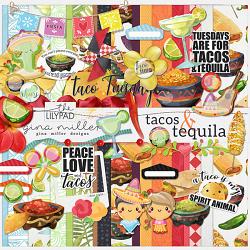

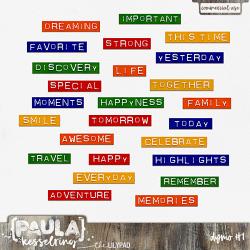
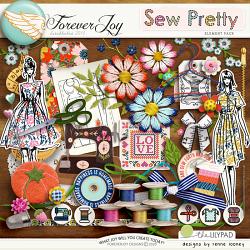
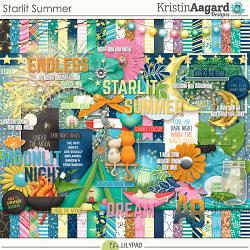


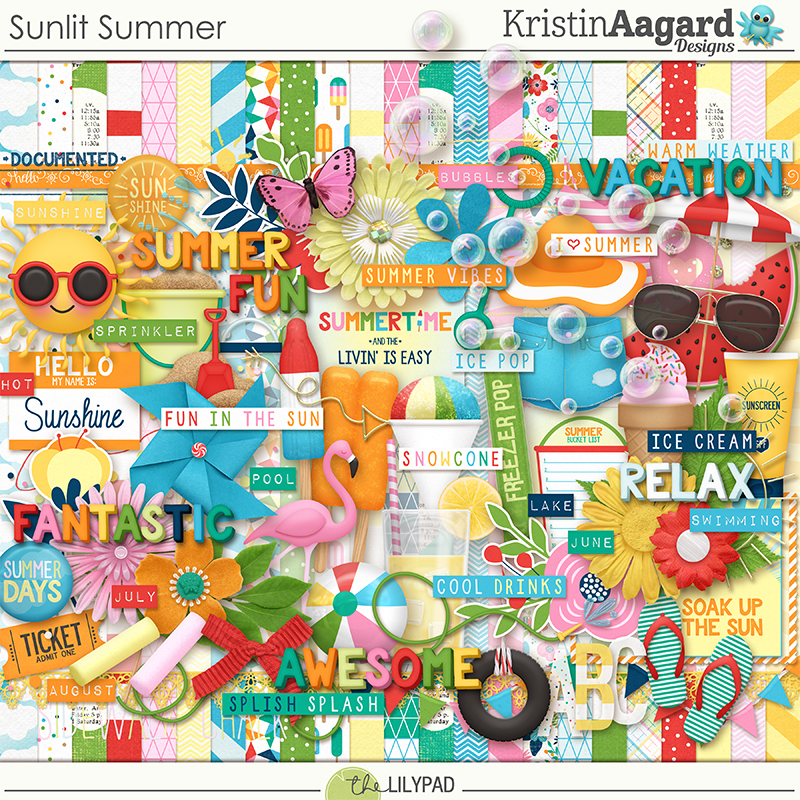
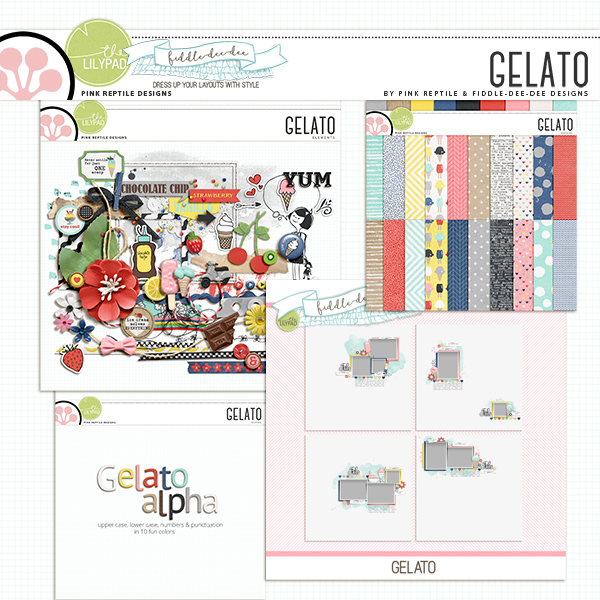


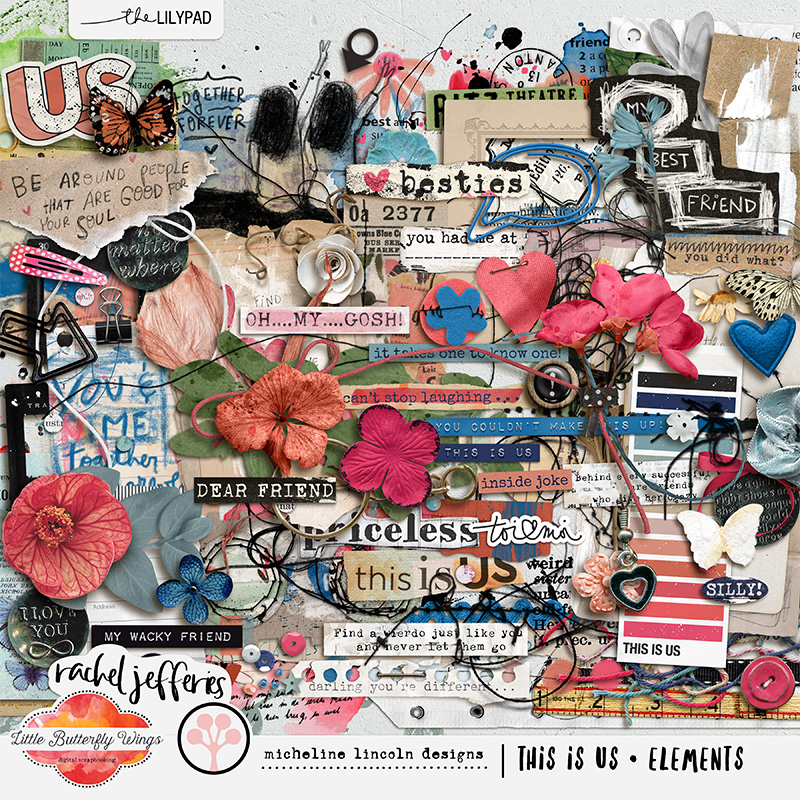
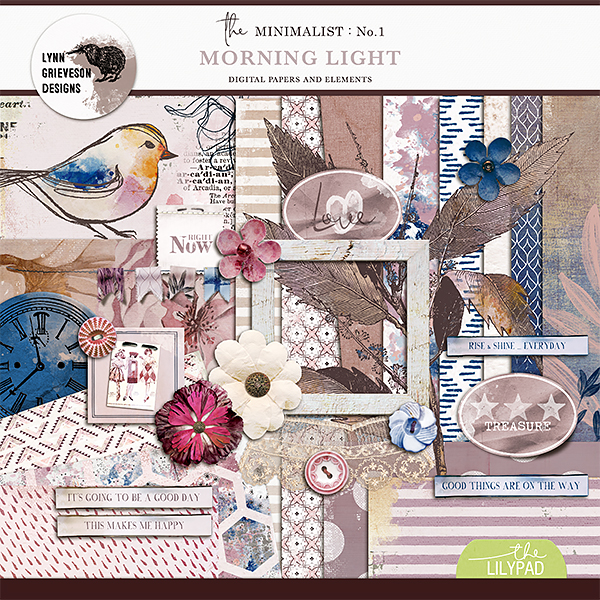
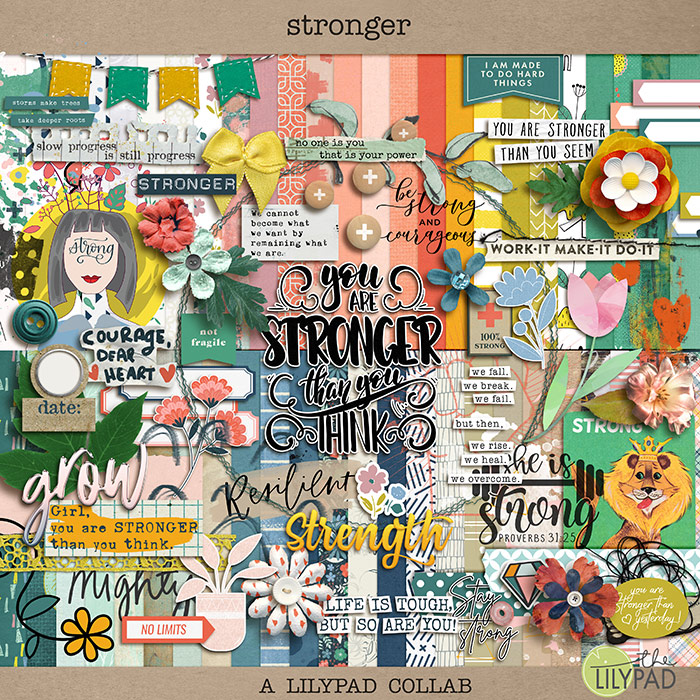

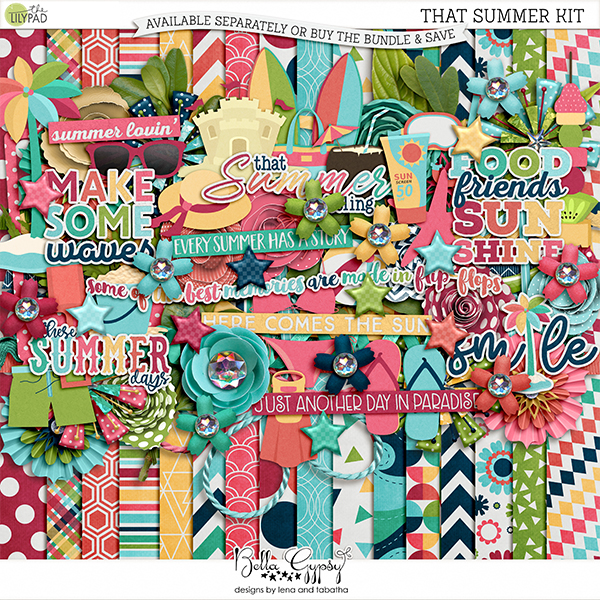


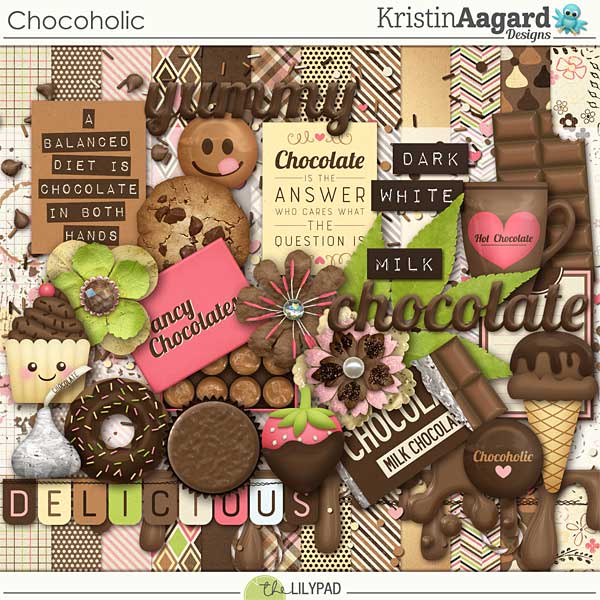

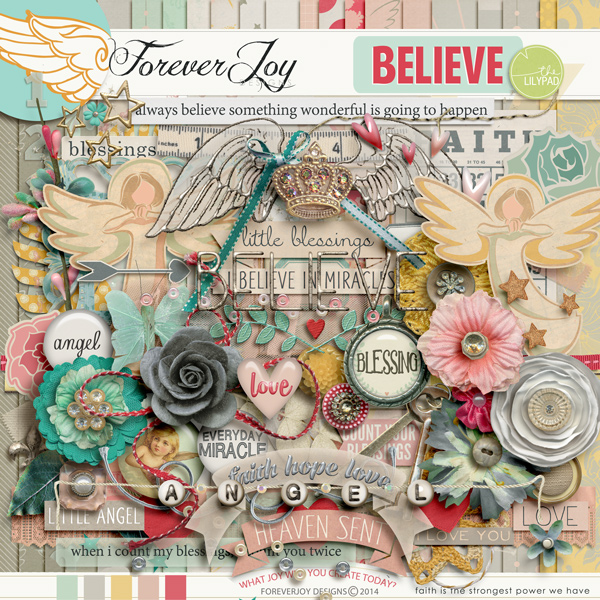
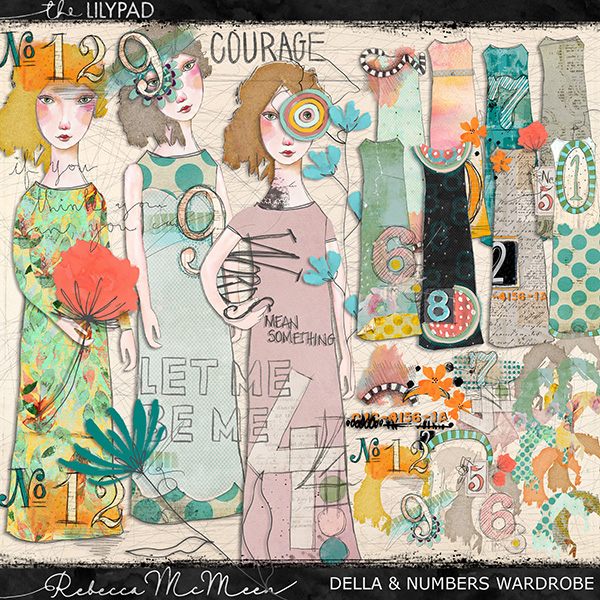

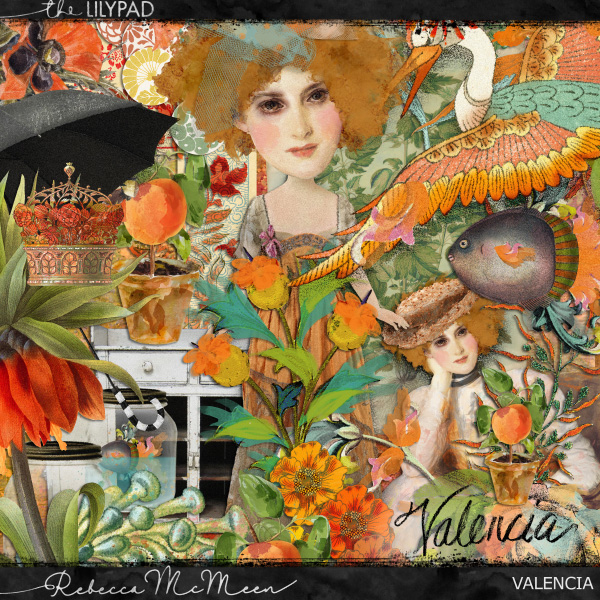


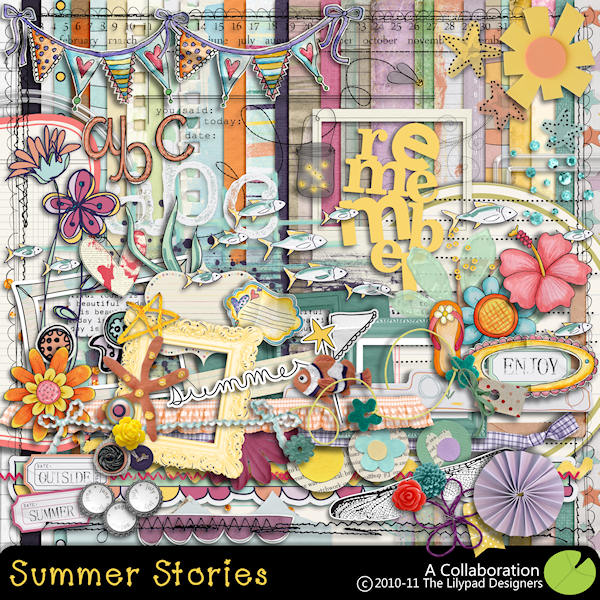

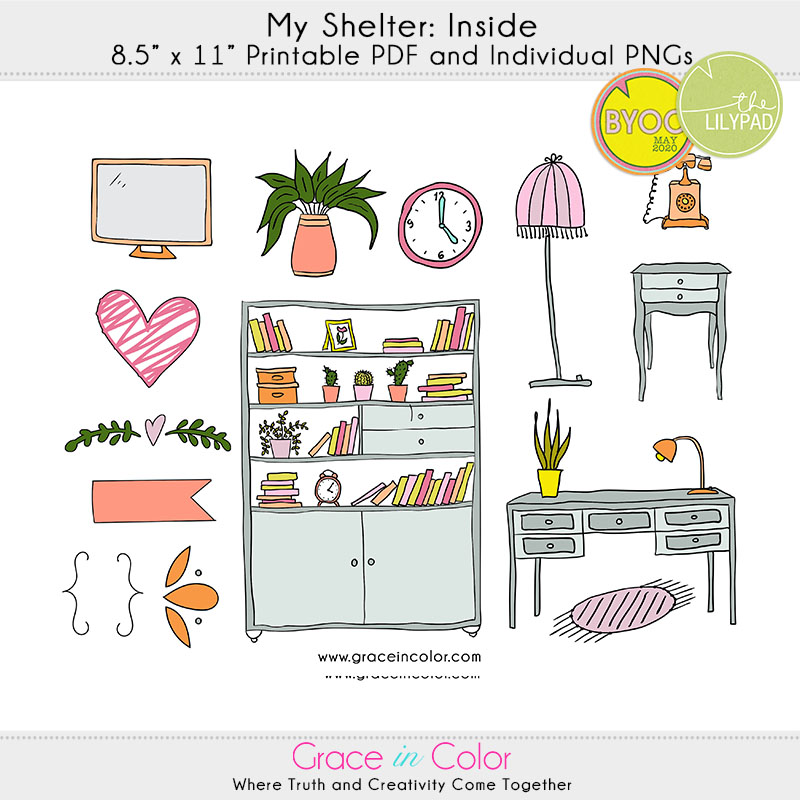



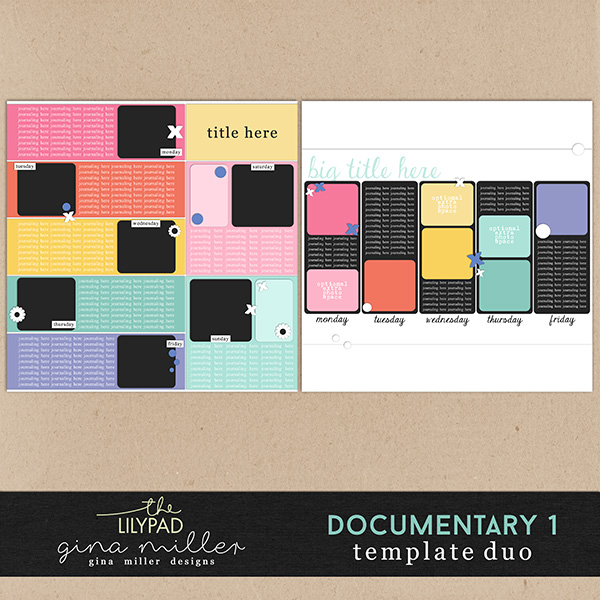

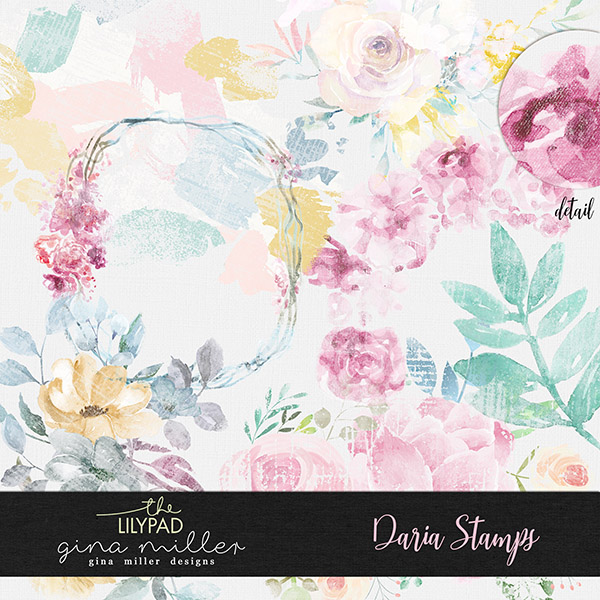
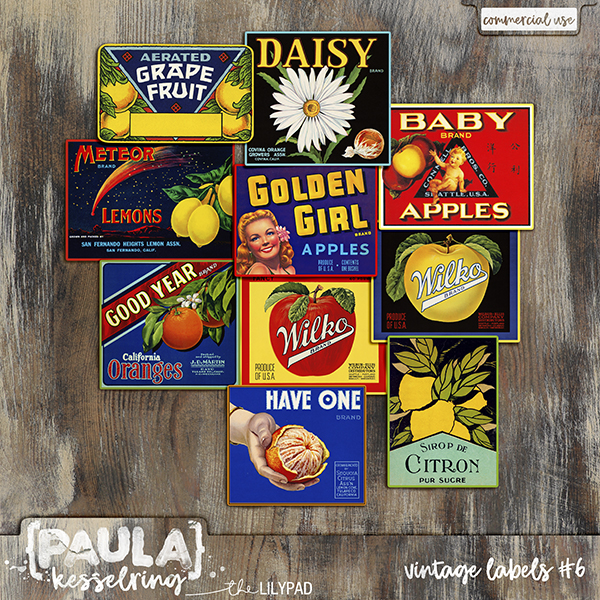
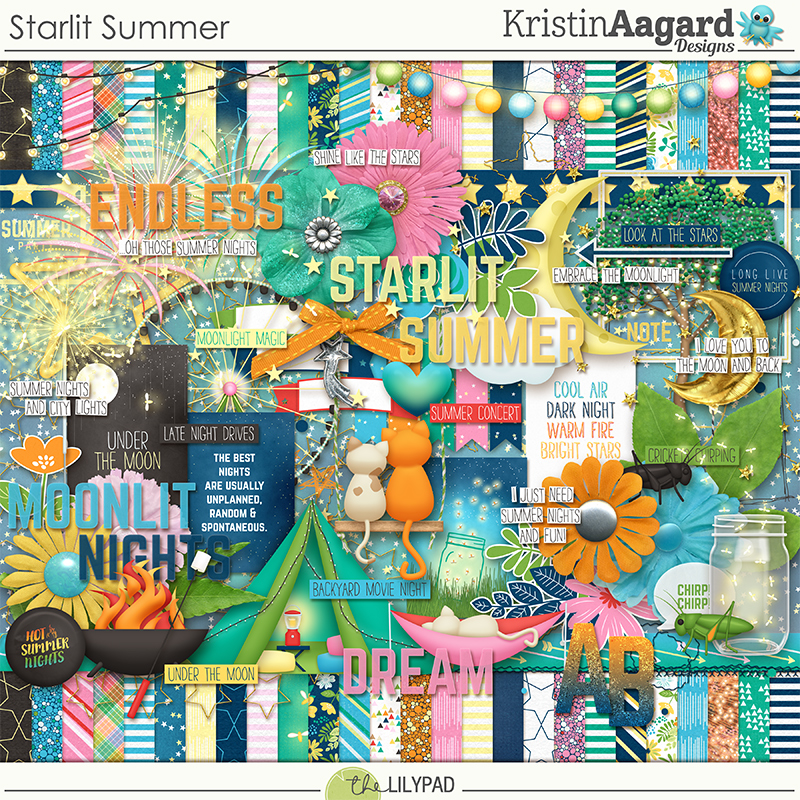


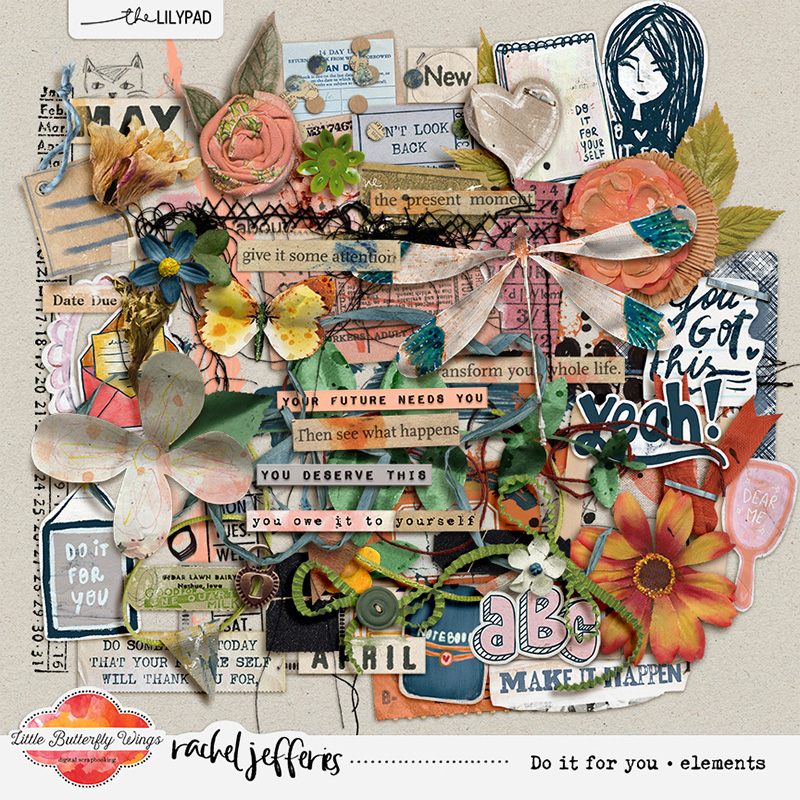


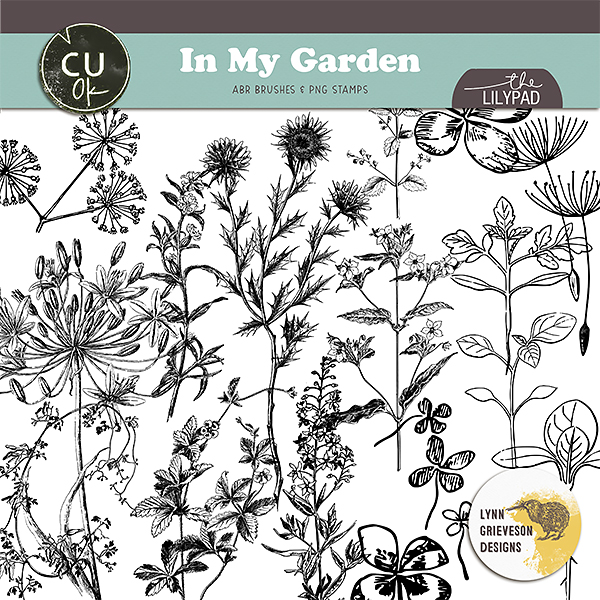
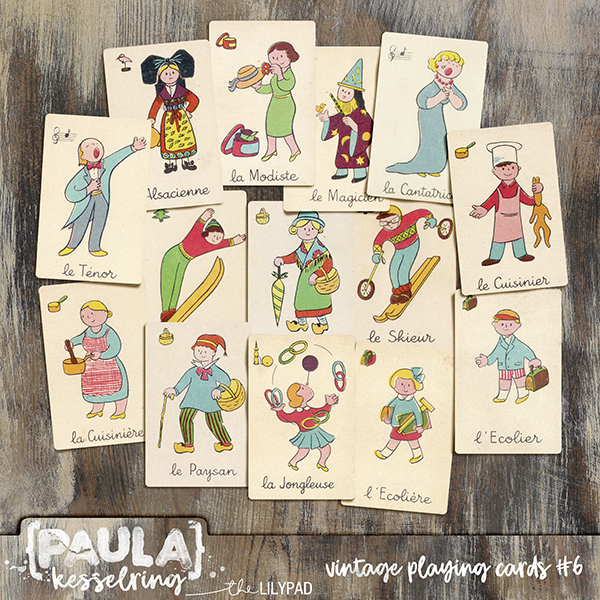



 Ice-cream please, and I say it because we speak Italian