
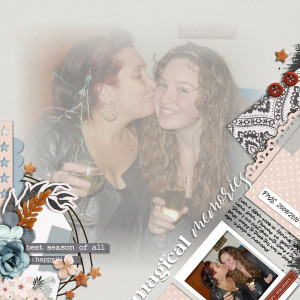
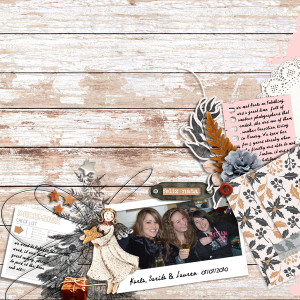

Sepia-example-for-flowersgal
- Description
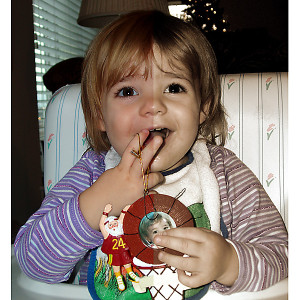
- Sepia before and after
To make it have a sepia tint first make a new adjustment layer >Hue/saturation >Default >Sepia
Lower the opacity of the adjustment layer to around 70% so some of the original color shows through
Select the original photo again and make another adjustment layer >Levels and bring in the ends to sharpen
If you have any questions, I can make a series of photos for you explaining the steps.