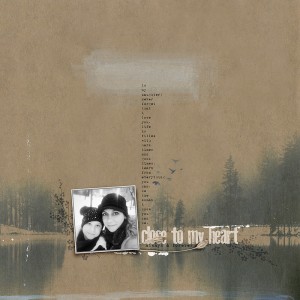
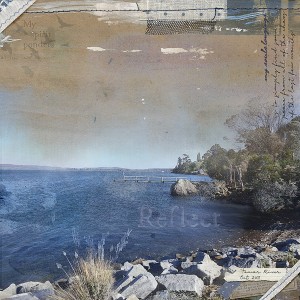
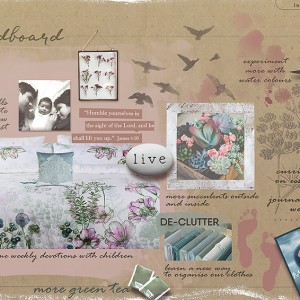
This is beautiful! In Vinnie's new kit she has a paper that would blend perfectly with a photo of mine like this - can I ask how you so subtly blended the top of your photo with the paper? Did you use a blend mode in PS or is it a mask or something else beyond my skill level
@willimena I used a layer mask on the photo layer and using a very soft brush, I gradually 'hid' the top part of the photo using black. I normally use 100% Opacity to get rid of the hard photo outline, then I drop back to say 45% to hide some more of the photo, moving down the photo and finally finish off with a 20% to just blend the rest of the photo into the paper. As you can see I was not 'precise' in blending everything entirely away so there is a bit of blue sky softly peeking through. Hope that helps and just ask away if you need a hand with anything else. Thank you also for your kind comments! xx
This site uses cookies to help personalise content, tailor your experience and to keep you logged in if you register.
By continuing to use this site, you are consenting to our use of cookies.