

What's new
kristinkristin

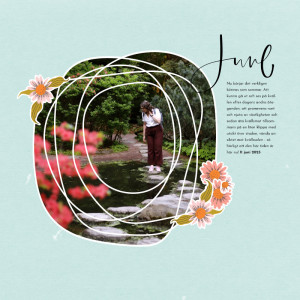
MOC12: Day 26 - Repeating, Transforming & Connecting Shapes for Frames

Description
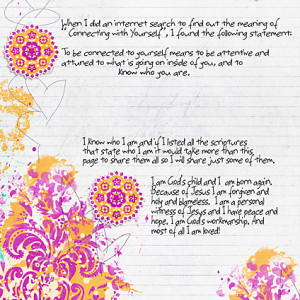
I used a circle as my shape, duplicated it and used the Transform -> Warp tool to transform each circle into a different blob, to then layer on top of each other and make my frame. I have never ever used the warp tool before (didn't even know where to find it) so I'm delighted to have explored these new blob making skills! :)

Supplies:
Garden Helper by Sahin Designs
Go the Distance Papers by Sahin Designs
This Month Wordart + Templates by Paislee Press
  • Like
Reactions: appellief
you did an awesome job with a layered circle frame - glad to be the reason you discovered the warp tool, it is a game changer for 'warping' shadow layers and all kinds of things- the learning challenges were always my fave in MOC - way to blob!
 

Media information

Media category
Month of Challenges 12
Added by
kristinkristin
Date added
View count
134
Comment count
1
Rating
0.00 star(s) 0 ratings

Image metadata

Filename
26.jpg
File size
275.9 KB
Date taken
Tue, 30 January 2024 10:34 AM
Dimensions
800px x 800px

Share this media

Back
Top