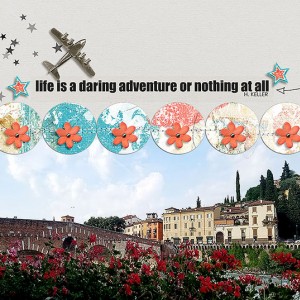
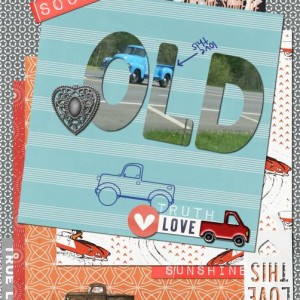
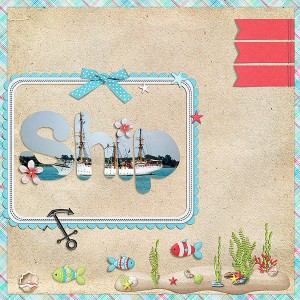
i love the quote, row of stitched circles and that airplane element... adorable! Thanks for playing along.
Want to add your layout to the Thread in the Forum? Use the links on the side! It links your layout photo back to your Gallery so viewers can leave you comments and adore your work!
The circled option is the big photo. Perfect for Challenge Threads.
The arrow is a thumbnail version. I've used this in my MOC layout thread.
When you go to your forum post, you just paste the code you copied above. No need to press any other buttons. It'll look like this:
And will magically change to your layout once you post!
@keepscrappin I corrected lay out and for some reason if I use the share bb code it won't show up dated page in forum so I copy location instead and that works. Not sure why
Sometimes the old image gets stuck in your browser's (Chrome, firefox, etc) cache, so you keep seeing the old image but everyone else that comes new to the post sees the new one. Clearing your cache or just waiting a day or so usually clears it up. Either way you want to post your layout is fine. Using the share bb code is just easier for people to get here to your layout in the gallery to leave comments. Feel free to do whatever works for you.
This site uses cookies to help personalise content, tailor your experience and to keep you logged in if you register.
By continuing to use this site, you are consenting to our use of cookies.