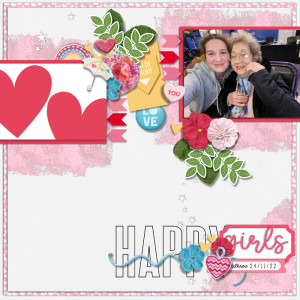

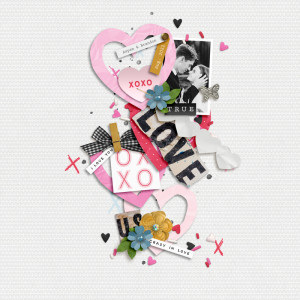
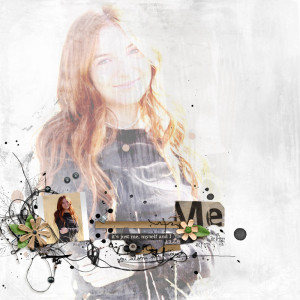
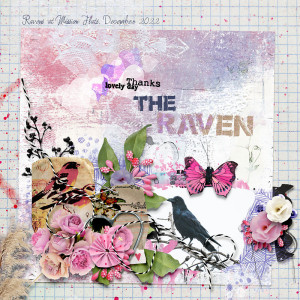
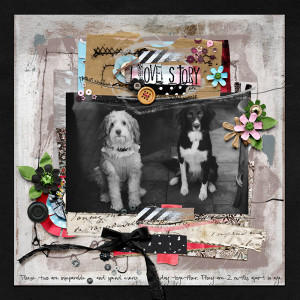
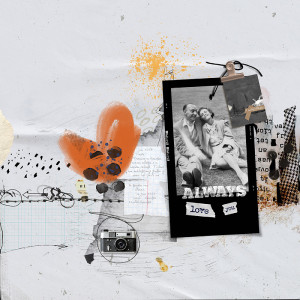

me myself and i
- Description
- me myself and i: #BYOC_Feb2023 #racheljefferiesdesigns #the_lilypad
the intrinsic series: layered templates set 2 (modified) by rachel jefferies
https://the-lilypad.com/store/The-Intrinsic-Series-Layered-Template-Set-2.html
the complete mixed media collection: crafting my own love story by rachel jefferies
https://the-lilypad.com/store/the-complete-mixed-media-collection-Crafting-My-Own-Love-Story.html
messy Marks: Date Stamps 2022 plus bonus by rachel jefferies
https://the-lilypad.com/store/Messy-Marks-Date-Stamps-2022-PLUS-BONUS.html