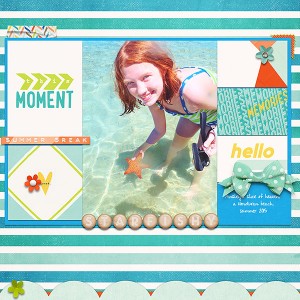
@Joan K Thanks Joan. This is how I did it. There are probably much easier ways, I am still learning them all
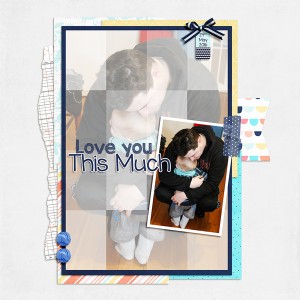
- Merged all the tiny rectangular photo spots together
- Changed the blend mode to hard light (there were a few others that worked but I liked this one the best), because the photo spots are all different shades of grey it had lighter and darker patches right away.
- Added a white layer underneath the rectangles and set the opacity to 40%
- Then the photo was under that at full opacity
I was inspired by this tutorial on PRD's blog, but mine is a totally simplified version, lol!
thank you for sharing the how, because the final results are pure wow!
you stunned me, and I think more need to see this and learn too... June Froggy Favorites!
This site uses cookies to help personalise content, tailor your experience and to keep you logged in if you register.
By continuing to use this site, you are consenting to our use of cookies.