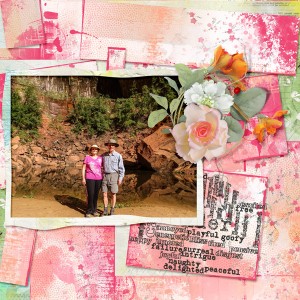
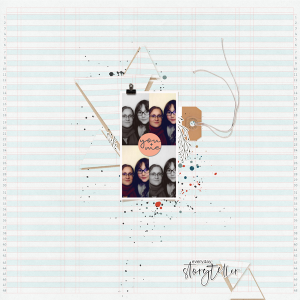
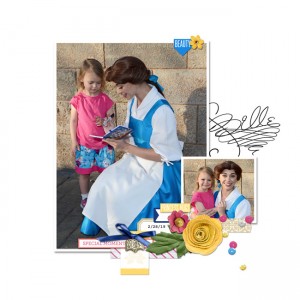
Cut out shape: Triangles
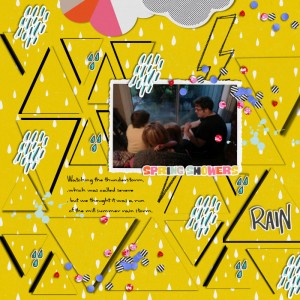
I hope this is OK It is definitely not what I envisioned at all.
My old program is so limited and I'm not really up on cutting out things so I cut triangle pieces out of my paper and left a black background behind the cut shapes. I wanted to add a floral paper behind but it tried several things and I could not get it to work.
Credit to:
Allison Pennington Love Is A Battlefield
Just Jaimee Winter
Allison Pennington Rain Rain
I'm sorry your old program limits you! But you did the challenge just fine despite that! I see your pattern paper and its cut out shapes placed back on the page slightly differently than how it started (shifted pieces) - it looks great! I love the bold colors & the theme of your page! Thanks for playing!
@jenn mccabe thank you so much for the encouragement and honest assessment of this page. The challenge is not something I thought of ever doing on my own but I like the look of this and now feel like trying over and over different ways to achieve the look others have with the pattern paper behind the cutouts. This is why I like the MOC so much! It challenges you and gets you to stretch your creativity.
If you can layer papers ... start with a paper you want peeking through as the bottom most paper. Then add the pattern paper you will be cutting on top? I'm not sure if that is possible in your program though ... but so glad you are trying and learning new things during our MOC event! YAY!
@jenn mccabe I tried that but when I pulled the paper away it left black. A while back when I tried to cut a shape out it was clear but I have no idea what I did to do that! Its crazy!
This site uses cookies to help personalise content, tailor your experience and to keep you logged in if you register.
By continuing to use this site, you are consenting to our use of cookies.